
New to Leonida?
Controls and Aiming: Target Mode, Move Speed, Sensitivity
The right target mode, higher sensitivity and a faster default pace make the game more relaxed and your shots more accurate.
How to do it
- Step 1:
Under Settings > Control Scheme, choose “Standard” (sprint by clicking L3) or “Classic” if you want to sprint with X like in GTA 5.
The control scheme decides, among other things, what you sprint with. - Step 2:
In the Controller tab, raise look and aim sensitivity if the defaults (7) feel too sluggish.
All sensitivities start at 7. - Step 3:
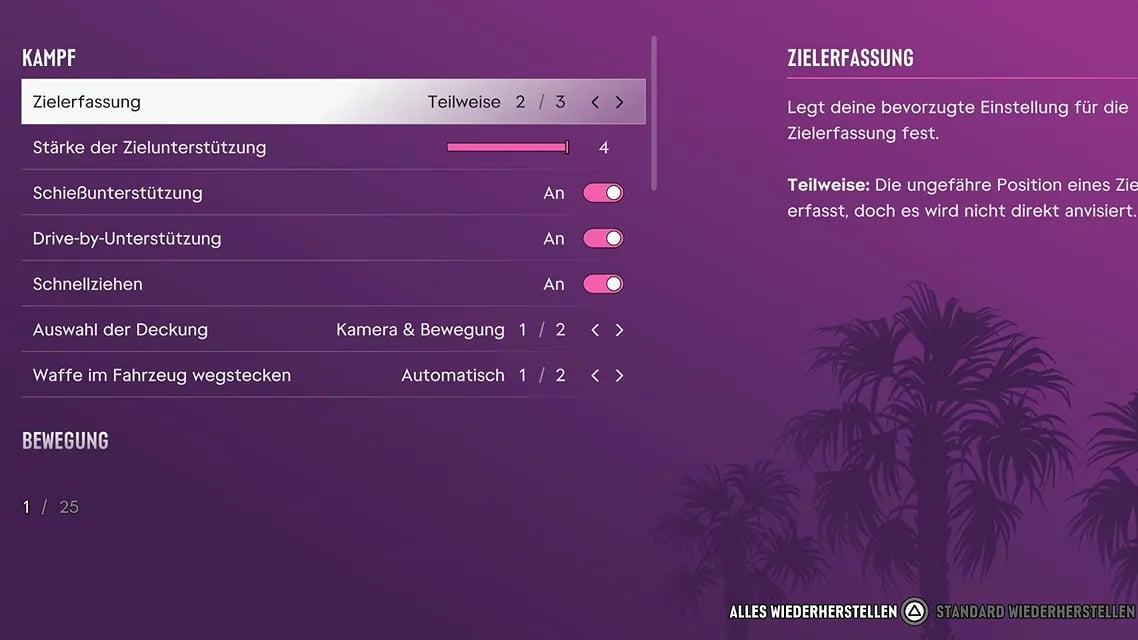
In the Gameplay tab, pick your targeting mode: “Partial” (default) snaps on near a target, “Lock-On” locks the target, “Free Aim” gives no help.
Targeting mode: Partial, Lock-On or Free Aim. - Step 4:
Change movement speed from “Walk” to “Jog” so you don't have to keep clicking the stick; a separate combat setting lets you move faster there too.
Keep in mind
Good to know
Aim assist strength defaults to 4; lower it for raw aiming. “Switch Between Locked Targets” lets you jump between enemies while locked on. “Stand and Sprint” lets you take off running straight from a crouch. With “Auto Helmet” on, you put your helmet on yourself on motorcycles and bikes. For tired fingers, there are Tap Assist and Hold Assist.
There's more to see
More images
Does it work for you?
Your vote turns the “Verified” stamp into “Confirmed”.
Keep going
More like this
 Tip
Best Display, Camera and UI Settings
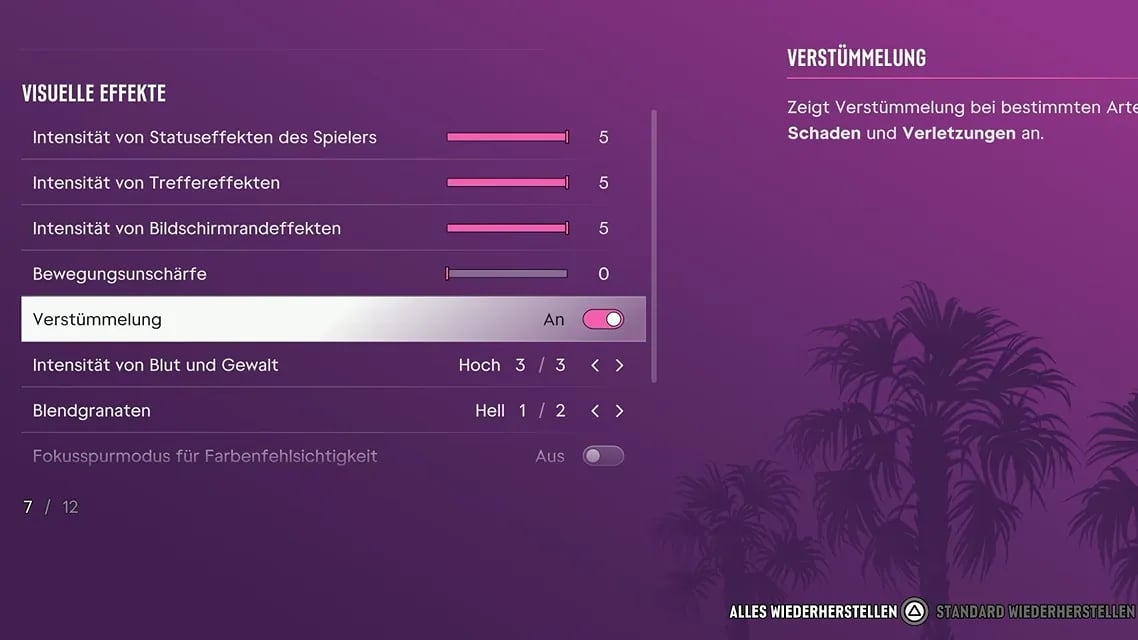
A few options are poor out of the box: motion blur smears the picture, the minimap hides itself and units are imperial.
 Tip
Iguana Shooting Contest: Permanent Focus and $250
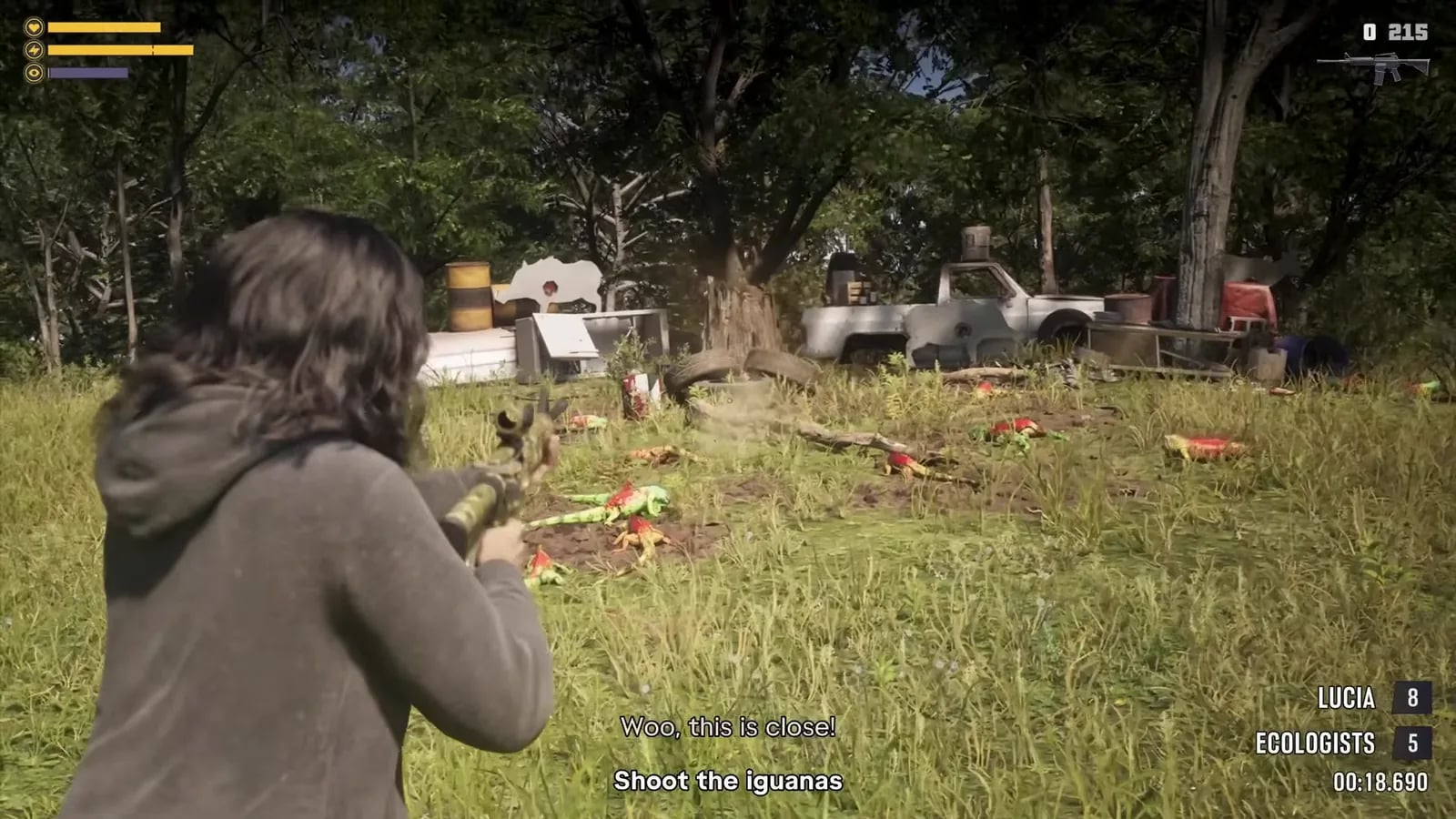
In the woods east of Port Gellhorn, you shoot iguanas against the Leonida Ecological Society; the winner gets $250 and a permanent boost to max focus.
 Tip
Roadmap: How to Make Money in Each Chapter
Early on, saving barely pays off; in the middle, cars and jewelry earn the most; late, the bank vaults do. Here's the way to each route.
Watch the video
Rather see it in action? The video starts right at the good part.