
Read first, then play
Family Savings: Savings Goals and “Buck Yourself”
How to move money from your checking account into Family Savings, and why you should only save what you'll never need again.
How to do it
- Step 1:
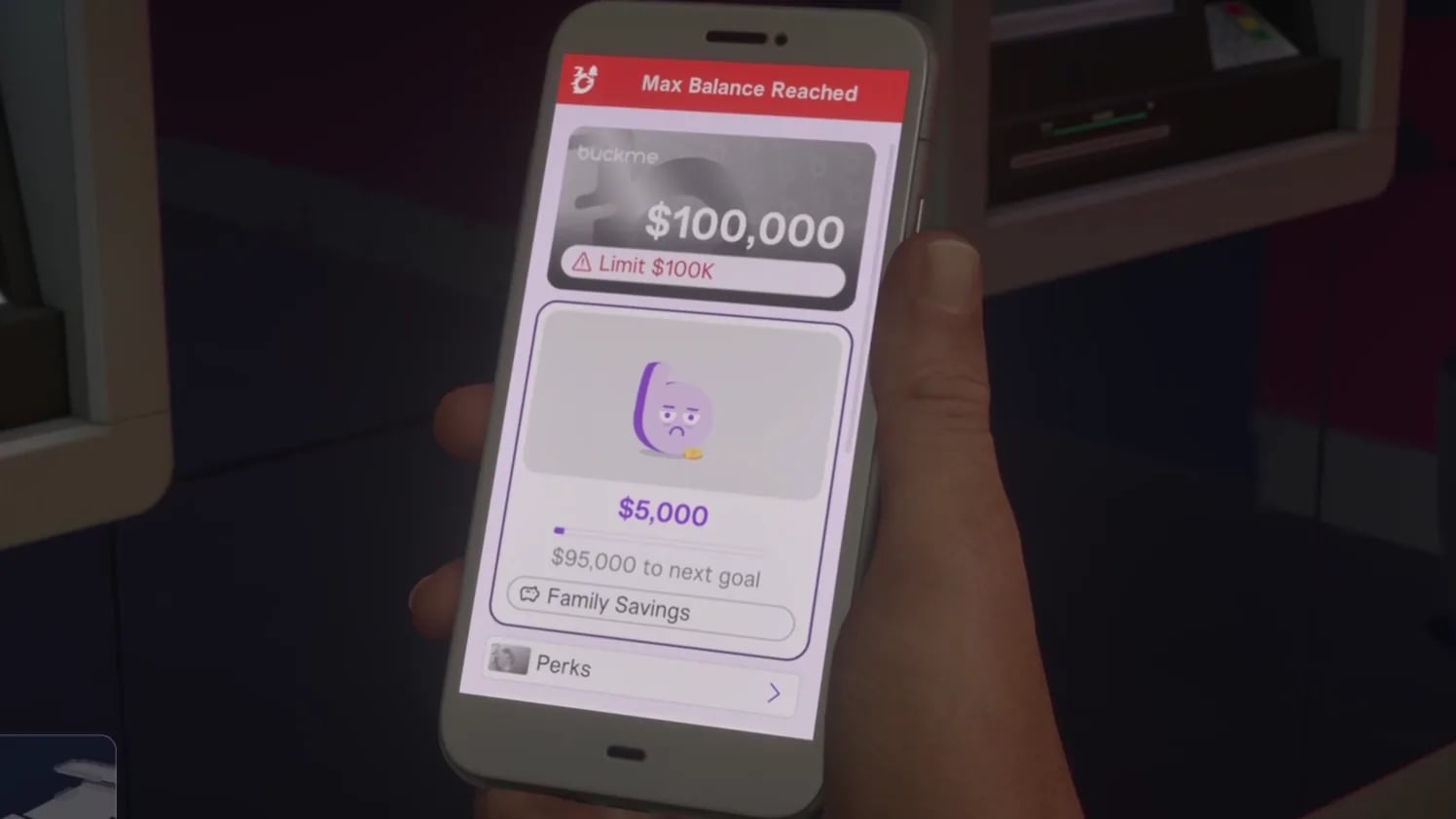
Open the BuckMe app: below the checking account is Family Savings with your progress toward the next savings goal.
Below the checking account, you find Family Savings and the Perks. - Step 2:
Choose “Buck Yourself” and set the amount you move from the checking account to Family Savings.
Set the amount and choose “Buck Yourself”. - Step 3:
Confirm the prompt: afterward, the money can't be withdrawn.
Only confirm if you'll never need the money again.
Keep in mind
Good to know
Family Savings belongs to both characters; once money is in, you can't spend it anymore, but it isn't lost if you die or get arrested either. For every balance, the app shows the next savings goal: the first is at $5,000, after that the display says $100,000. The goals come with perks you can read up on under “Perks” in the app; known ones are 20% off RydeMe rides and 20% off garage purchases. As you hit the goals, your checking account limit rises too.
There's more to see
More images
Does it work for you?
Your vote turns the “Verified” stamp into “Confirmed”.
Keep going
More like this
 Gameplay
Using BuckMe, ATMs, and Family Savings
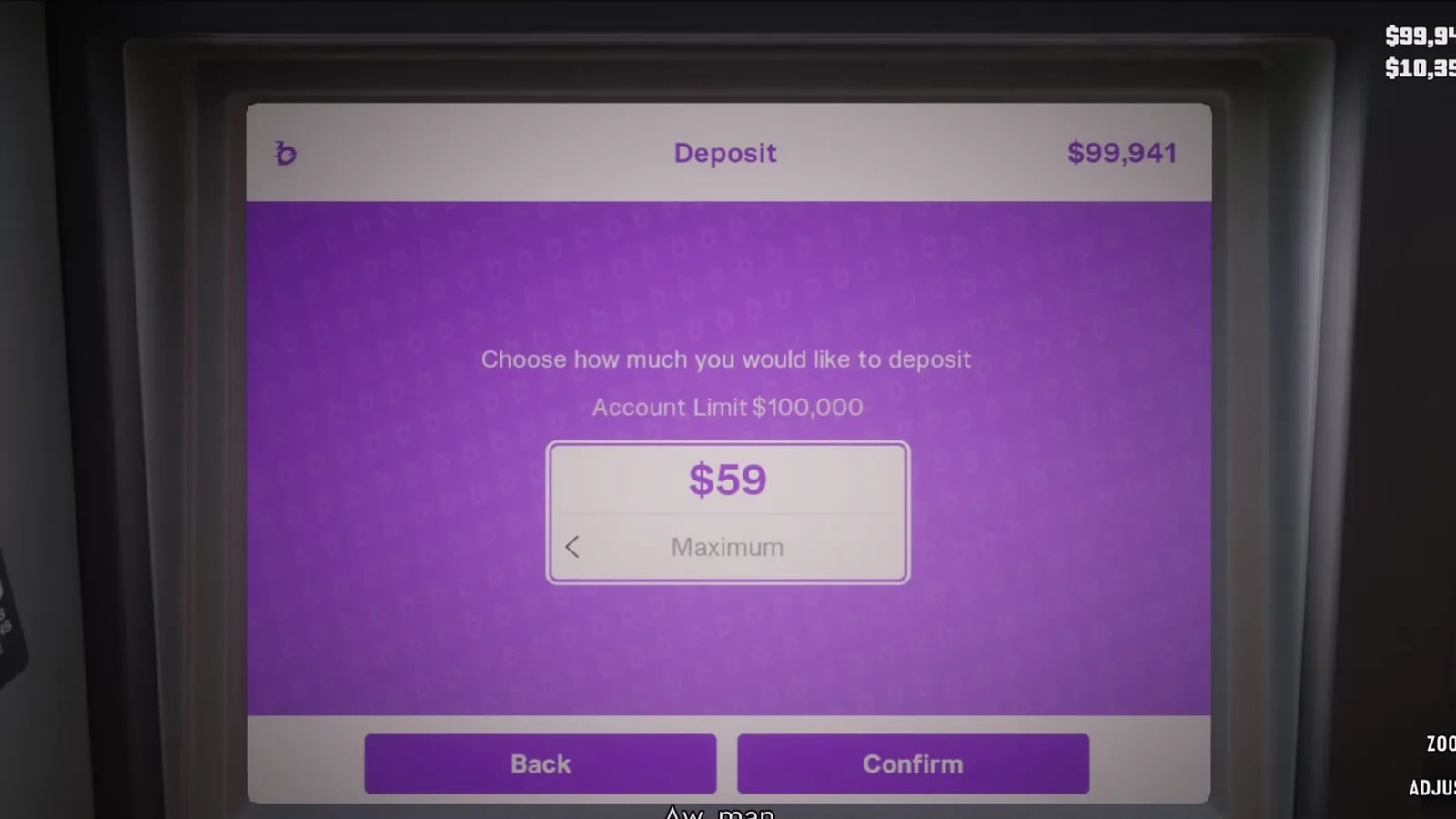
From the mission “Buck Me,” your money sits in the BuckMe account, and you only deposit cash at an ATM or in the bank.
 Gameplay
Money in Leonida: Cash, Account, Savings, and Loot
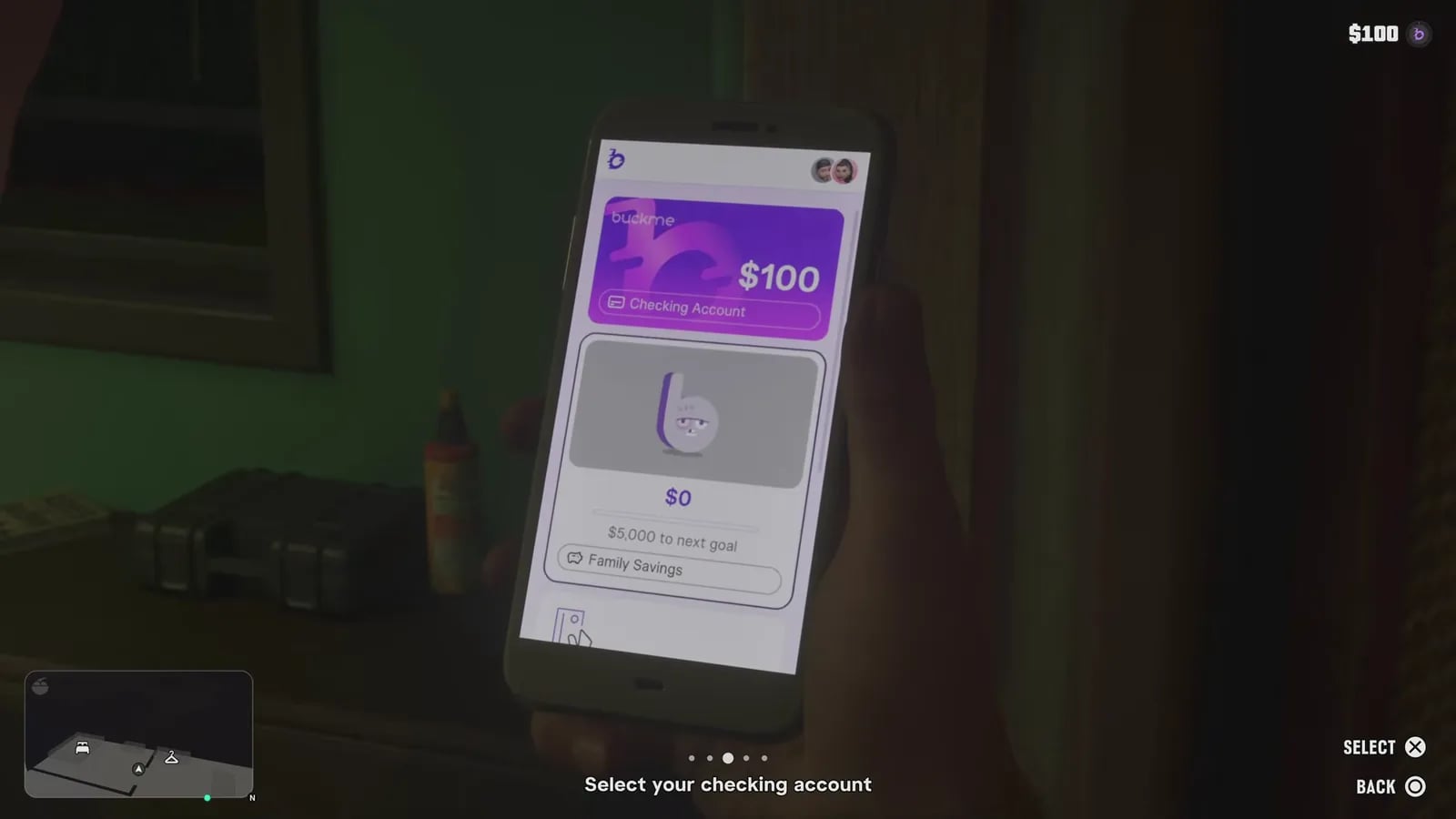
There are four separate pots: cash in your pocket, the BuckMe checking account, the Family Savings account, and loot in bags that has to be sold first.
 Gameplay
Carrying, Storing, and Selling Stash Bags
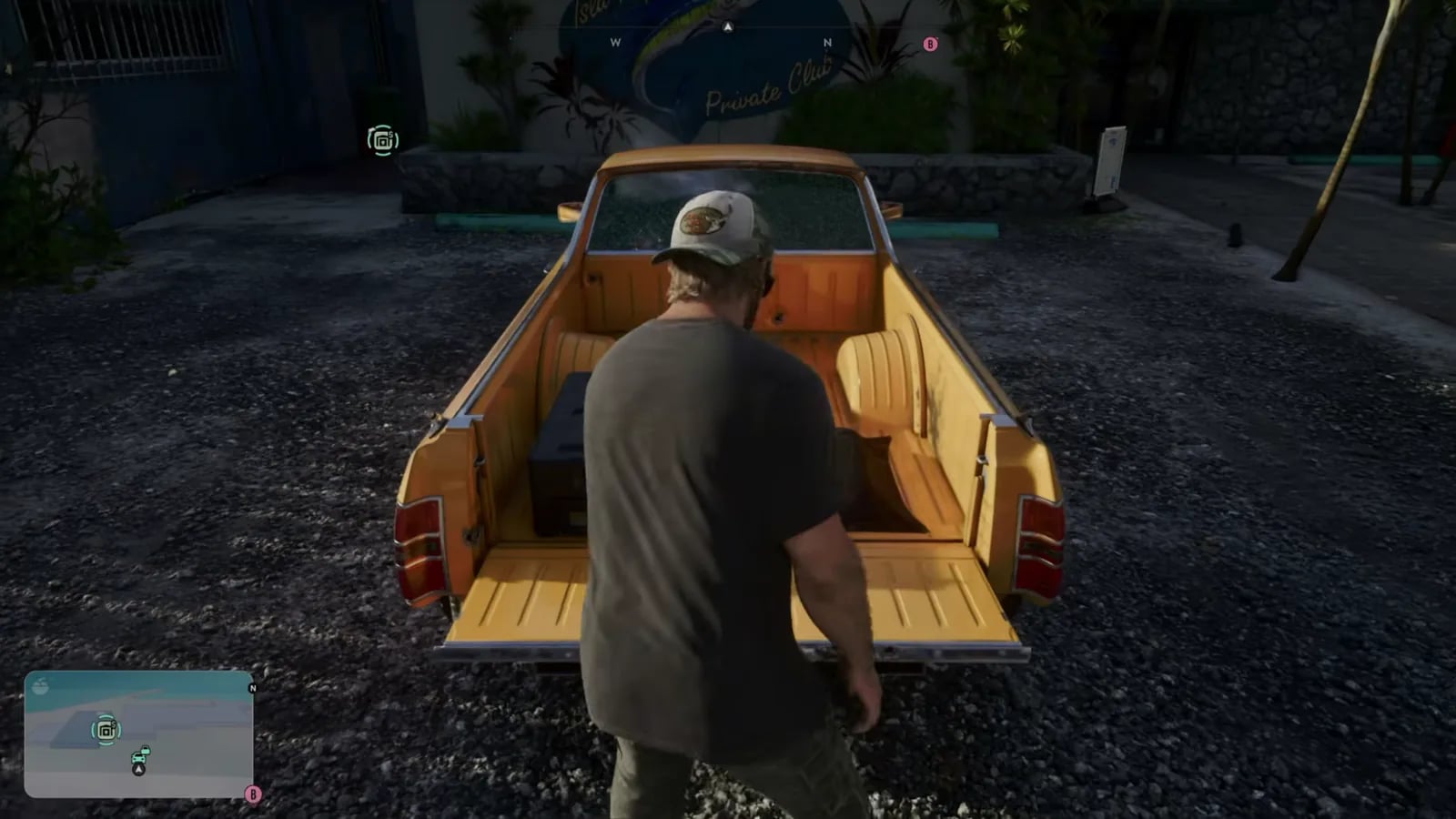
Loot from heists sits in bags; here's how to get it safely into your car and to the buyer.
Watch the video
Rather see it in action? The video starts right at the good part.