
New to Leonida?
Phone: Reminders and Key Apps
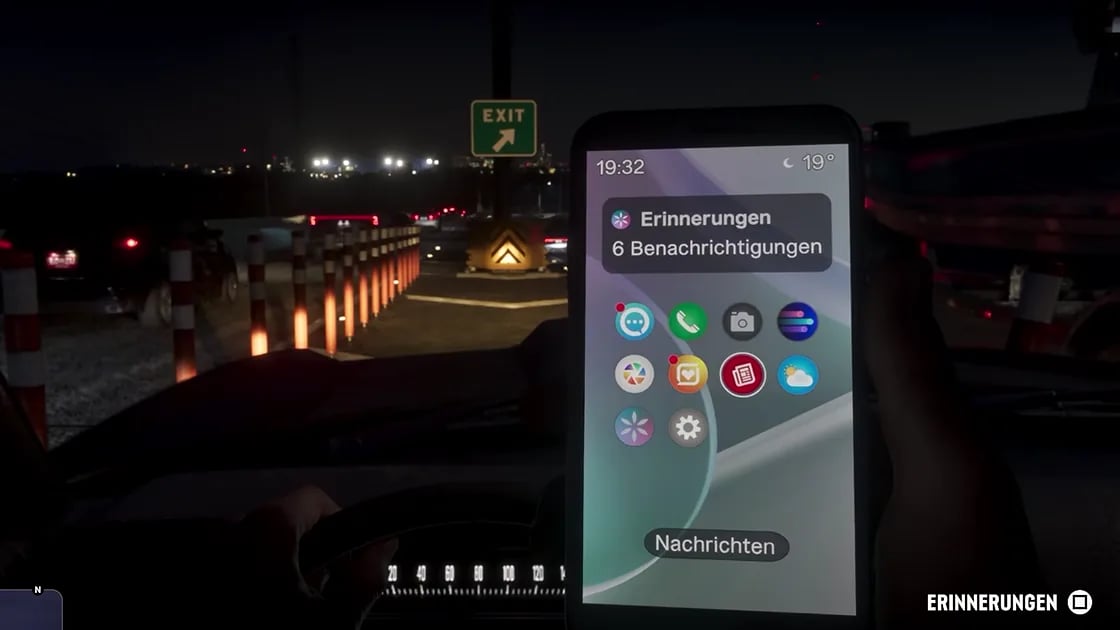
On the phone's home screen, “Reminders” bundles your new notifications and opens with a single button.
How to do it
- Step 1:
Open the phone with D-pad up.
- Step 2:
On the home screen, press the Reminders button in the bottom right: Square (PlayStation) or X (Xbox); the tile shows the number of notifications.
The Reminders button is in the bottom right. - Step 3:
Read unanswered messages and new contacts there before you move on.
Keep in mind
Good to know
Through Contacts you call a taxi, use fast travel or have your car brought to your location. The Fitness app shows Health, Stamina and Focus and how to improve them. Snapmatic is a pure feed you scroll through. The WAiNK app scans a car and shows how well it's secured and what it would cost to keep it. In the phone's settings, you change the wallpaper and ringtone.
Does it work for you?
Your vote turns the “Verified” stamp into “Confirmed”.
Keep going
More like this
 Tip
Filming Cops Making an Arrest Gives You a Star
Film officers during an arrest with your phone and you annoy them enough to get a one-star wanted level.
 Tip
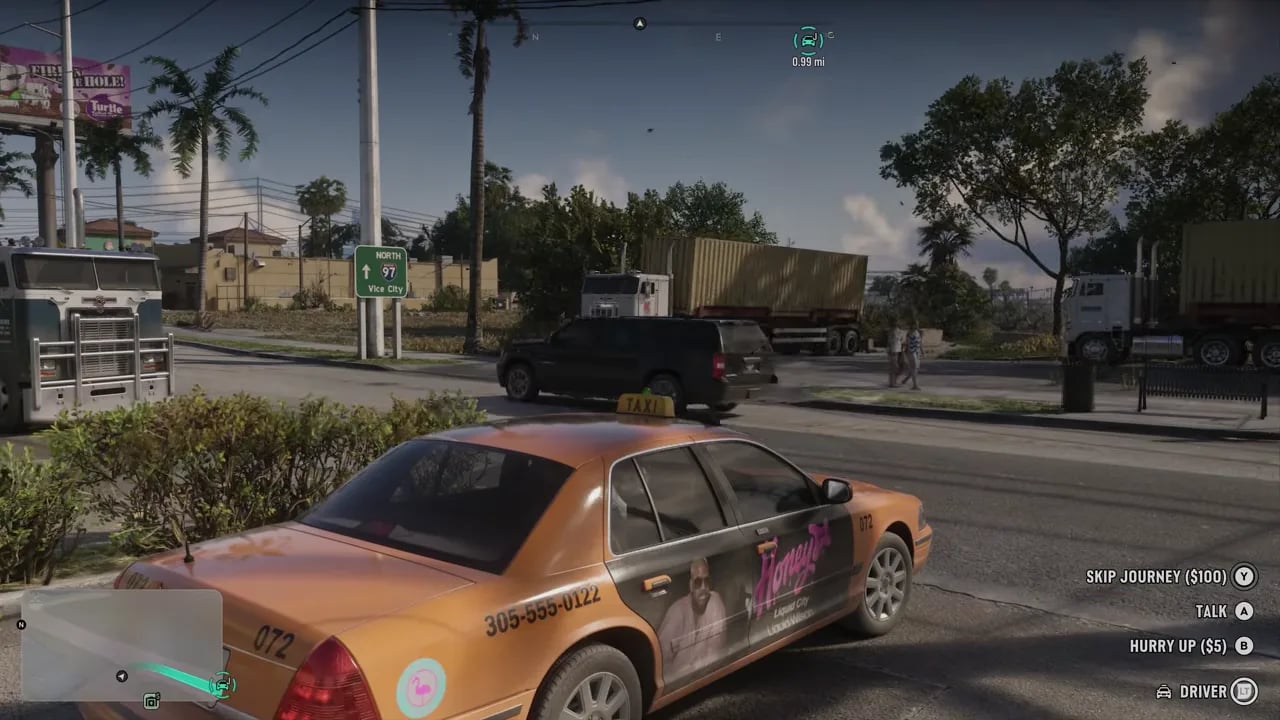
Fast travel: taxi, RydeMe, bus, train, and ferry
There's no map fast travel: taxi and RydeMe skip the ride for a $100 surcharge, plus there are buses, trains, the ferry to Dalton Island, and switching to the other character.
 Tip
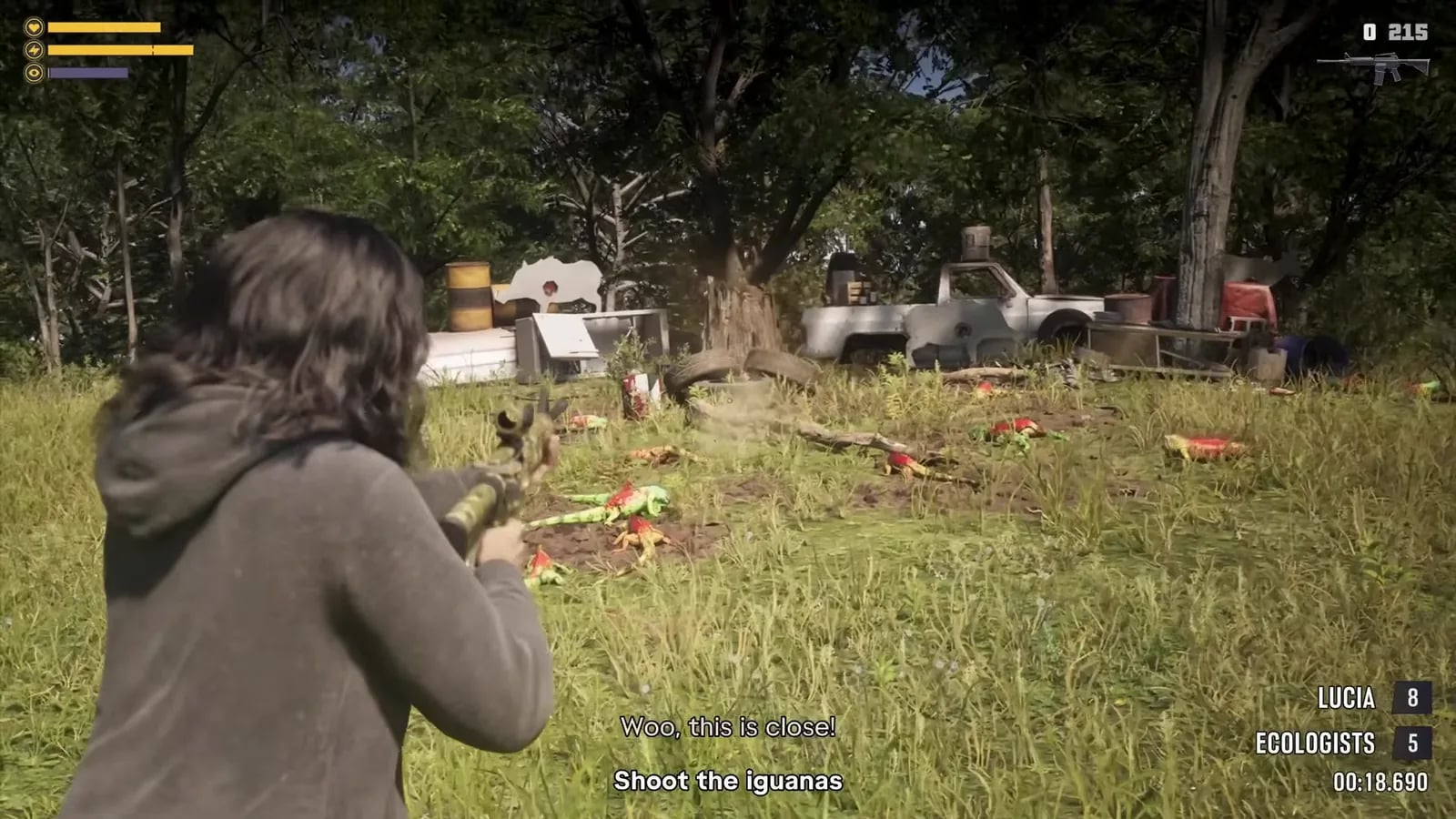
Iguana Shooting Contest: Permanent Focus and $250
In the woods east of Port Gellhorn, you shoot iguanas against the Leonida Ecological Society; the winner gets $250 and a permanent boost to max focus.
Watch the video
Rather see it in action? The video starts right at the good part.