
New to Leonida?
Saving: 15 Slots, Never Mid-Mission
The game has no mission replay; only a manual save gets you back before a mission, and the autosave doesn't back up everything.
How to do it
- Step 1:
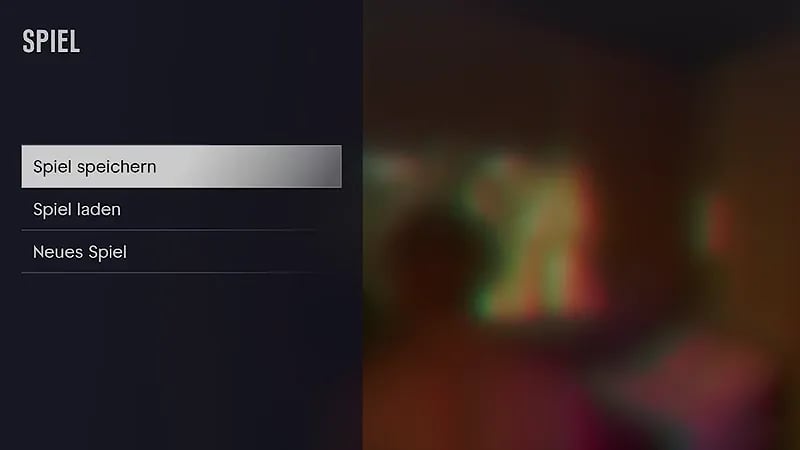
Open the pause menu and choose “Game”.
Choose “Game” in the pause menu. - Step 2:
Choose “Save Game” and pick one of the 15 free slots, or overwrite an old one.
Choose “Save Game” and fill a slot. - Step 3:
Save before important missions, at the start of each chapter, before exploring the open world and before you turn off the console.
- Step 4:
After a crash or glitch: check “Load Game”, since autosaves may be sitting there, and if things went wrong, load your manual save.
Keep in mind
Good to know
You can't save manually during a mission; in the prologue, not until Jason arrives at his house at the marina. The single autosave slot kicks in after missions and some events and is overwritten each time; an older manual save can overwrite it. A crash can cost you around ten hours of progress.
Does it work for you?
Your vote turns the “Verified” stamp into “Confirmed”.
Keep going
More like this
 Tip
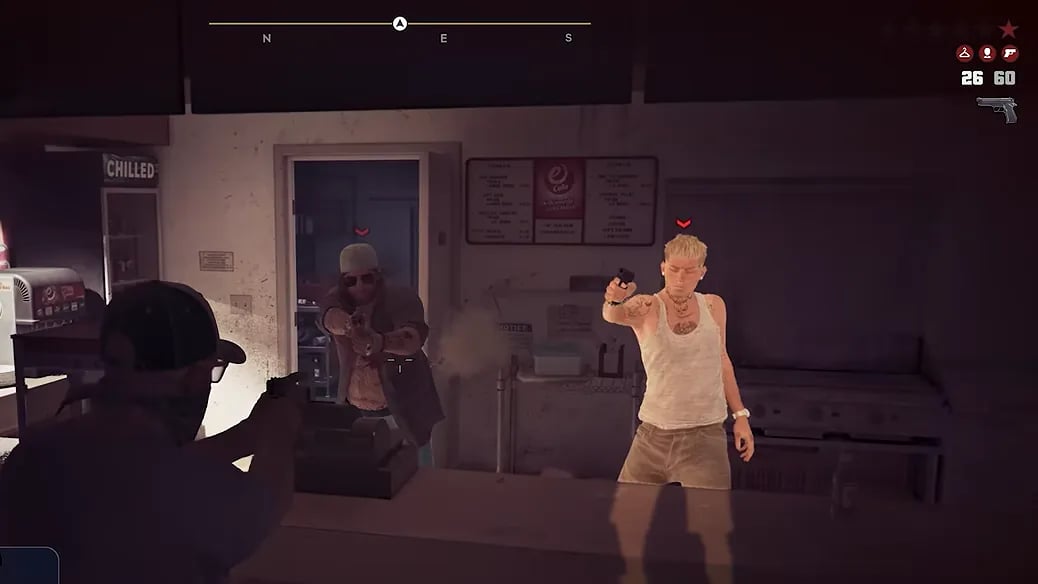
Focus Mode: See Loot, Enemies and Alarmed Doors
Click both sticks to see enemies, loot and alarmed doors; in a fight, Focus slows down time.
 Tip
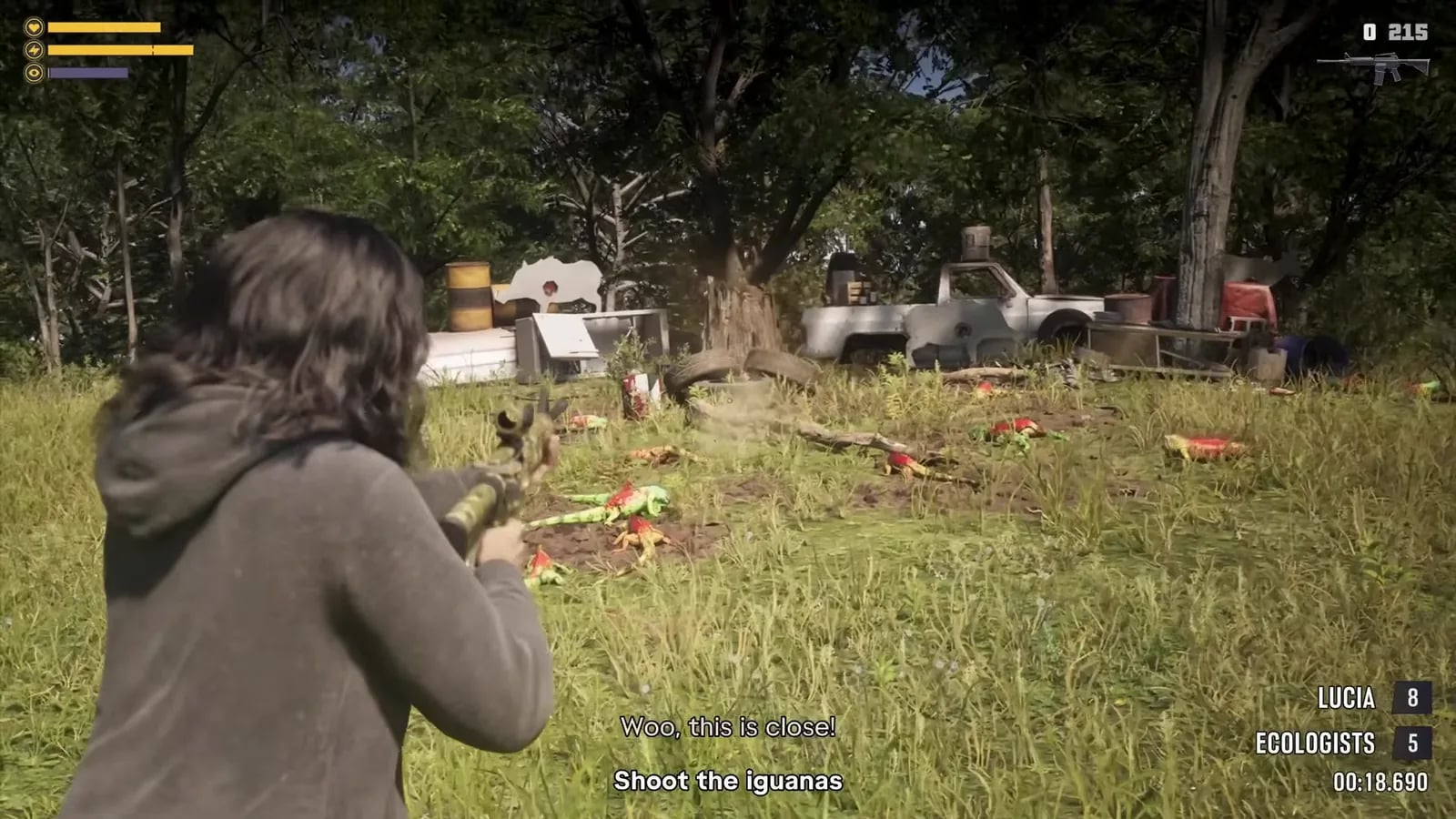
Iguana Shooting Contest: Permanent Focus and $250
In the woods east of Port Gellhorn, you shoot iguanas against the Leonida Ecological Society; the winner gets $250 and a permanent boost to max focus.
 Tip
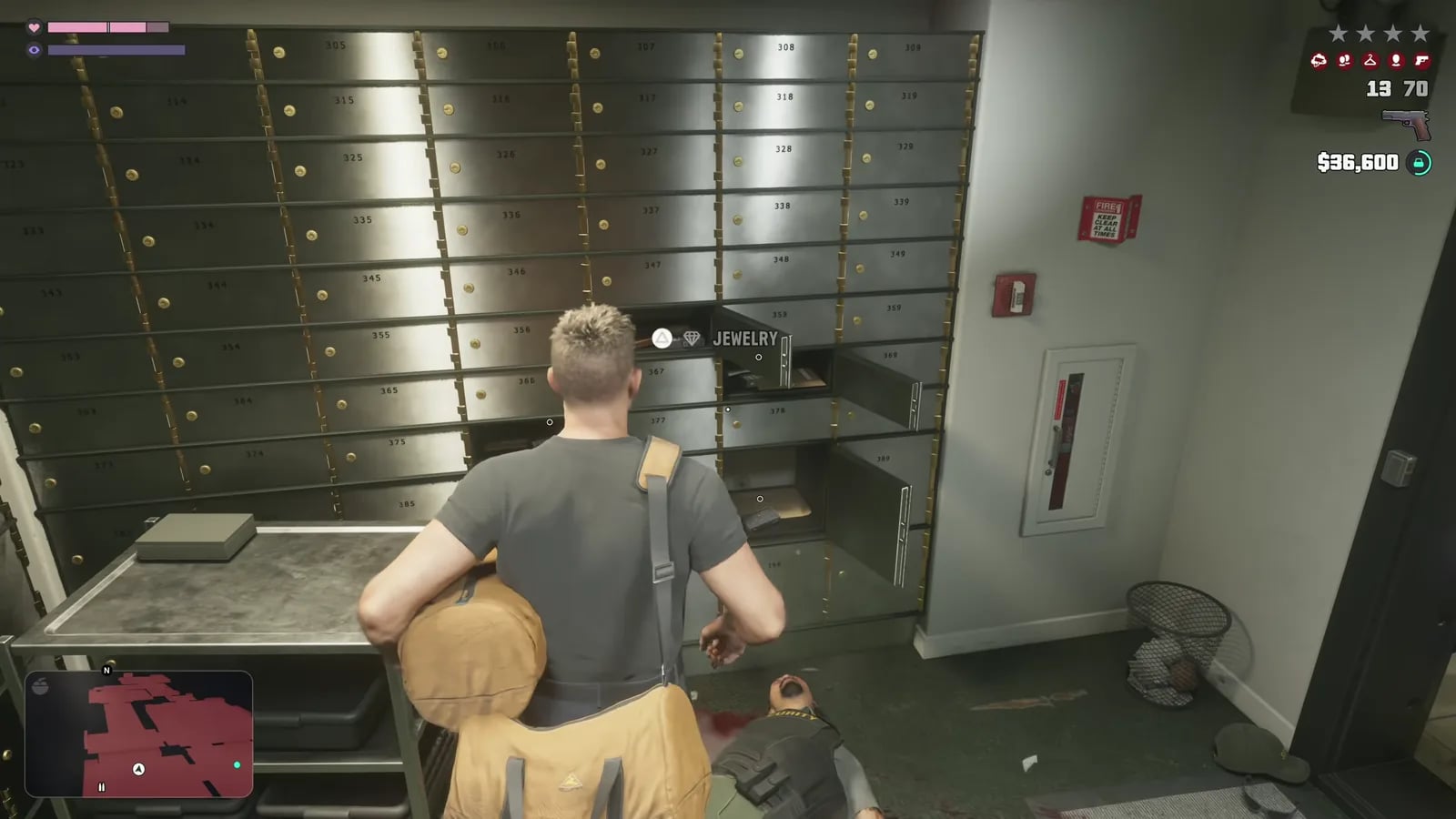
Roadmap: How to Make Money in Each Chapter
Early on, saving barely pays off; in the middle, cars and jewelry earn the most; late, the bank vaults do. Here's the way to each route.
Watch the video
Rather see it in action? The video starts right at the good part.