
Read first, then play
Search area and heat zone: when you're really gone
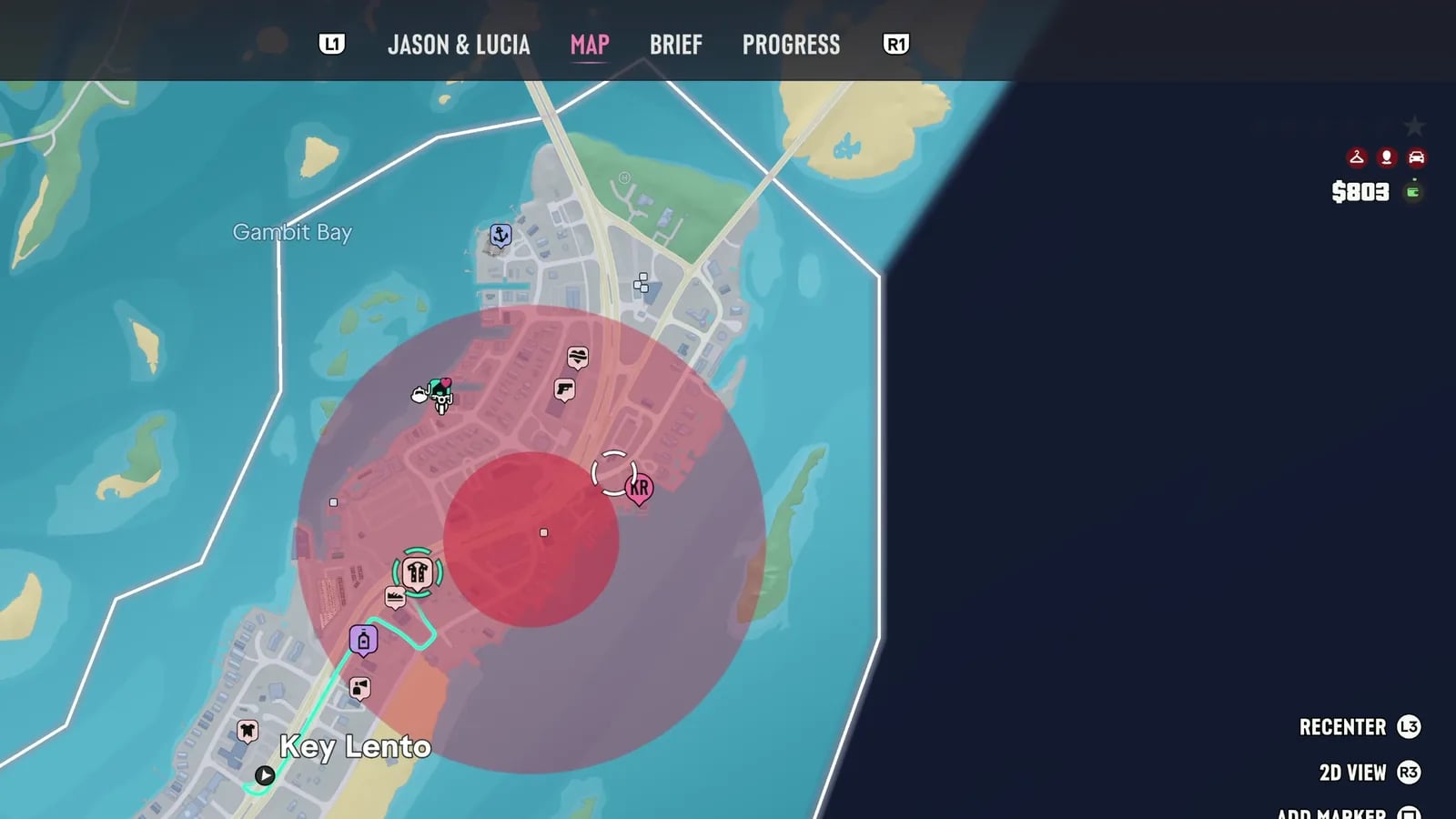
After a crime a red zone stays on the map; come back too soon and you restart the chase.
How to do it
- Step 1:
Open the map: around the crime scene is a red area where the police are searching for you.
The red circle shows where the police are searching for you. - Step 2:
Leave the area without being seen, and clear the heat icons first.
Get out of the area without being seen. - Step 3:
Avoid nearby patrols until you're outside.
- Step 4:
Don't go back to the same store inside the zone: a second robbery while the heat zone is active brings faster police.
- Step 5:
Wait until the interest has died down before you cause trouble there again.
Keep in mind
Good to know
At six stars the search area can expand to the whole map. You're safest outside the red zone, though it isn't strictly required.
There's more to see
More images
Does it work for you?
Your vote turns the “Verified” stamp into “Confirmed”.
Keep going
More like this
 Gameplay
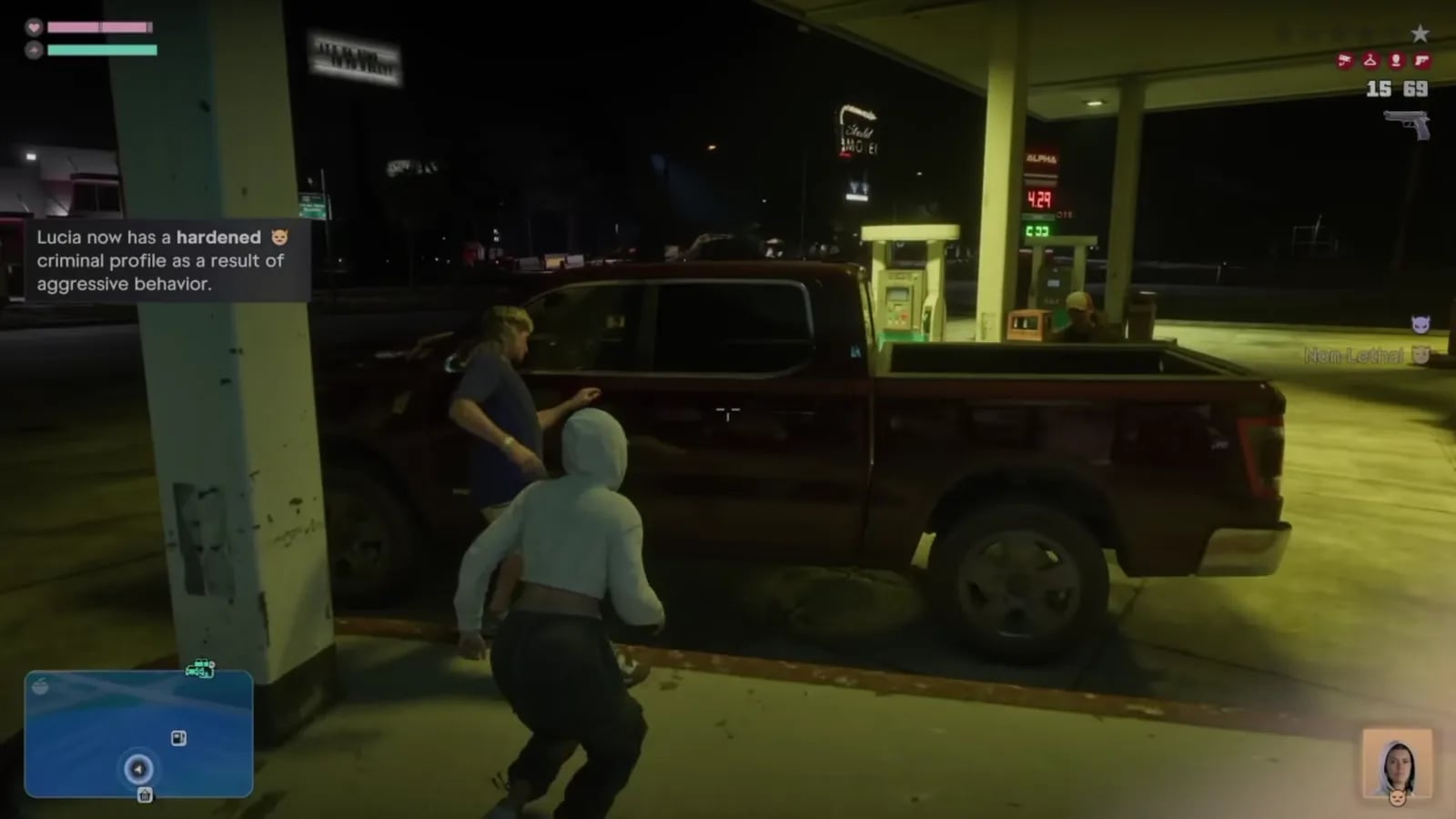
Criminal profile: five levels, lowering it, Irredeemable
Each character has their own profile that measures how violent you are; you can lower it down to Psycho, but Irredeemable is permanent.
 Gameplay
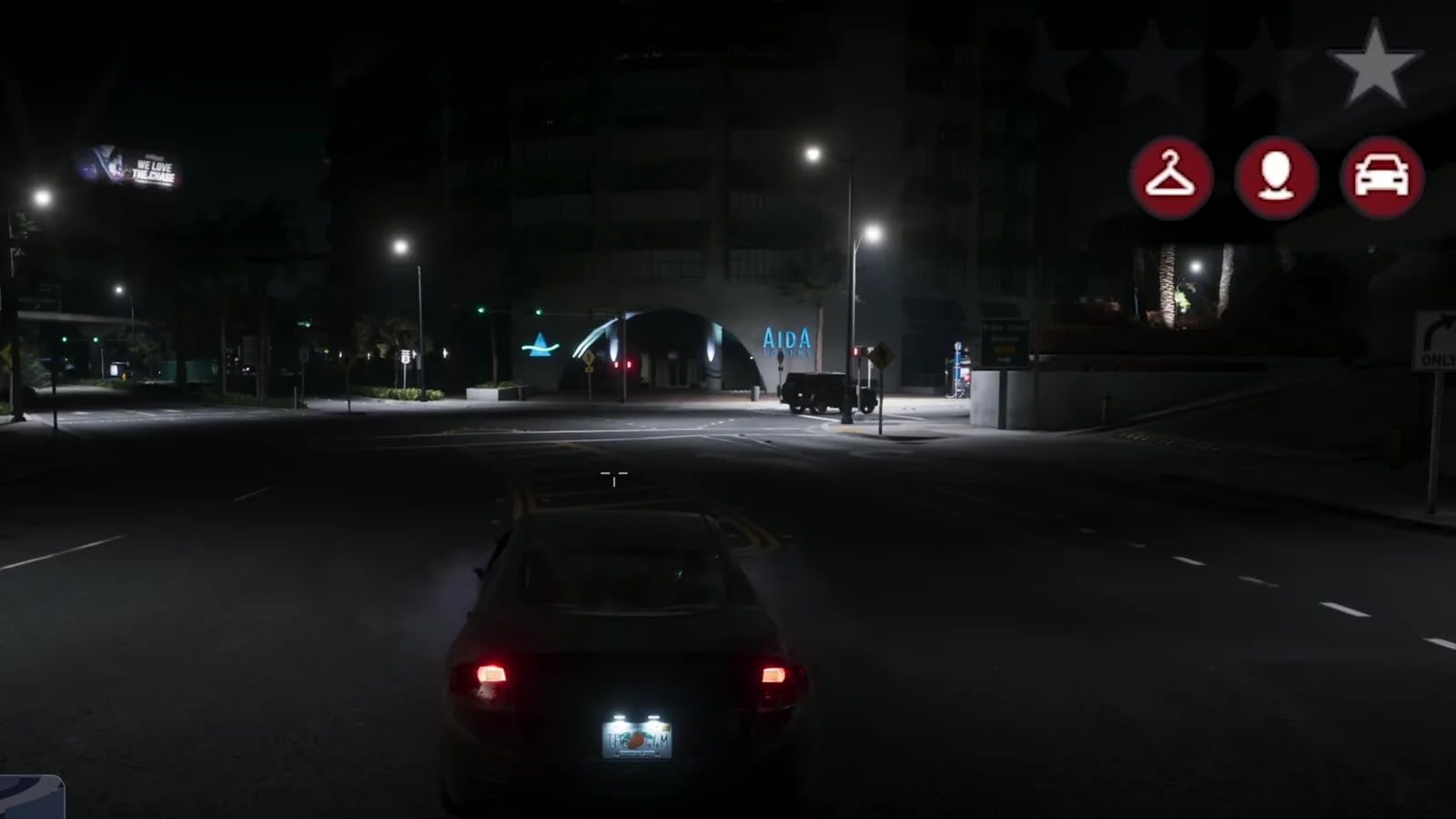
Wanted stars and red heat icons explained
Hollow, white, flashing or red: the stars tell you what the police know about you, and the red icons below them how they recognize you.
 Gameplay
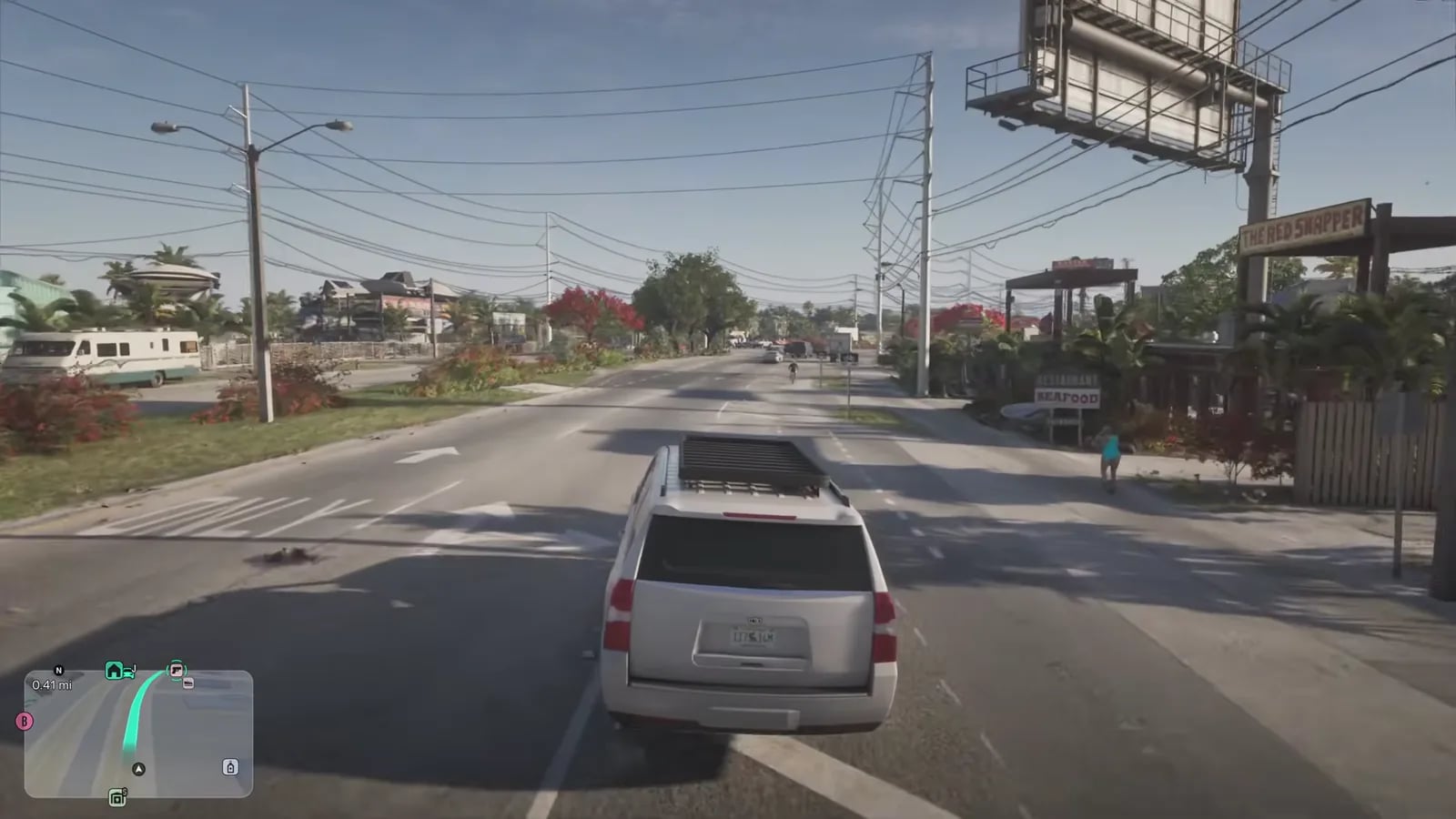
Minimap, GPS, and Waypoints: How to Use Them
Set a destination on the map, follow the route, use Quick Navigation, and customize the minimap.
Watch the video
Rather see it in action? The video starts right at the good part.