
While it lasts
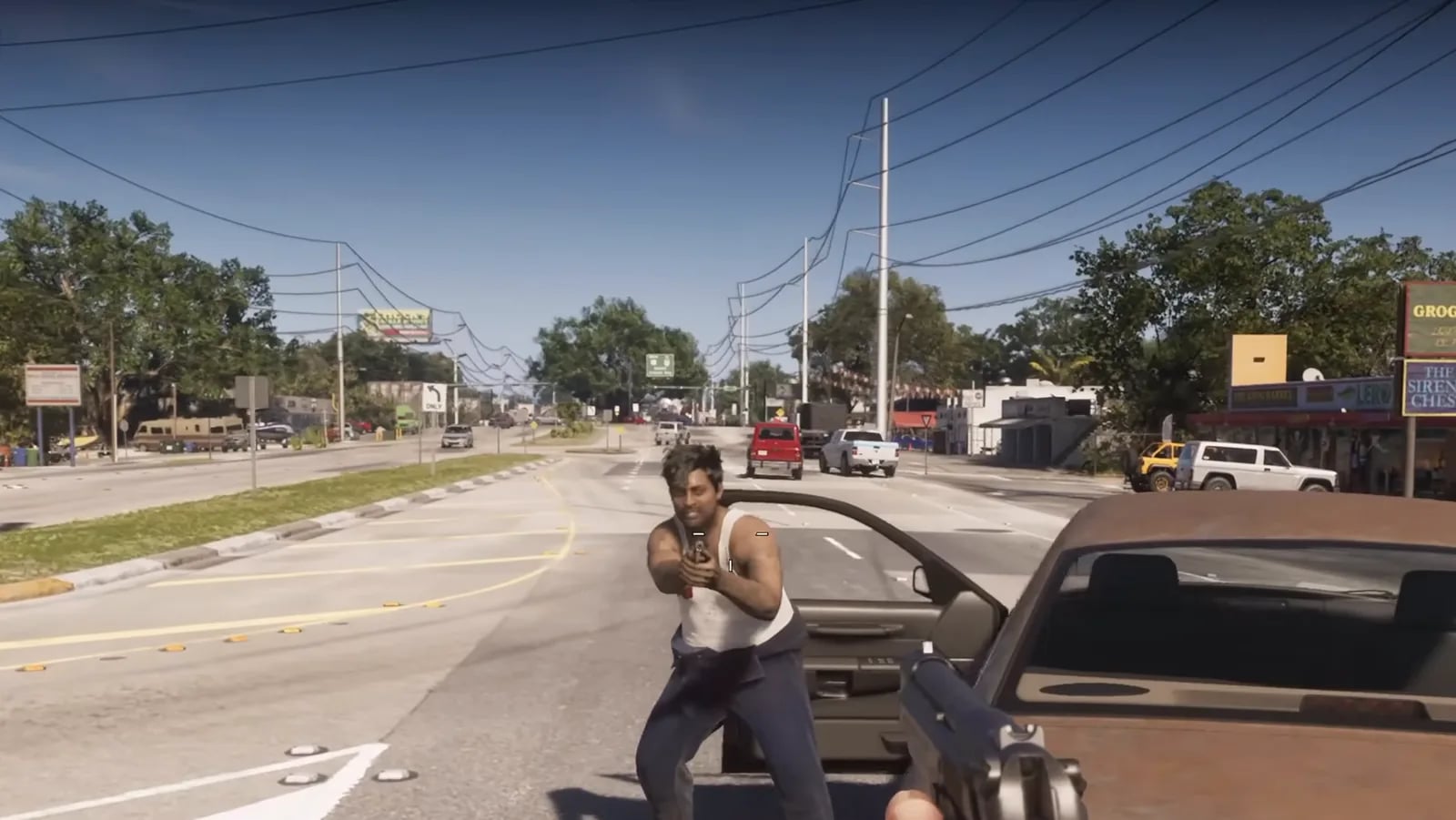
First-Person View via Camera Glitch (Xbox and Exit)
Remapping the camera in the controller menu and using the phone in a car forces a first-person view the game doesn't officially have.
How to do it
- Step 1:
Open Settings, Controller, and change the Touch Pad button (PS5) or View button (Xbox) from Map to Camera.
Change “Touch Pad Button” (Xbox: View button) from “Map” to Camera. - Step 2:
Save manually, then get into a vehicle.
- Step 3:
Pull out your phone with up on the D-pad.
In the car, pull out your phone with the D-pad. - Step 4:
Close the phone and rapidly tap the camera button several times while it closes, until the first-person view locks in.
Phone away, mash the camera button: the view locks into first person. - Step 5:
To leave first person, load a save, switch characters or go to the wardrobe.
Keep in mind
Good to know
The timing window is tight and it often takes several tries. In first person you can exit vehicles, drive and shoot, but expect awkward camera positions and visible arms. Dying doesn't reset the glitch, and an update can remove it at any time.
There's more to see
More images
Does it work for you?
Your vote turns the “Verified” stamp into “Confirmed”.
Keep going
More like this
 Glitch
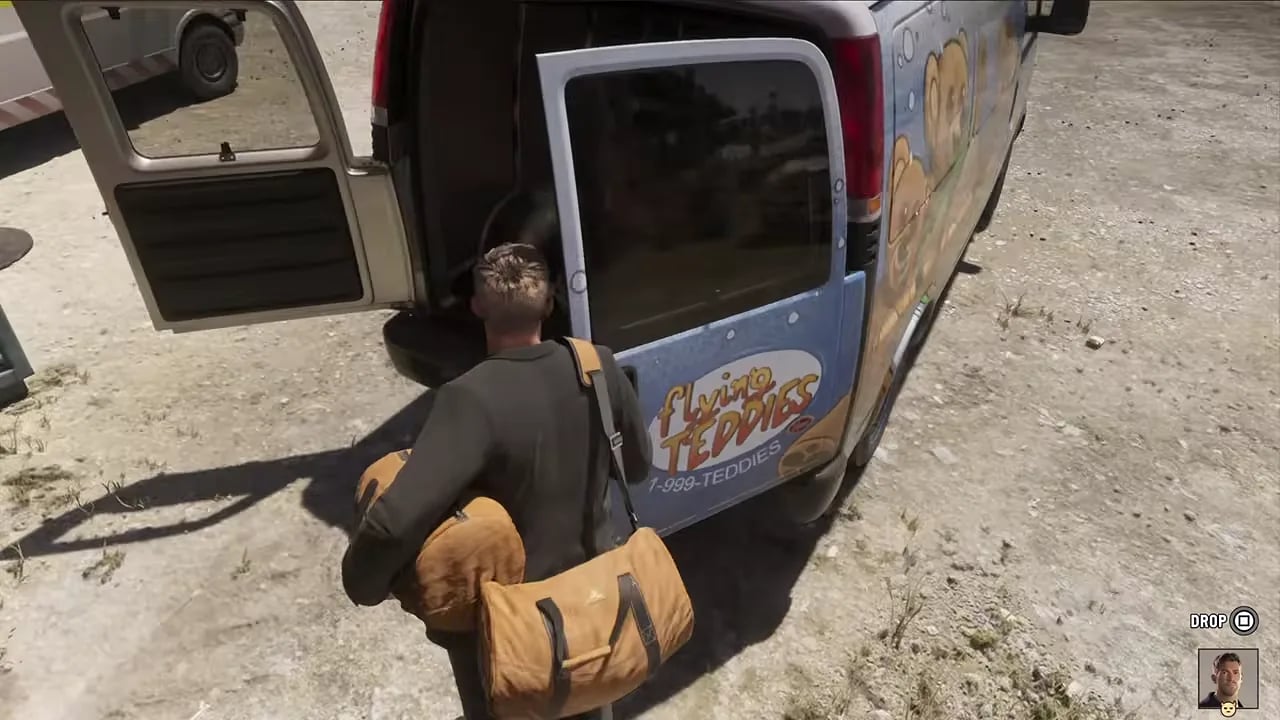
Apollo loot refresh by switching between Jason and Lucia
If you switch to the other character and back, the Apollo warehouse restocks, with no driving or saving required.
 Glitch
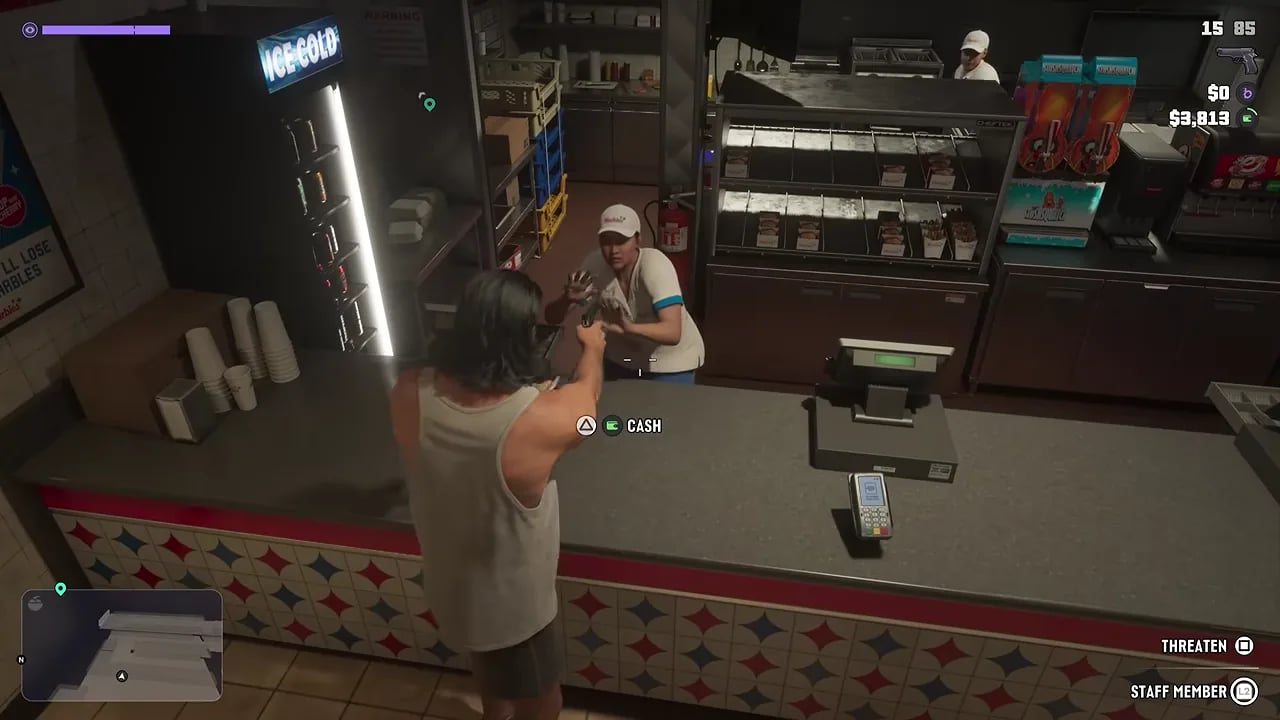
Refill Robbed Stores With a Mission Restart
Start a mission, choose Restart in the intro, then quit, and the stores you already robbed are fully stocked again.
 Glitch
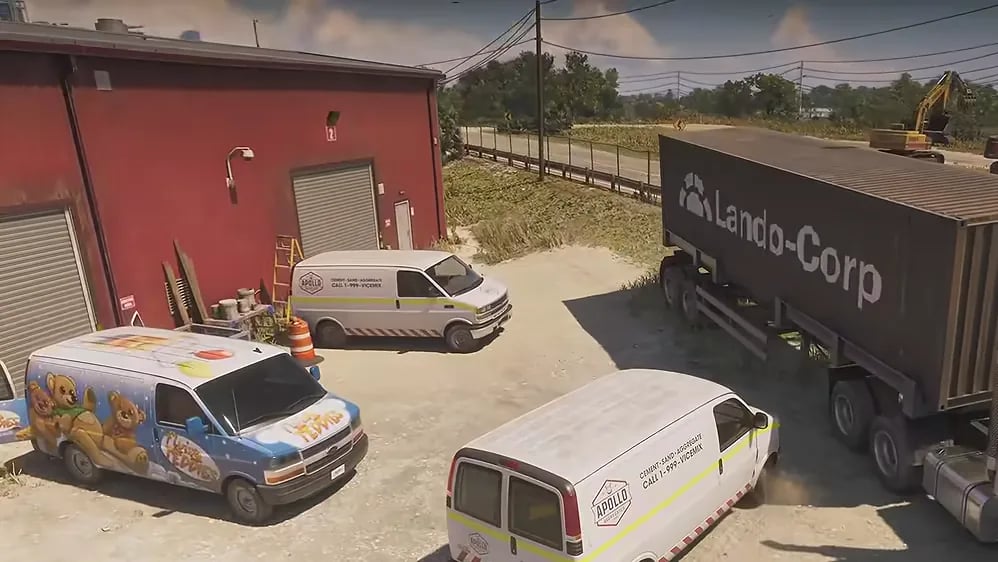
Apollo loot without saving: drive far away and back
The Apollo Aggregates warehouse restocks as soon as you drive a good half mile away and come back. You don't need to save and load for it.
Watch the video
Rather see it in action? The video starts right at the good part.