
While it lasts
Plane Through Skyscrapers: How the Clips Work
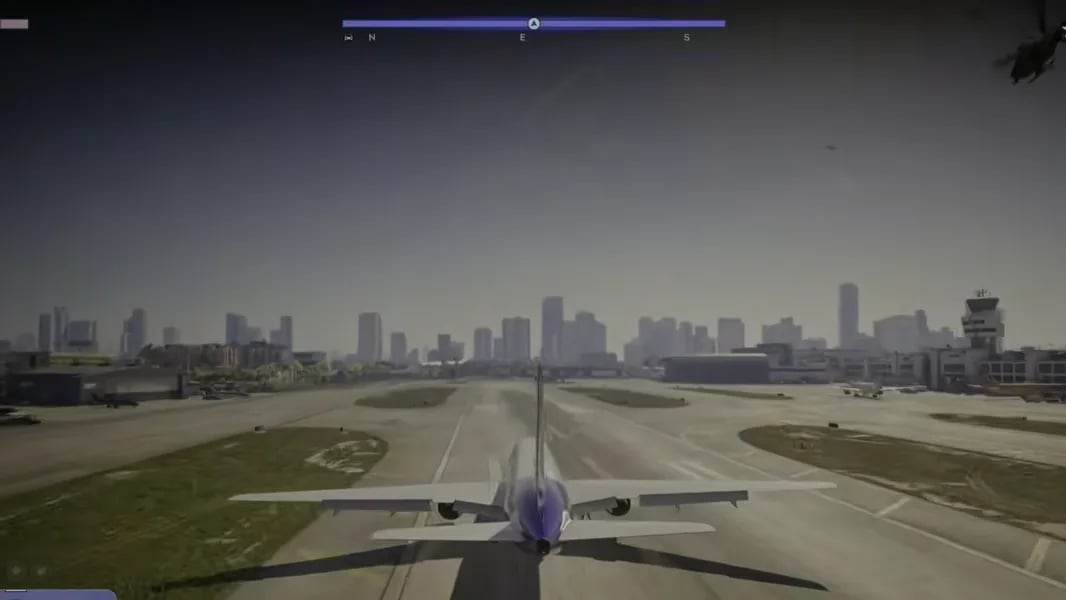
The clips of planes gliding through buildings come from the Reduced Vehicle Damage setting, and you can recreate them yourself.
How to do it
- Step 1:
Open Settings, go to the Gameplay tab, scroll all the way down to the Accessibility group, and turn on Reduced Vehicle Damage.
- Step 2:
Grab a plane at the airport and take off fast; you'll pick up a few wanted stars on the way.
Get into a plane at the airport and take off. - Step 3:
Aim the plane at a skyscraper downtown.
- Step 4:
Bail out just before impact: the plane slides through the building or bounces off.
Bail out just before the building. - Step 5:
Turn the setting back off when you're done, or everything you drive stays much sturdier.
Keep in mind
Good to know
It doesn't work every time, and sometimes the plane just bounces off. Without the setting, a plane explodes on impact like you'd expect. The same setting also makes cars and boats tougher.
Does it work for you?
Your vote turns the “Verified” stamp into “Confirmed”.
Keep going
More like this
 Glitch
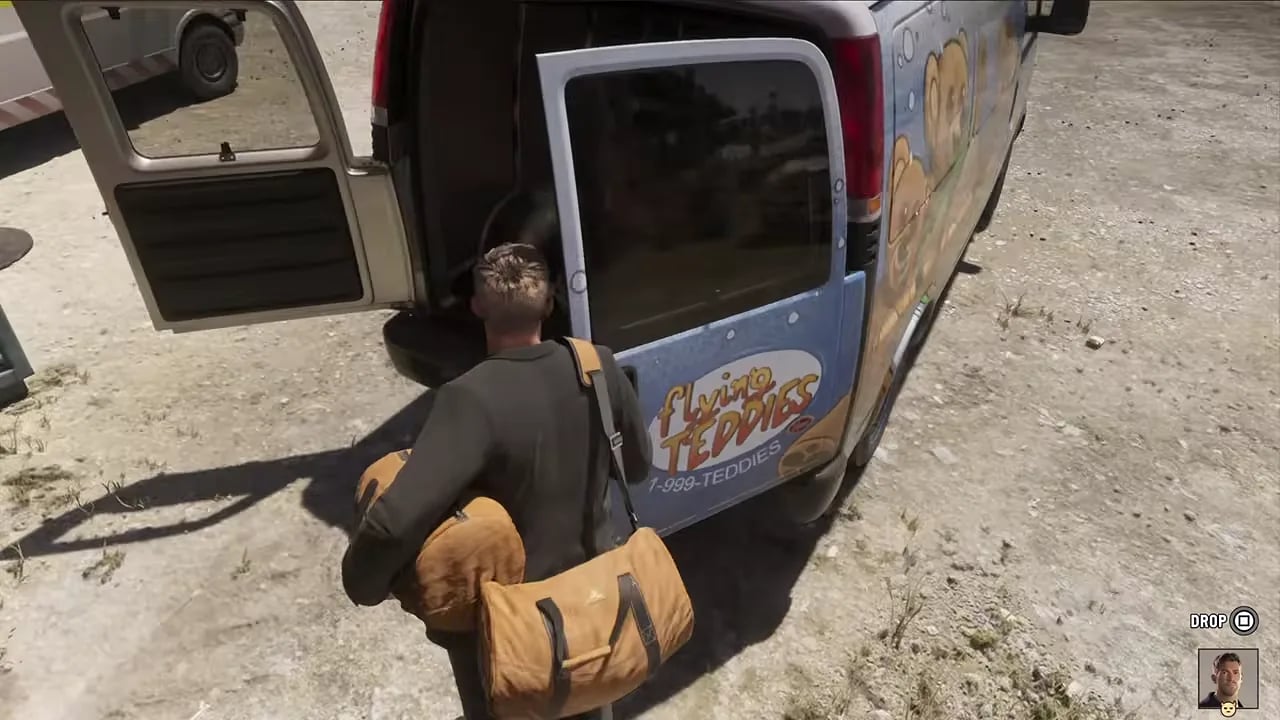
Apollo loot refresh by switching between Jason and Lucia
If you switch to the other character and back, the Apollo warehouse restocks, with no driving or saving required.
 Glitch
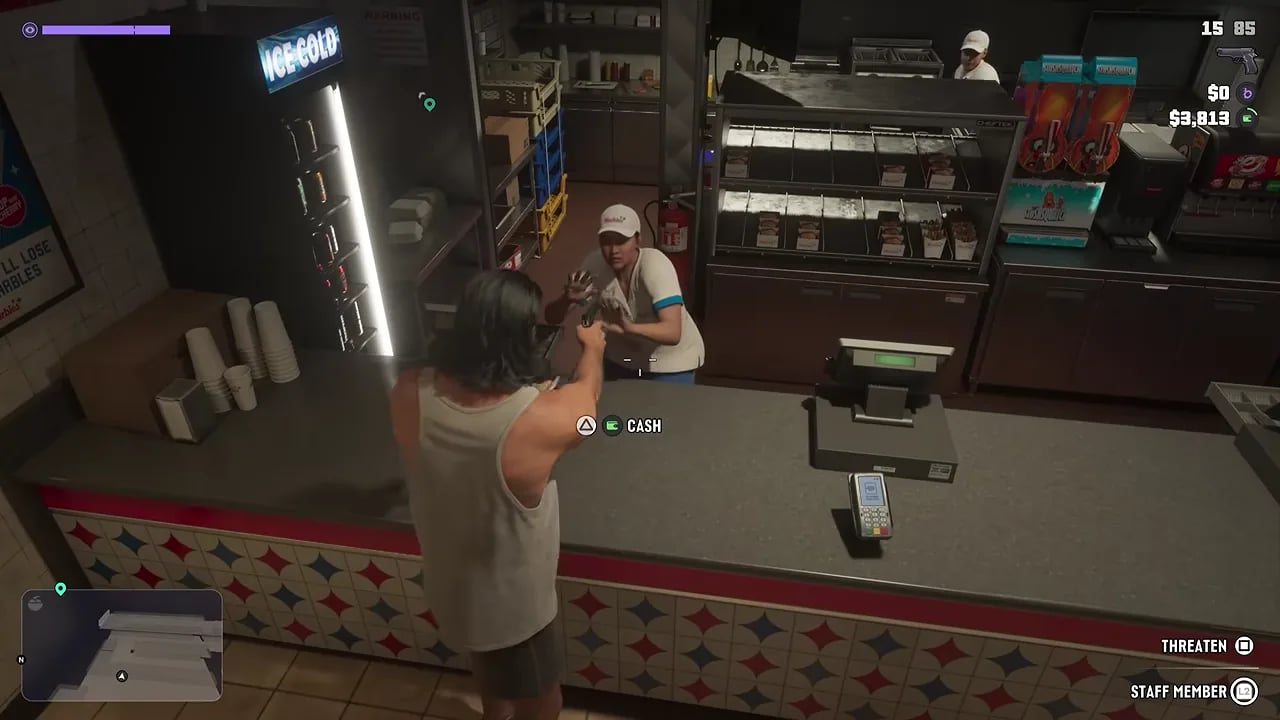
Refill Robbed Stores With a Mission Restart
Start a mission, choose Restart in the intro, then quit, and the stores you already robbed are fully stocked again.
 Glitch
Apollo loot without saving: drive far away and back
The Apollo Aggregates warehouse restocks as soon as you drive a good half mile away and come back. You don't need to save and load for it.
Watch the video
Rather see it in action? The video starts right at the good part.