
Read first, then play
Vehicle Icons: Access, Alarm, Tracker
The scan card and the icons on the car tell you whether it's unlocked, alarmed, and tracked.
How to do it
- Step 1:
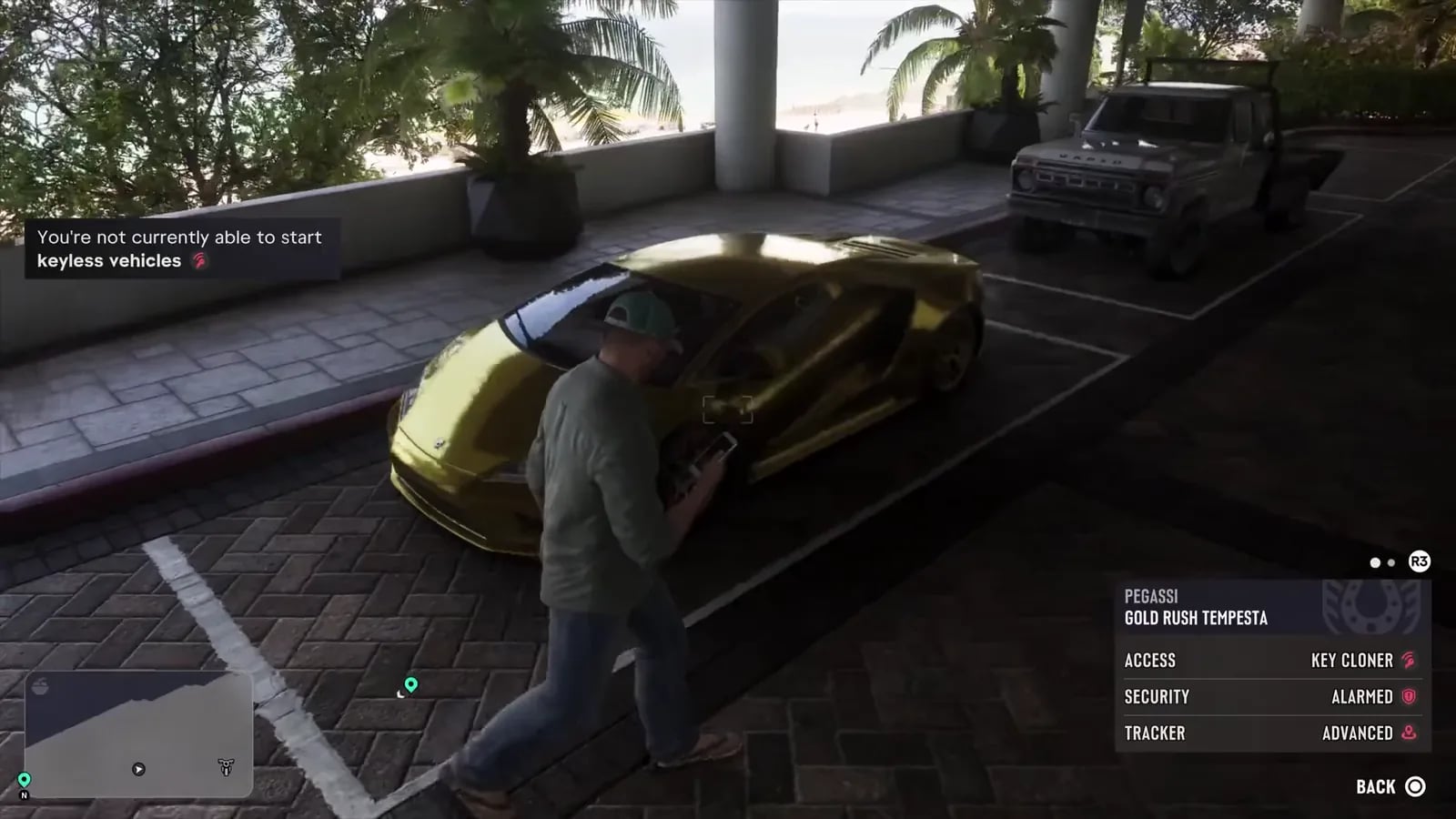
Scan the vehicle with the WAiNK app: the card shows access, security, and tracker, plus sale value and registration cost.
The card lists access, security, tracker, value, and cost. - Step 2:
Access: “Unlocked” means open, “Locked” means you have to break in or hotwire it, and “Key Cloner” marks keyless cars that need the key cloner.
Cars marked “Key Cloner” open with the key cloner. - Step 3:
Security: “Alarmed” means an alarm goes off when you break in; “Deactivated” or “None” means no alarm. With the Slim Jim, it stays off.
“Alarmed” means an alarm when you break in, unless you use the Slim Jim. - Step 4:
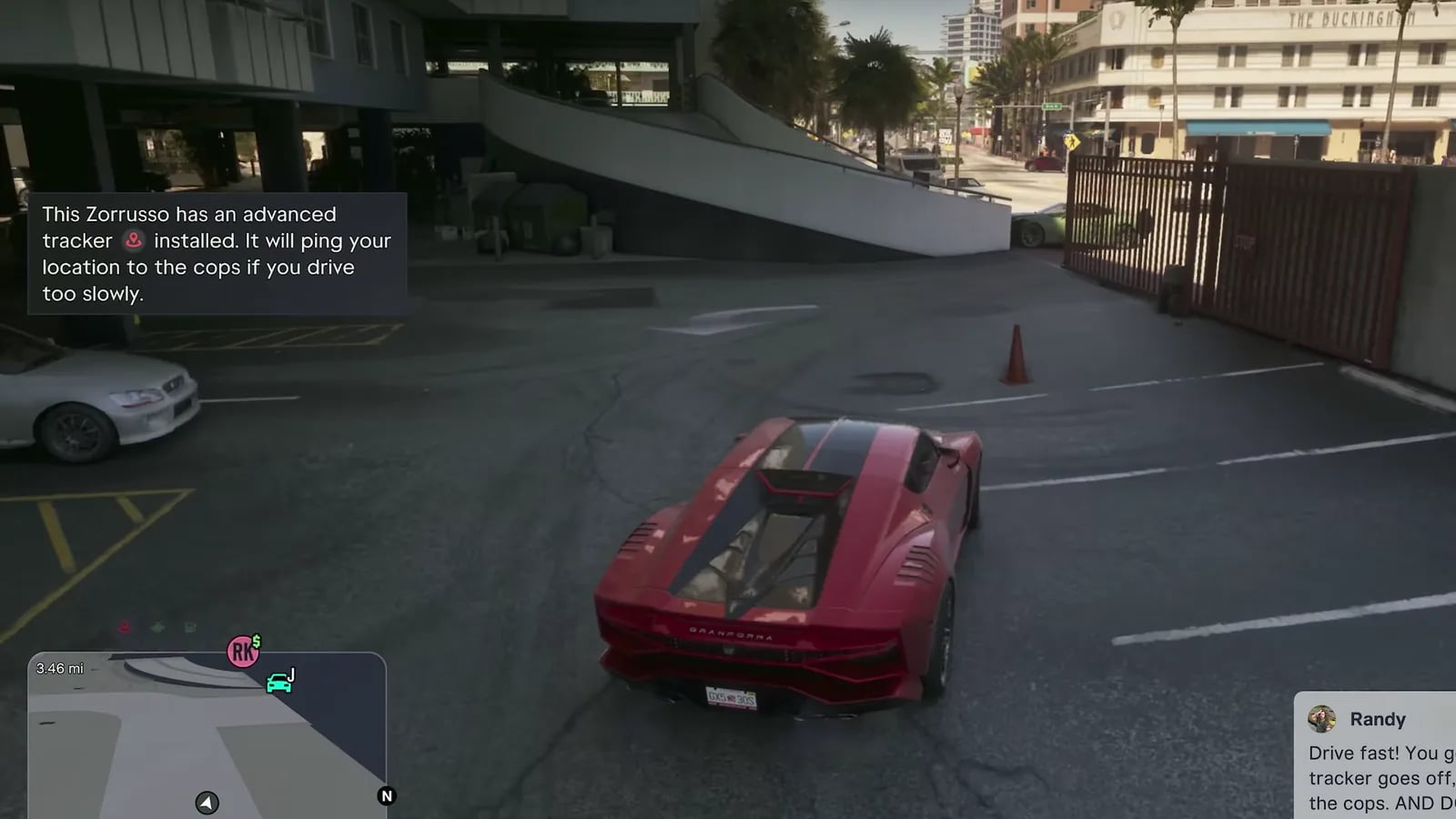
Tracker: “None,” “Standard,” or “Advanced”; an Advanced tracker reports your location to the police if you drive too slowly.
Advanced tracker: don't drive too slowly.
Keep in mind
Good to know
Moses won't take Standard-tracker cars; Pay 'n' Spray registers and buys such cars from Chapter 3. With the button for the next page of the card (R3), you flip to the vehicle's type, era, seats, storage, and condition.
Does it work for you?
Your vote turns the “Verified” stamp into “Confirmed”.
Keep going
More like this
 Gameplay
Stealing Cars: Scan, Break In, Hotwire
Before stealing a car, you scan it, break in, and hotwire it; keyless luxury cars need a key cloner.
 Gameplay
Pause Map and Index: Tabs and Icons
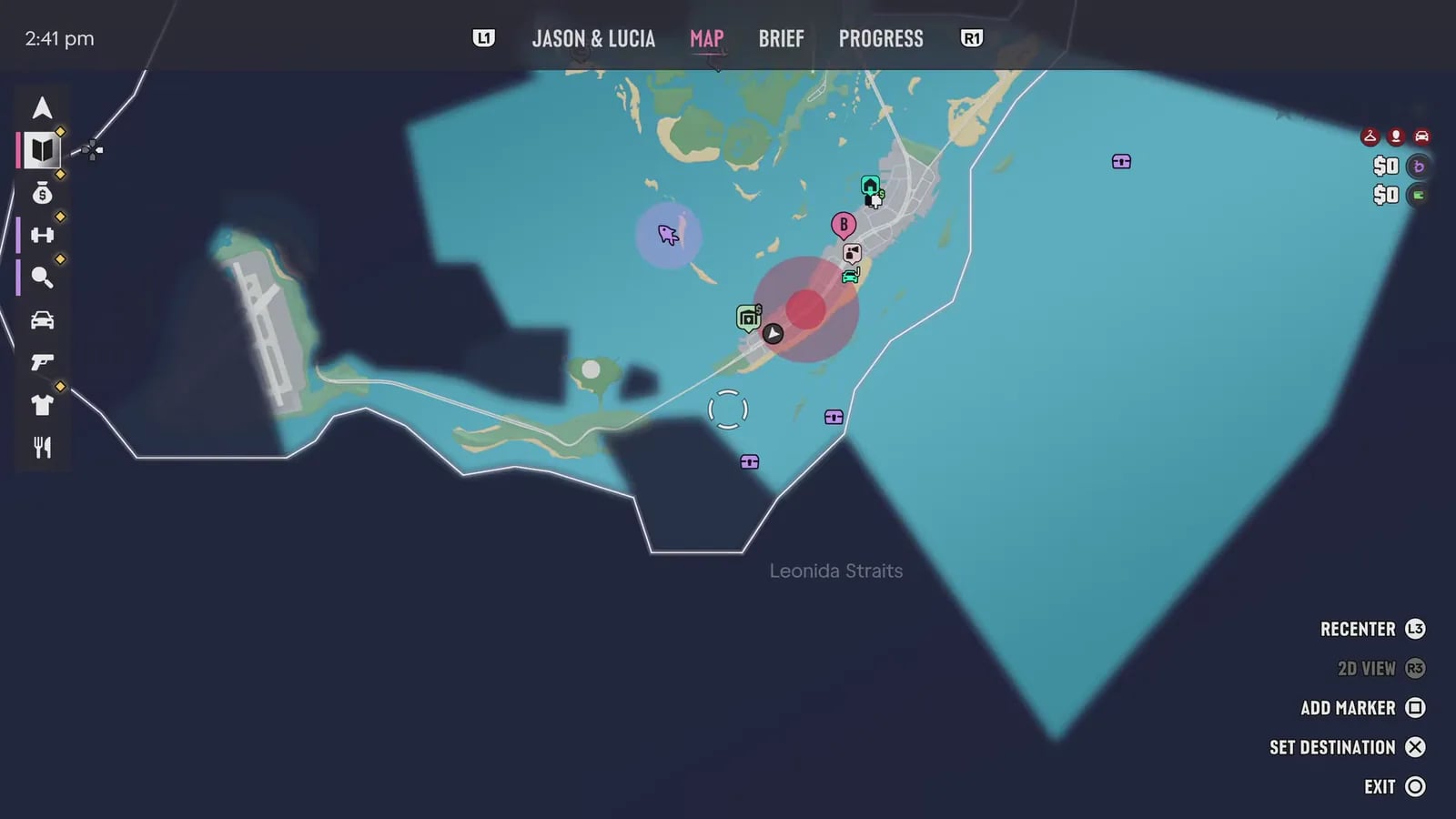
The index on the pause map has nine tabs; here's how to find shops, activities, and vehicle locations and set them as a destination.
 Gameplay
What Do the Bars and Icons in the HUD Mean?
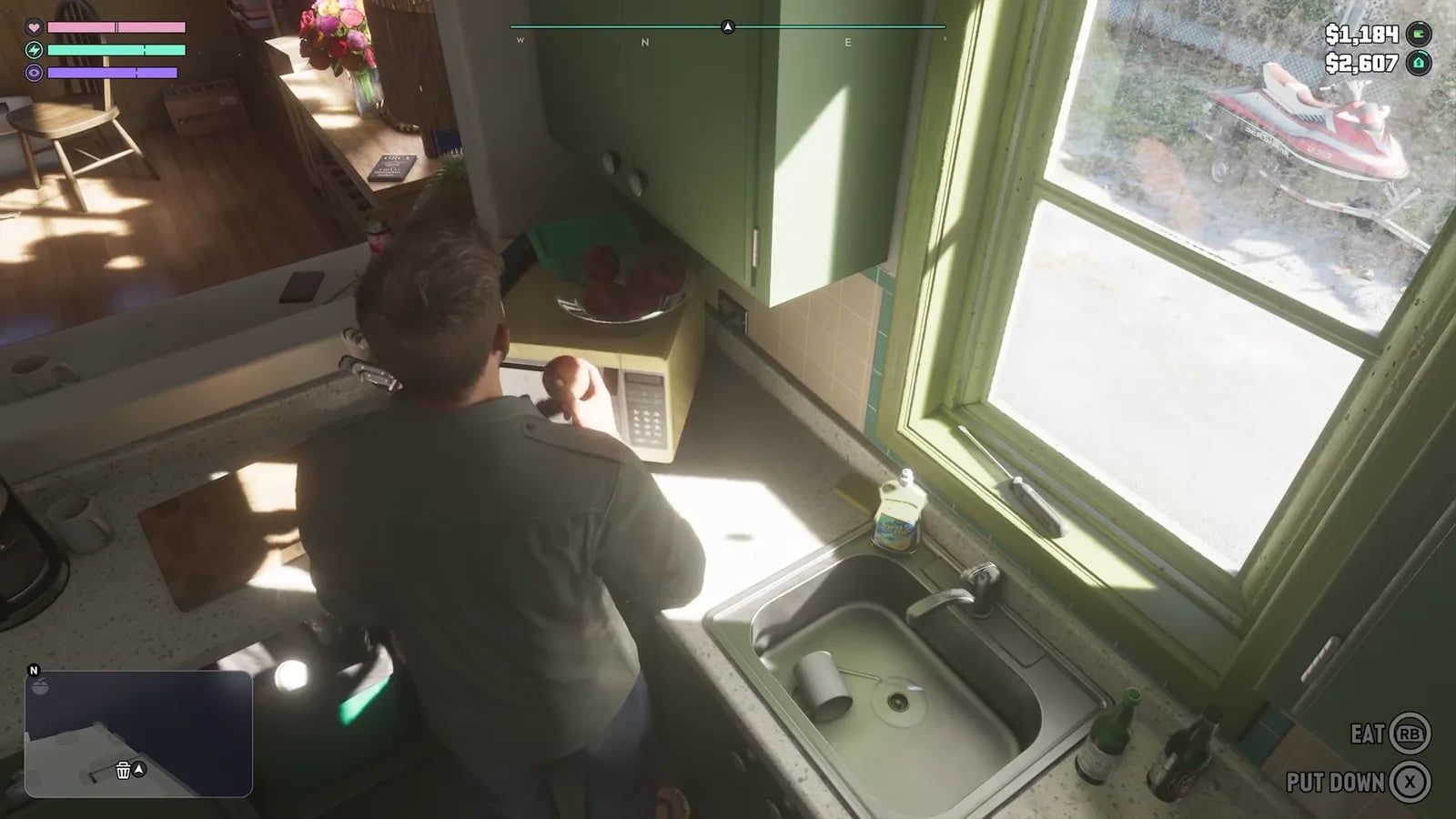
Health, stamina, focus, cash and bank balance, plus the icons for your behavior and for Jason and Lucia's relationship.
Watch the video
Rather see it in action? The video starts right at the good part.