
Read first, then play
All Phone Apps: What They Do and When They Unlock
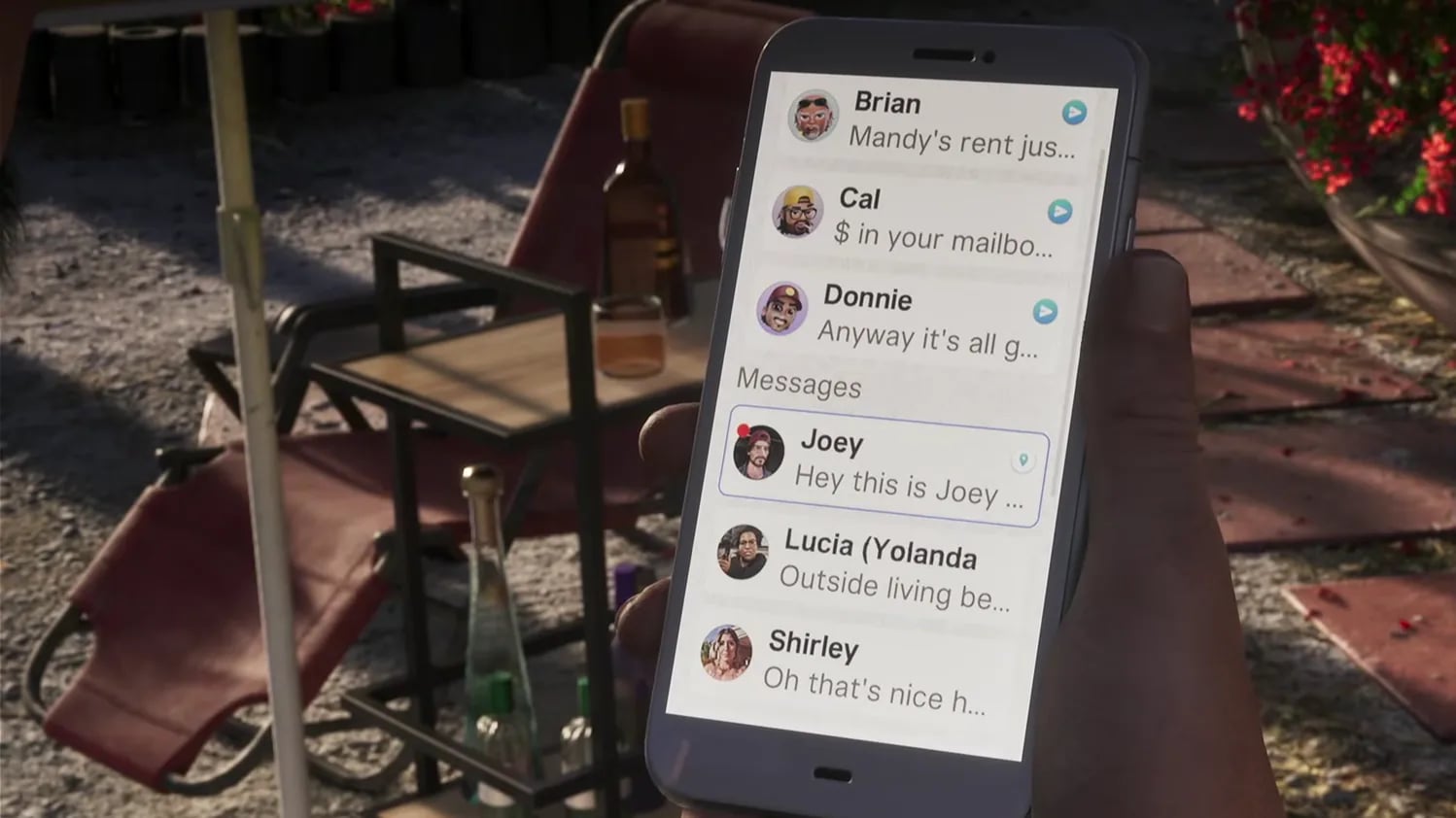
You open the phone with up on the D-pad; here are its apps and what you need to unlock them.
How to do it
- Step 1:
Ten apps are on the home screen from the start
- 1WAiNK (scan vehicles)
- 2WhatUp
- 3Contacts
- 4Camera
- 5Snapmatic
- 6Gallery
- 7Fitness
- 8News
- 9Weather
- 10and Settings
Ten apps are there from the start; “Reminders” at the top counts your notifications. - Step 2:
BuckMe (banking) arrives with the mission “Buck Me!”; RydeMe (taxi and fast travel) shortly after.
- Step 3:
Scooter Bros (delivers your vehicle along with its trunk) and Vice City Real Estate (buy garages) arrive in Chapter 2 through Moses.
- Step 4:
The dating app only runs on other characters' phones; you can't open it.
Keep in mind
Good to know
WAiNK scans cars for locks, alarms, trackers, value, and registration cost. Fitness shows weight, nutrition, calories, training, and sleep. In Settings you change the wallpaper and ringtone and see plugins that bring characters like Cal. Weather shows your location and a short forecast, and News also reports on your own deeds. At the top of the home screen, “Reminders” counts your open notifications. If you don't use Scooter Bros, you have to fetch your car yourself; without Real Estate, your garage count stays small.
There's more to see
More images
Does it work for you?
Your vote turns the “Verified” stamp into “Confirmed”.
Keep going
More like this
 Gameplay
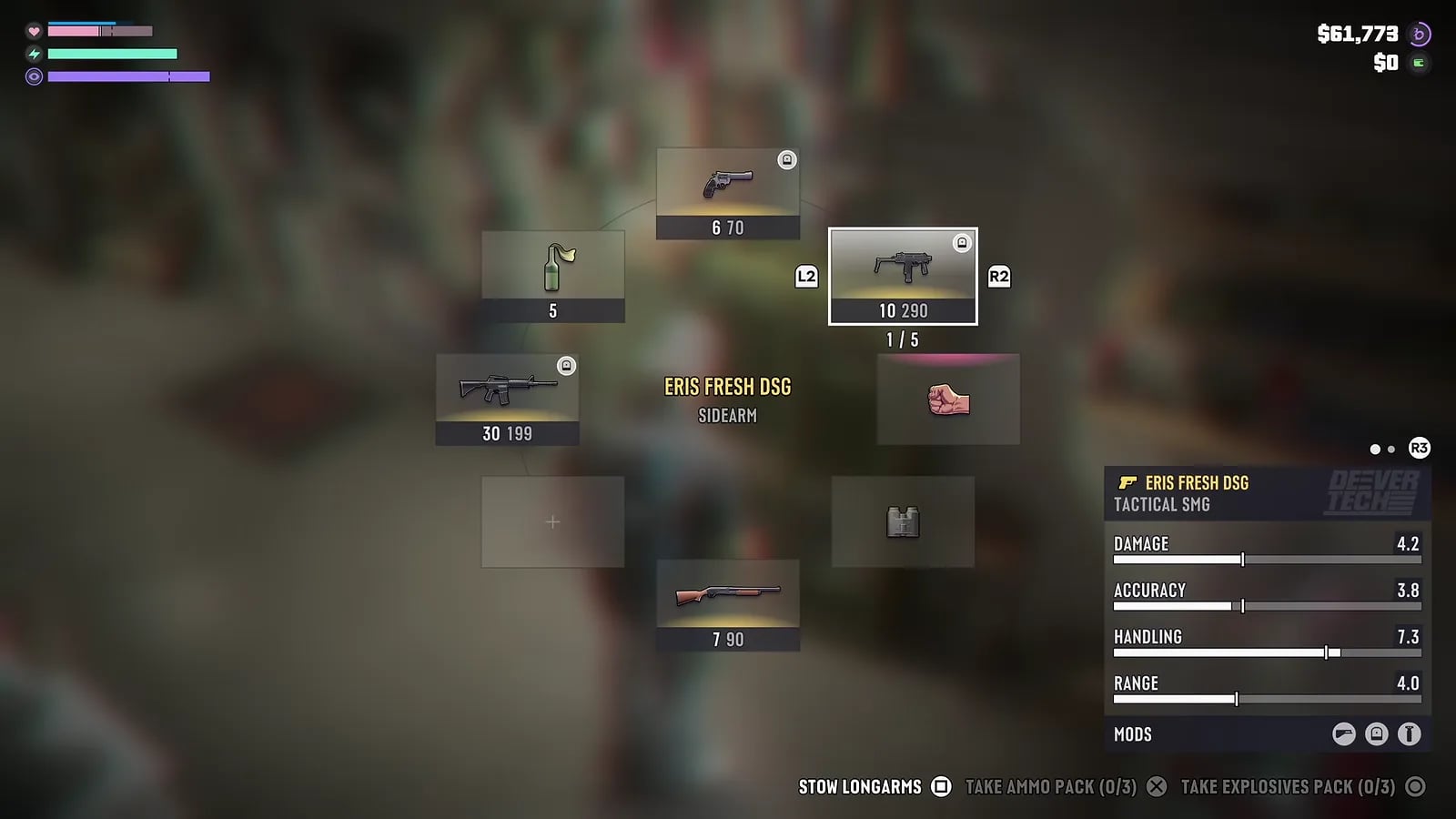
Loadout and weapon wheel: how to switch weapons
Hold L1/LB to open the loadout, where you switch weapons and items; you can only carry a little.
 Gameplay
Swimming and Diving: Controls and Oxygen
How to dive down, come back up, and tell how much air you have left.
 Gameplay
Controls for Planes and Helicopters
Thrust, takeoff, rudder, and altitude: how to fly planes and helicopters on PS5 and Xbox.
Watch the video
Rather see it in action? The video starts right at the good part.