
Read first, then play
Swimming and Diving: Controls and Oxygen
How to dive down, come back up, and tell how much air you have left.
How to do it
- Step 1:
Swim: Move with the left stick.
- Step 2:
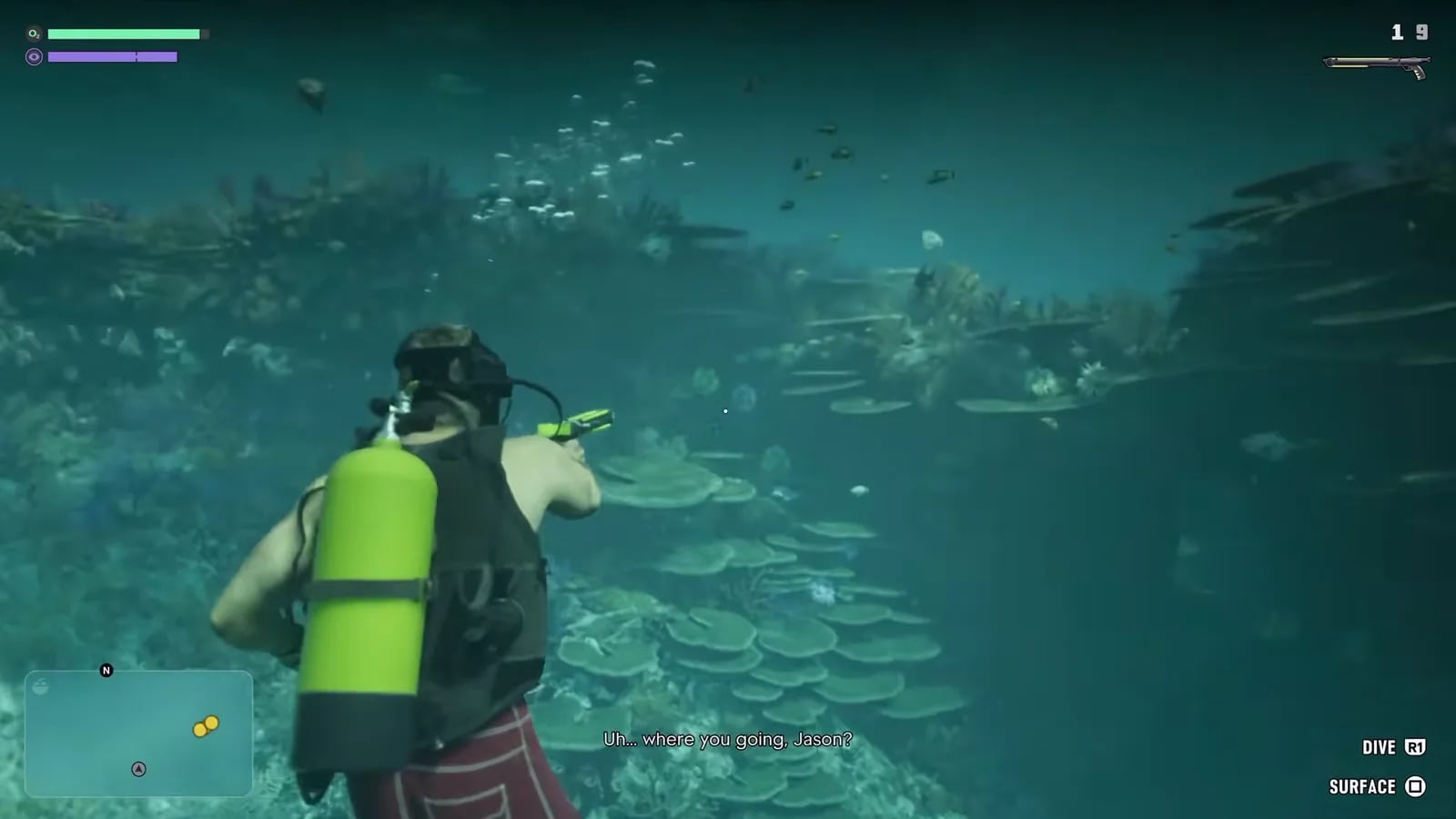
Dive: Hold R1 (Xbox: RB) to dive down; the prompt bar in the bottom right shows “Dive” with the matching button.
Hold R1 to dive down; press Square to come back up. - Step 3:
Surface: On PS5, press Square; “Surface” in the bottom right shows the button for your console.
- Step 4:
While diving with a scuba tank, keep an eye on the oxygen bar in the top left.
Keep in mind
Good to know
The oxygen bar (O2) appears in the top left as soon as you are underwater with a scuba tank, and it drains over time. You can also shoot underwater, for example with a speargun. A scuba tank isn't only part of the story: you can find one in the open world too.
Does it work for you?
Your vote turns the “Verified” stamp into “Confirmed”.
Keep going
More like this
 Gameplay
All Phone Apps: What They Do and When They Unlock
You open the phone with up on the D-pad; here are its apps and what you need to unlock them.
 Gameplay
Loadout and weapon wheel: how to switch weapons
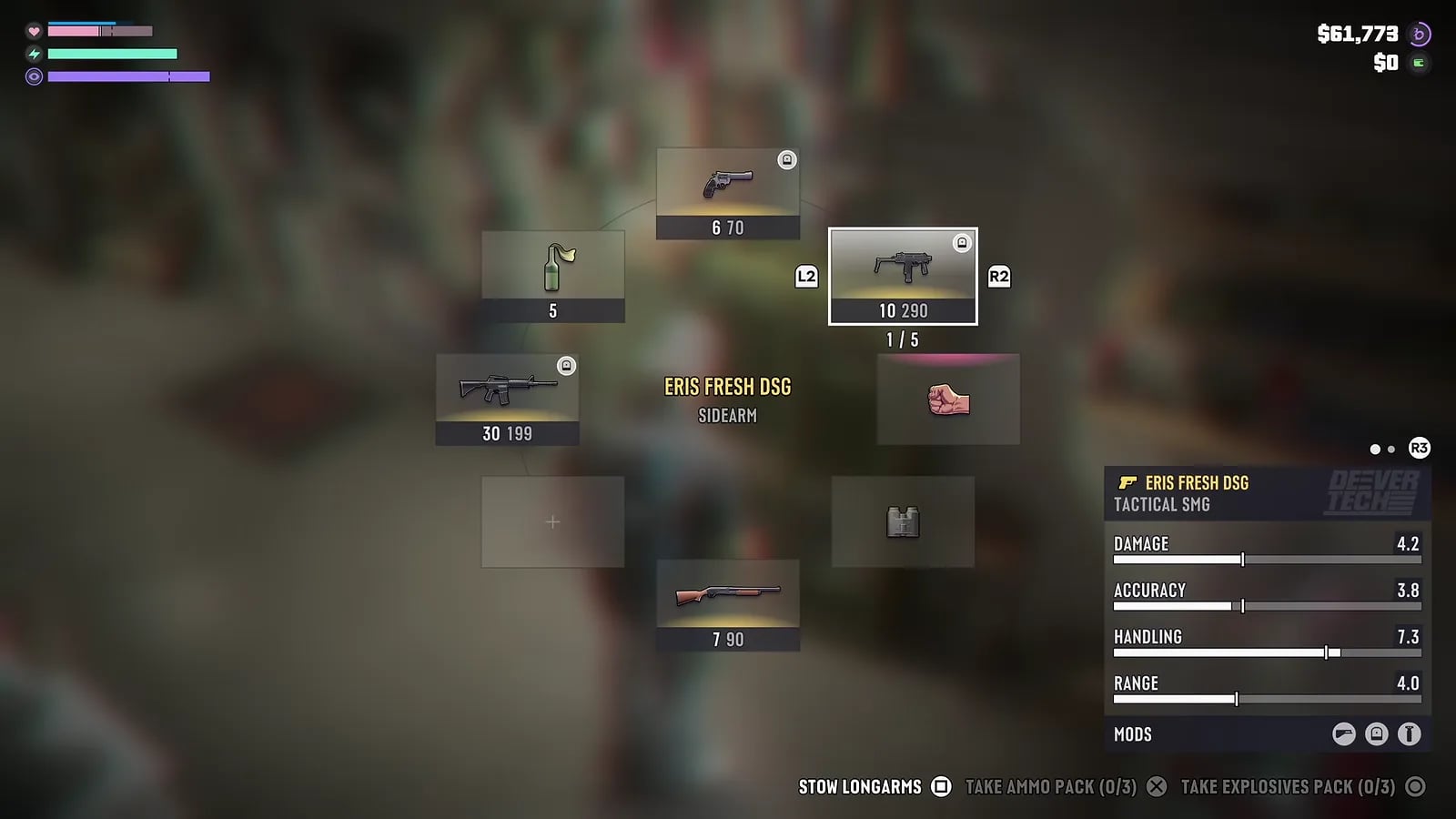
Hold L1/LB to open the loadout, where you switch weapons and items; you can only carry a little.
 Gameplay
Controls for Planes and Helicopters
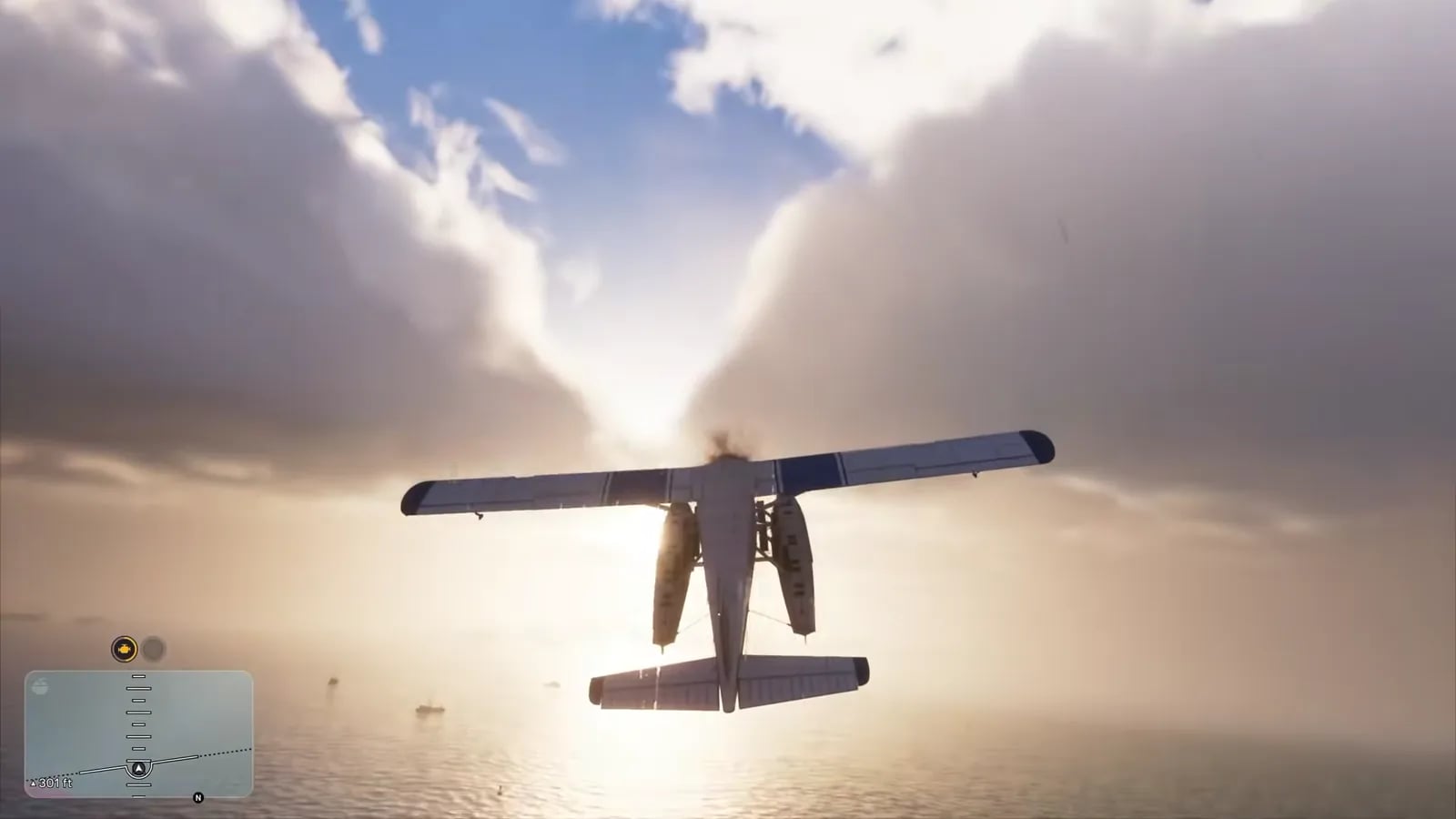
Thrust, takeoff, rudder, and altitude: how to fly planes and helicopters on PS5 and Xbox.
Watch the video
Rather see it in action? The video starts right at the good part.