
Read first, then play
Loadout and weapon wheel: how to switch weapons
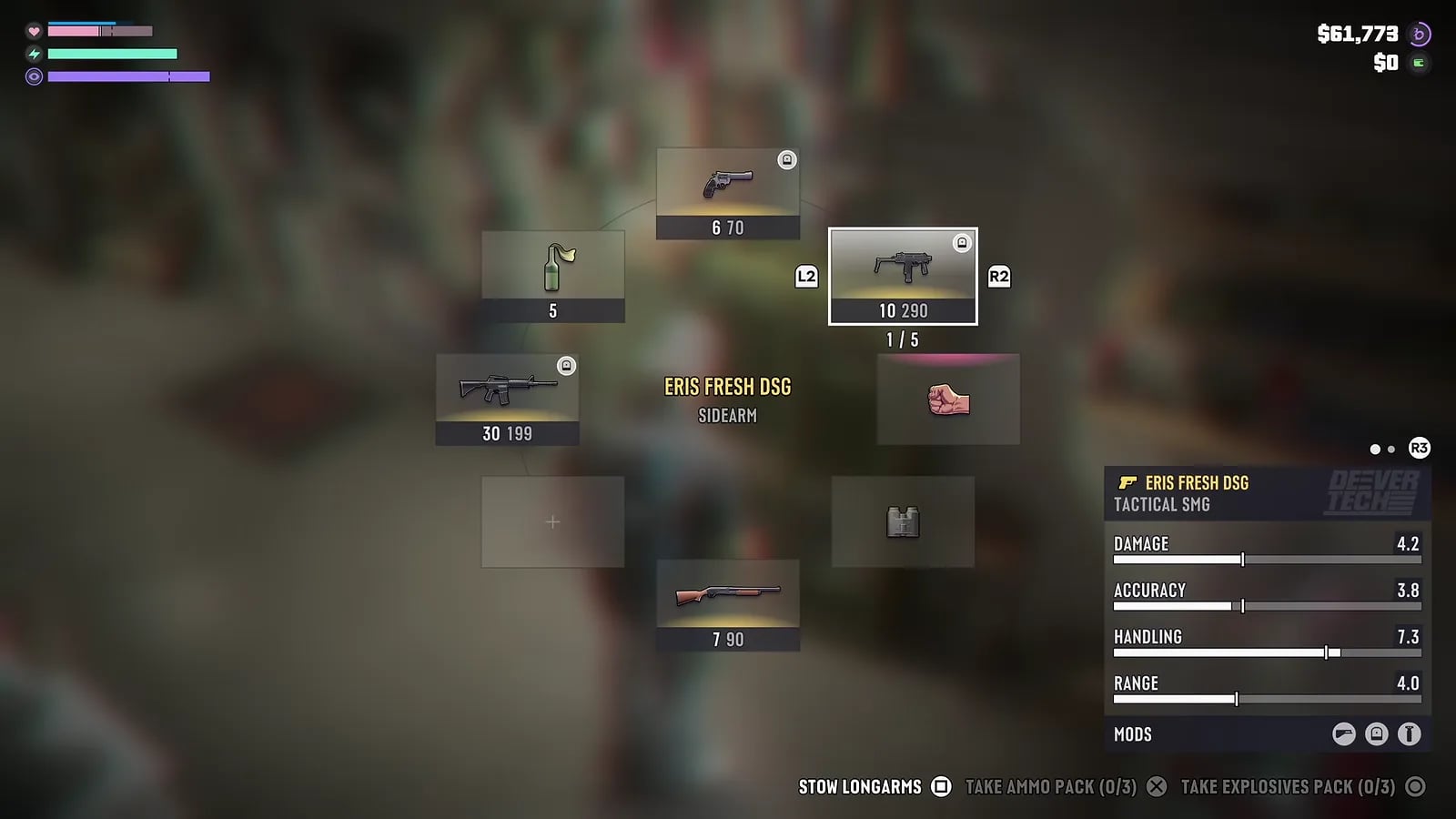
Hold L1/LB to open the loadout, where you switch weapons and items; you can only carry a little.
How to do it
- Step 1:
Tapping L1 (PS5) or LB (Xbox) holsters your drawn weapon; tapping again draws it.
- Step 2:
Hold L1 or LB to open the loadout: there you assign sidearms, long guns, explosives, melee weapon and gear such as the binoculars.
Empty slots show you what else you can carry. - Step 3:
Switch between the Weapons and Items tabs with R1 or RB while you hold the wheel.
Press R1 to switch between Weapons and Items. - Step 4:
Use consumables for health and energy straight from the wheel with Square or Triangle (PS5) or X or Y (Xbox).
- Step 5:
You swap weapons and get them back at gun lockers, for example in Ammu-Nation.
At the gun locker you swap out your loadout.
Keep in mind
Good to know
Each character can fit up to two sidearms, two long guns and one melee weapon in the loadout, plus explosives and gear. You carry sidearms concealed, long guns not: walking through town with a rifle or shotgun in your hands alerts bystanders and the police. If a weapon is lying on the ground, you compare it to your equipped one through the loadout.
Does it work for you?
Your vote turns the “Verified” stamp into “Confirmed”.
Keep going
More like this
 Gameplay
Keeping weapons: bought, found, legendary
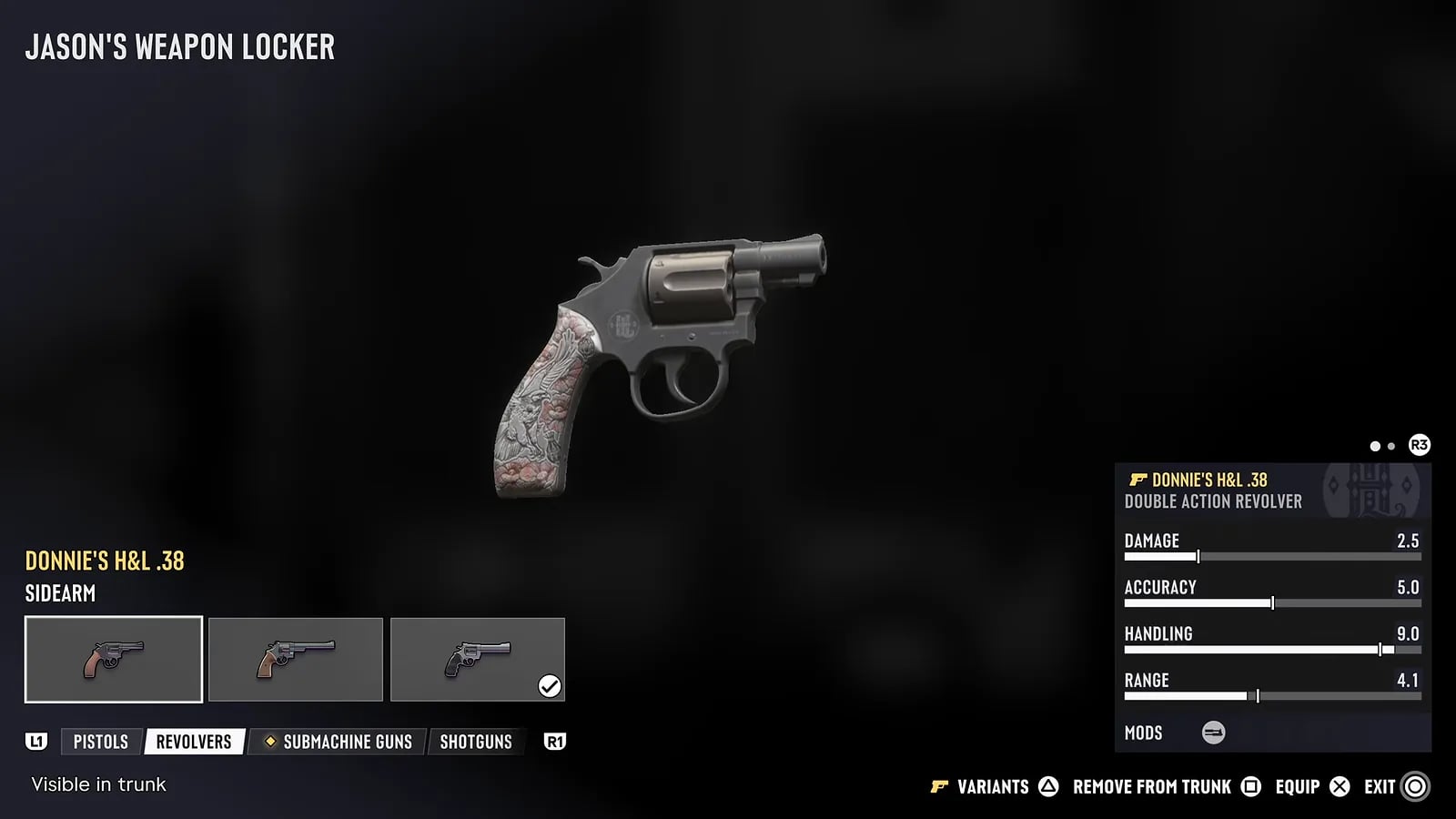
Only bought and legendary weapons stay yours; anything you take from enemies is gone after you die.
 Gameplay
Gun locker and trunk: switching your loadout
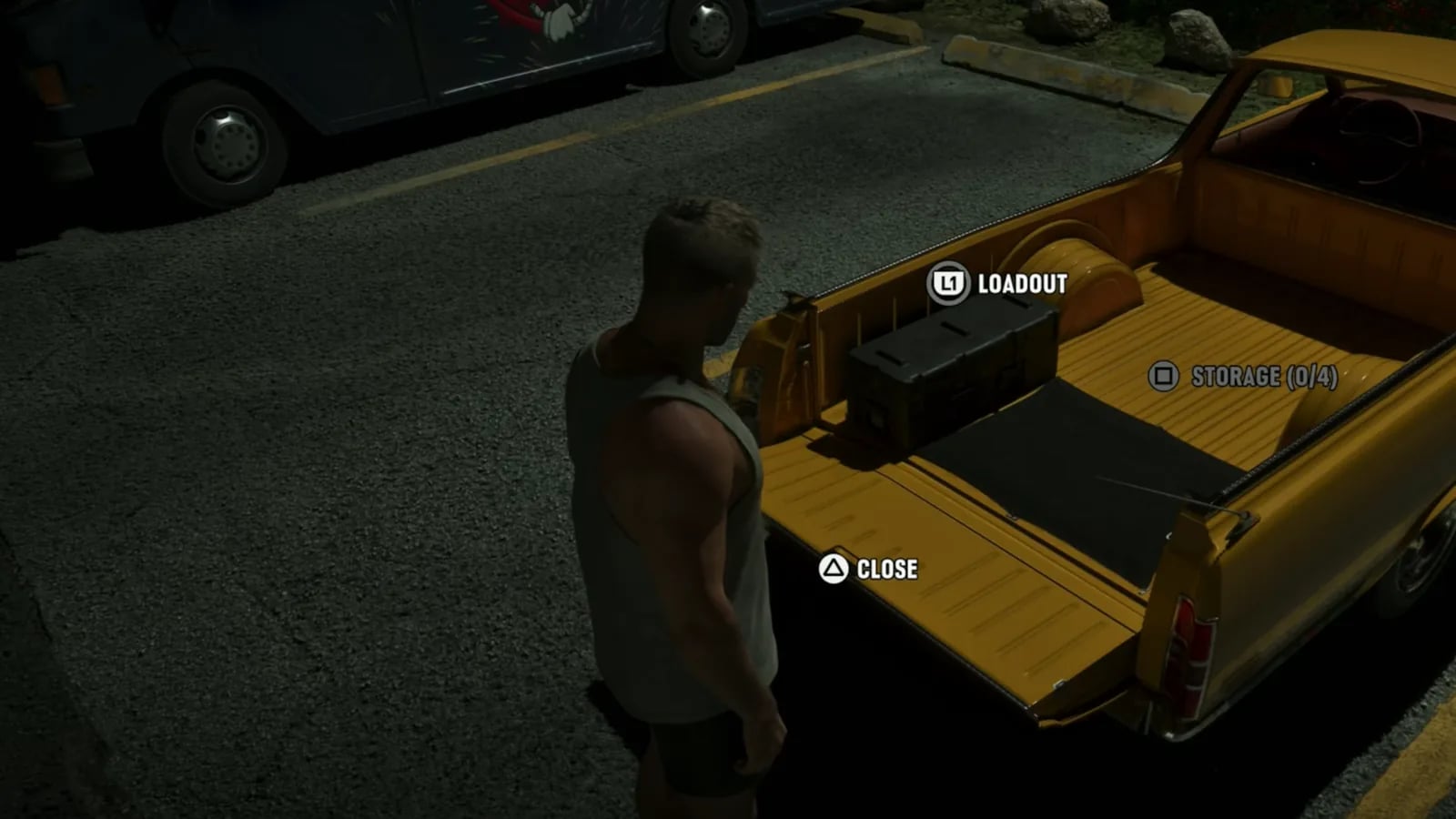
At the gun locker and in the trunk of your own car you swap weapons and get lost ones back.
 Gameplay
All Phone Apps: What They Do and When They Unlock
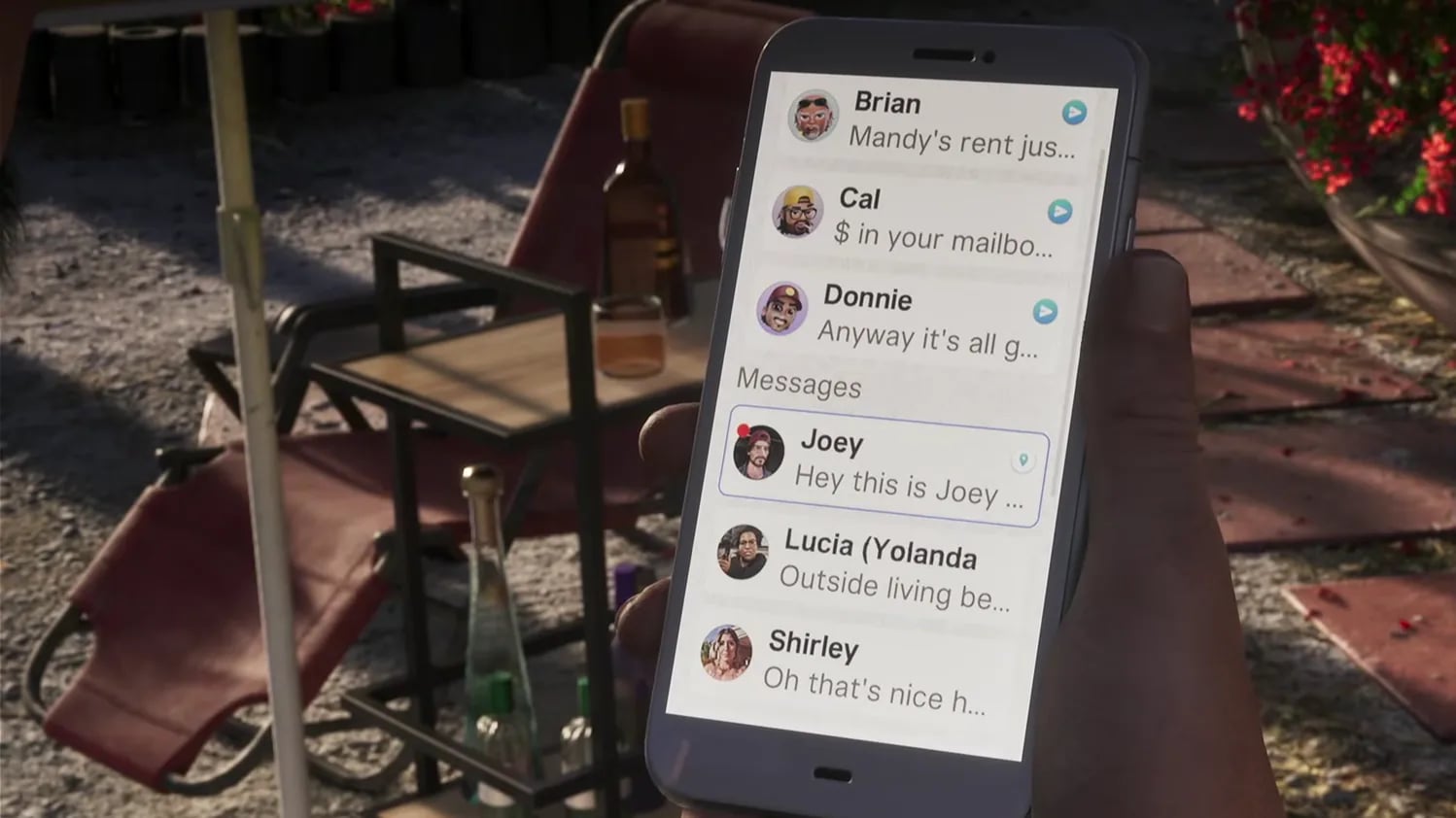
You open the phone with up on the D-pad; here are its apps and what you need to unlock them.
Watch the video
Rather see it in action? The video starts right at the good part.