
Read first, then play
Gun locker and trunk: switching your loadout
At the gun locker and in the trunk of your own car you swap weapons and get lost ones back.
How to do it
- Step 1:
Go into an Ammu-Nation store: most have a green gun locker, and so do some garages. On the map you can spot them by the locker icon in the feature list.
At the green gun locker you choose Manage Weapons or Loadout. - Step 2:
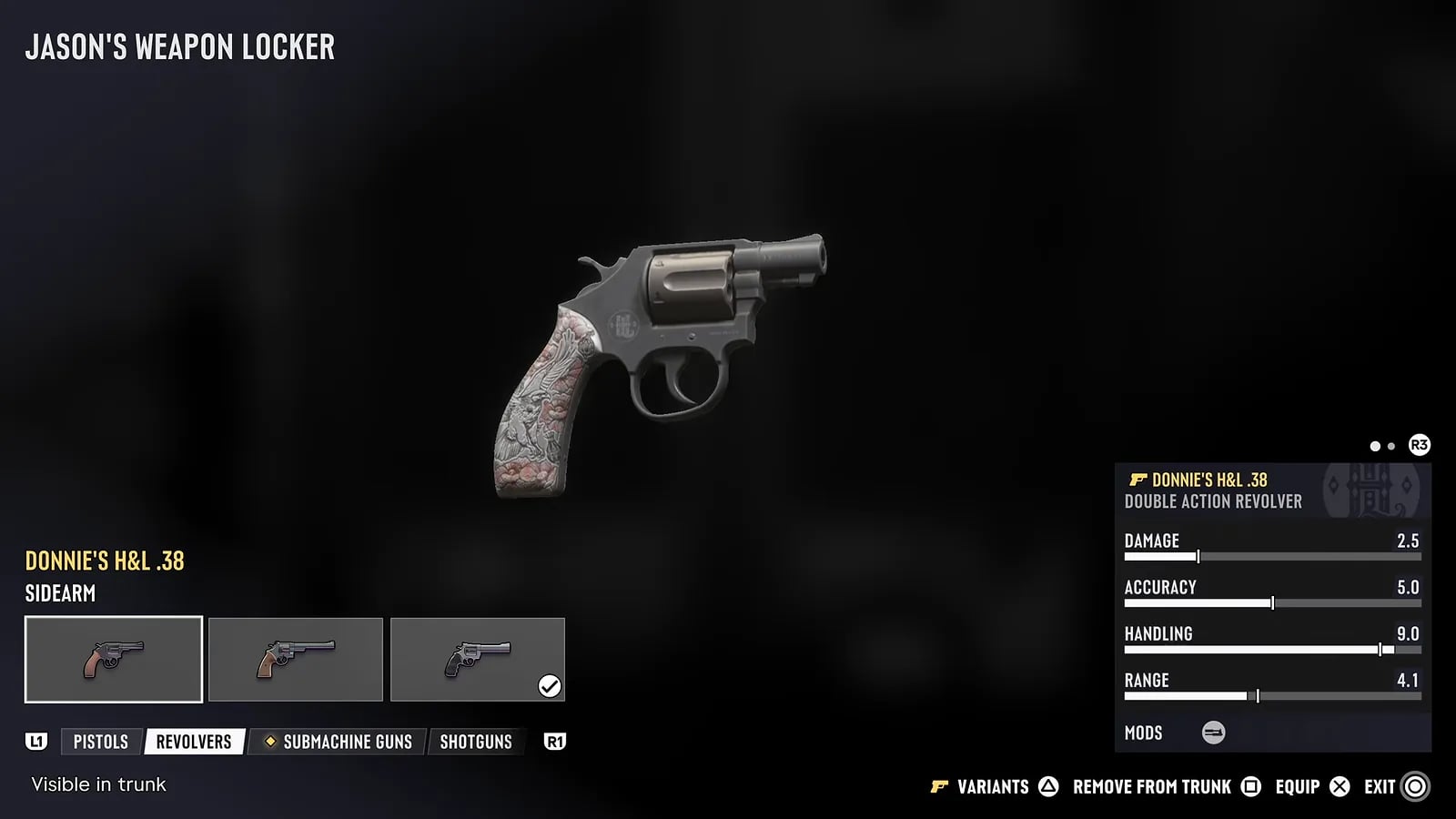
At the locker, choose “Manage Weapons”: there you see all your weapons and can equip them or put them in the trunk.
In the locker you see your weapons and whether they're in the trunk. - Step 3:
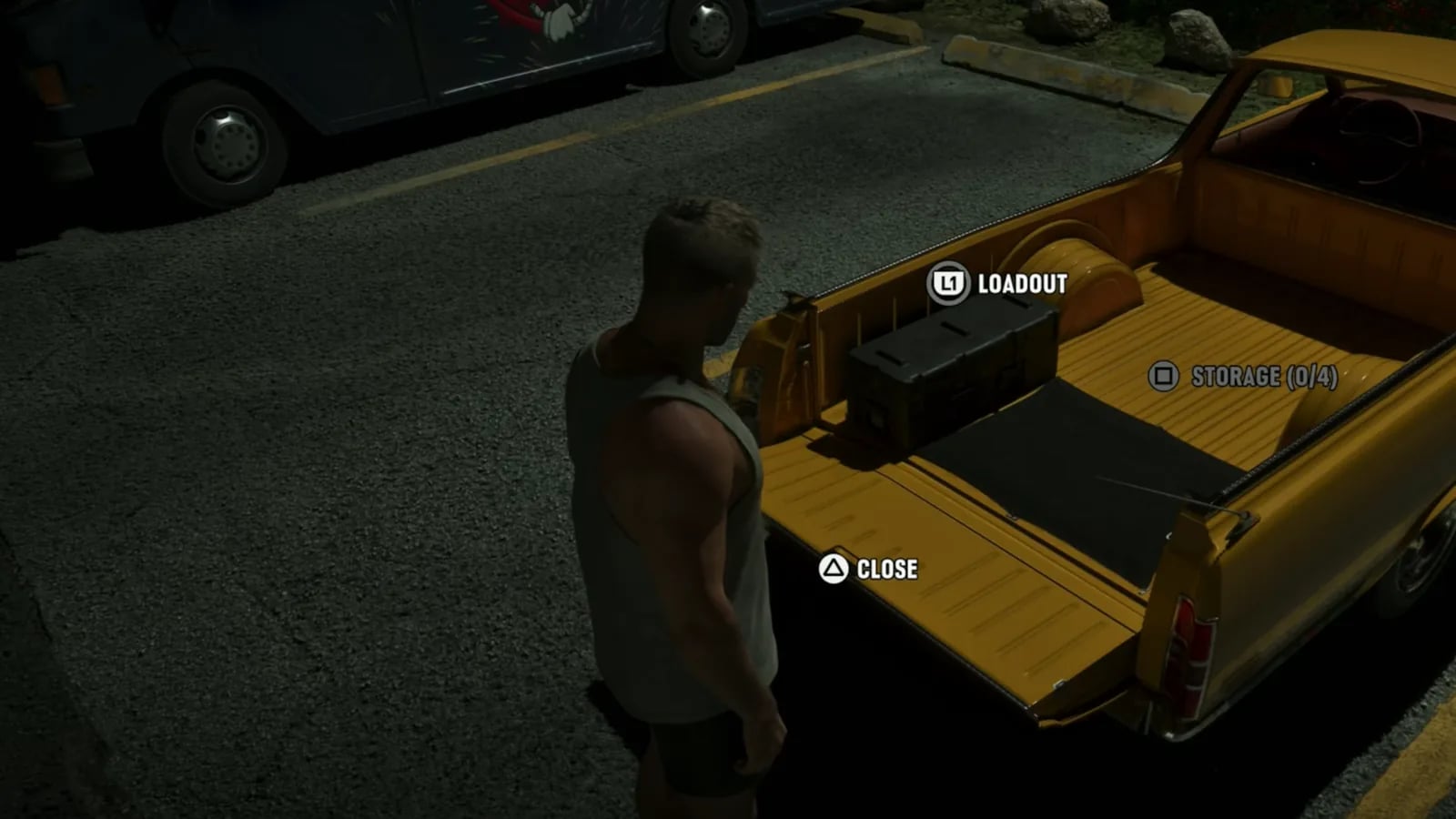
Step up to the rear of your own car and open the trunk with Triangle (PS5) or Y (Xbox).
At the rear of your car you open the trunk. - Step 4:
There you have two options: manage the loadout, or open the storage and move items in and out.
- Step 5:
In someone else's car you can only store and transport things; your stuff there is gone if you get Wasted or Busted.
Keep in mind
Good to know
In the trunk of your own car you change weapons in the loadout; your stuff stays there even if you get Wasted or Busted. Ammo, armor and explosives packs bought at Ammu-Nation also end up in the trunk. How much fits depends on the vehicle: in the pickup shown, the storage has four slots.
Does it work for you?
Your vote turns the “Verified” stamp into “Confirmed”.
Keep going
More like this
 Gameplay
Keeping weapons: bought, found, legendary
Only bought and legendary weapons stay yours; anything you take from enemies is gone after you die.
 Gameplay
Loadout and weapon wheel: how to switch weapons
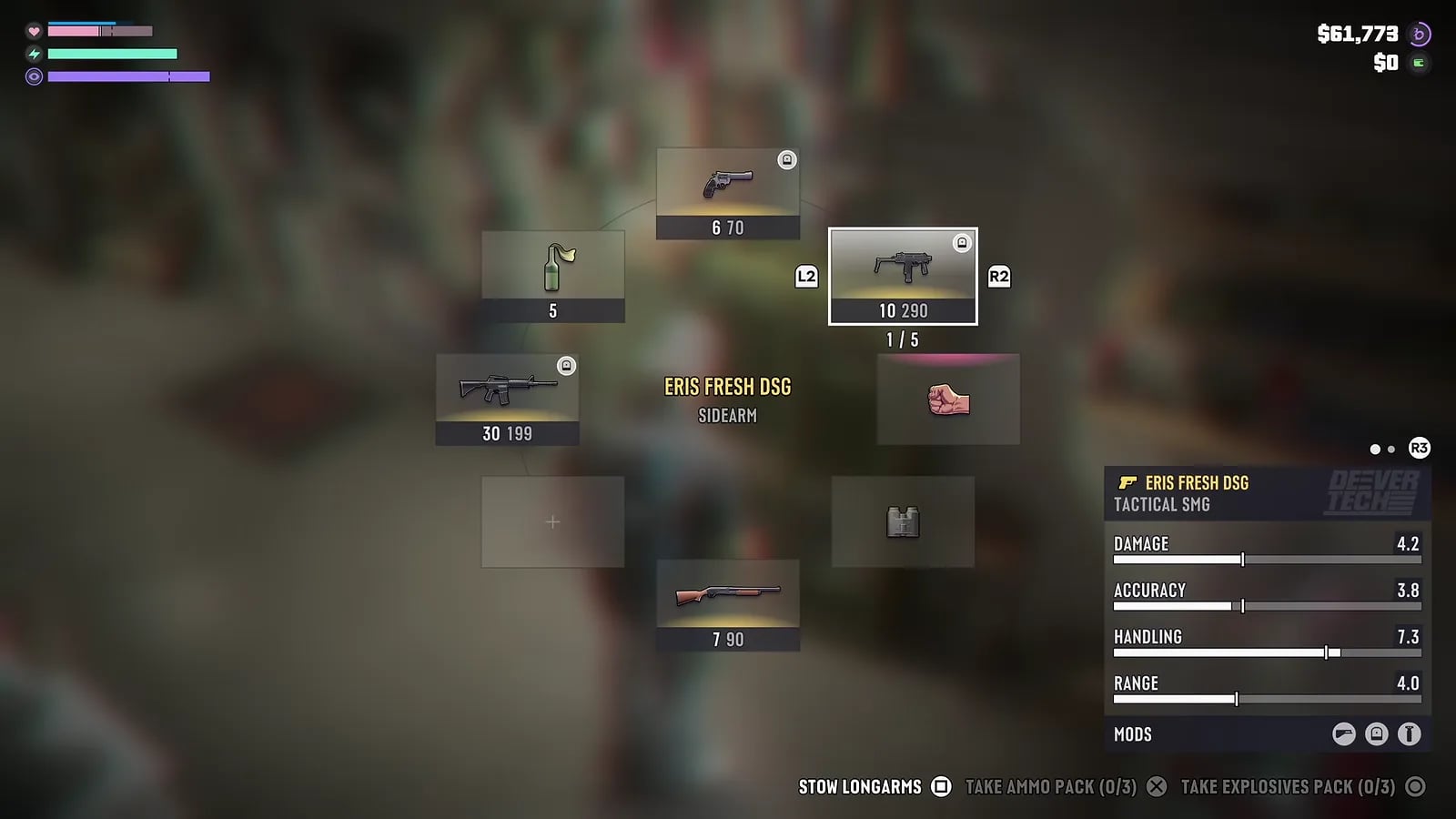
Hold L1/LB to open the loadout, where you switch weapons and items; you can only carry a little.
 Gameplay
Ammo and explosives: packs in the trunk
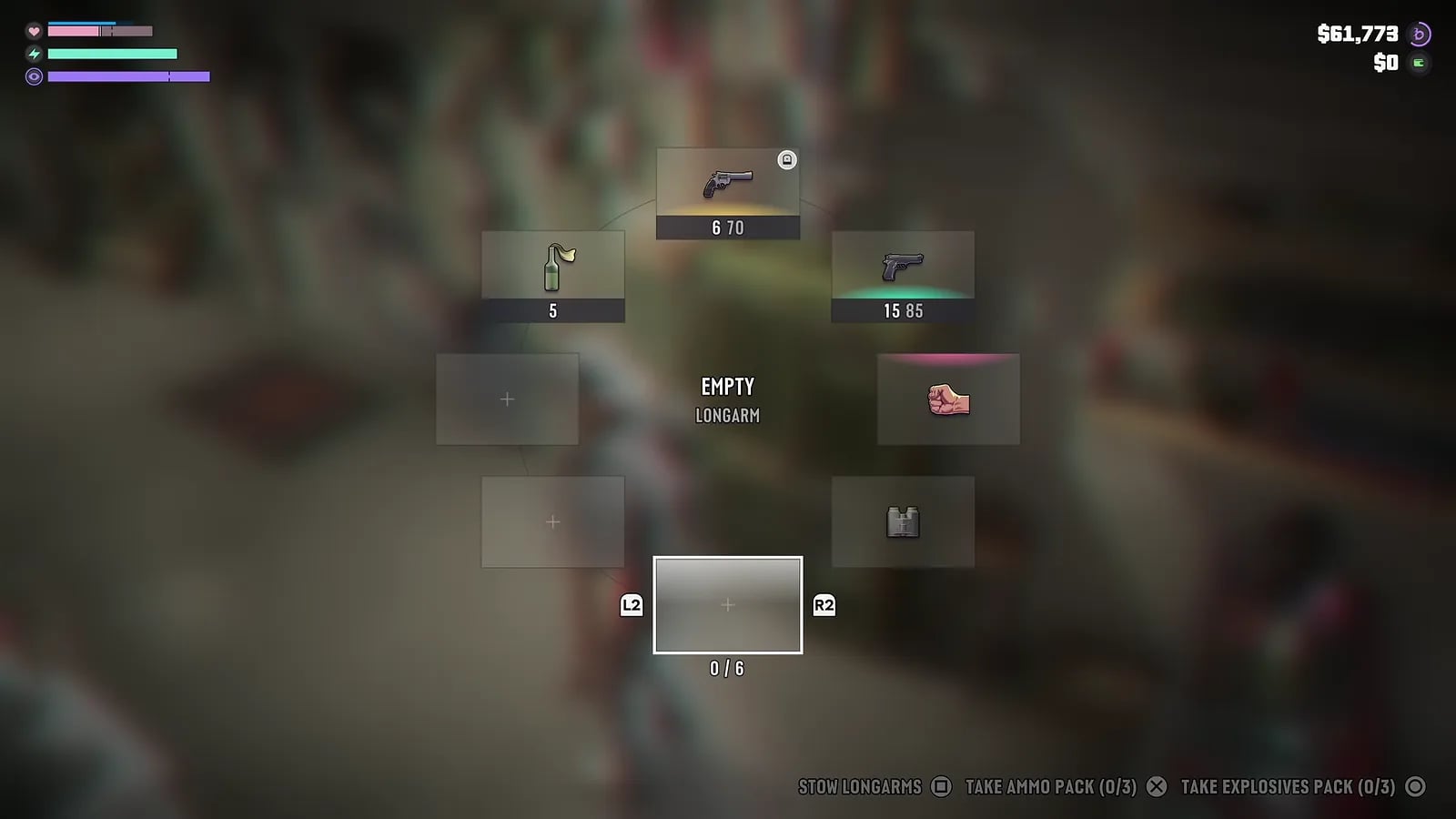
You buy ammo and explosives as packs that sit in the trunk and refill you.
Watch the video
Rather see it in action? The video starts right at the good part.