

New to Leonida?
PS5 Crashes: Error Codes and Fixes
If GTA 6 crashes on PS5, the console often shows a CE error code; for two of the codes, Sony has steps to follow.
Tips · No. 36
5
steps
- Codes
- CE-108255-1, CE-107891-6, CE-108262-9
- Platform
- PS5
How to do it
- Step 1:
Update GTA 6 and the PS5 system software.
- Step 2:
For CE-108255-1 (game or app crashes): update the game.
- Step 3:
For CE-107891-6 (game or update not installed correctly): delete the game under Settings > Storage and reinstall it; your save data is kept.
- Step 4:
Fully shut down the console (not Rest Mode), unplug the power cable for 30 seconds and restart.
- Step 5:
If nothing helps, contact support with the error code.
Keep in mind
Good to know
If reinstalling, clearing the cache and rebuilding the database haven't helped, a hardware fault in the console is also possible, and Sony is the right place to turn. If the game freezes, you can try “Clear Cache and Rebuild Database” in Safe Mode. CE-108262-9 also comes up. These steps are Sony's standard recommendations, not a Rockstar fix.
Does it work for you?
Your vote turns the “Verified” stamp into “Confirmed”.
Keep going
More like this
 Tip
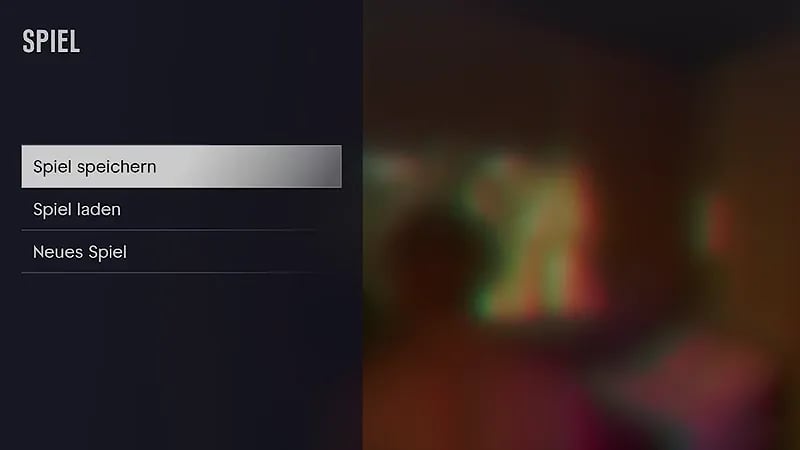
Saving: 15 Slots, Never Mid-Mission
The game has no mission replay; only a manual save gets you back before a mission, and the autosave doesn't back up everything.
 Tip
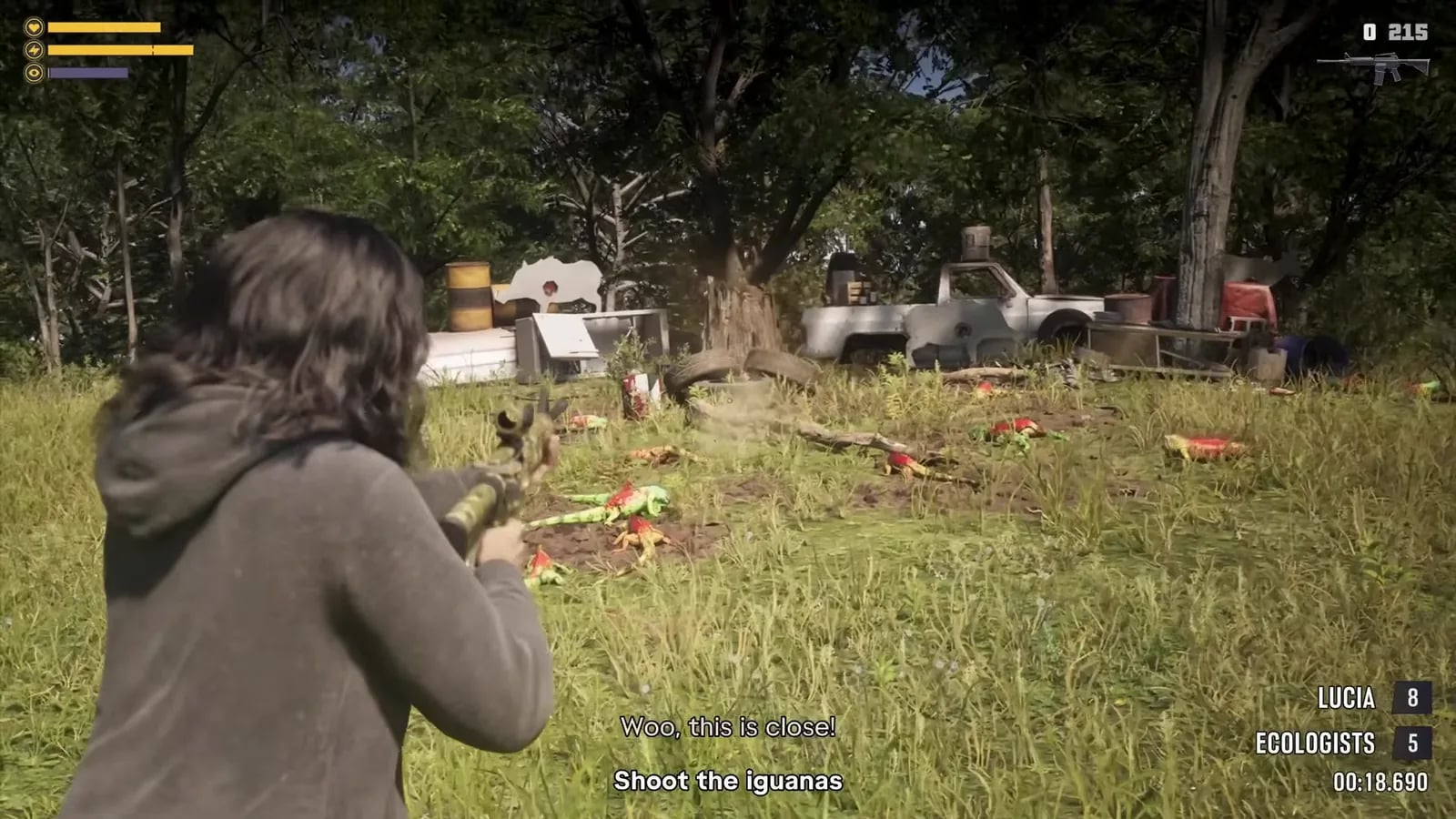
Iguana Shooting Contest: Permanent Focus and $250
In the woods east of Port Gellhorn, you shoot iguanas against the Leonida Ecological Society; the winner gets $250 and a permanent boost to max focus.
 Tip
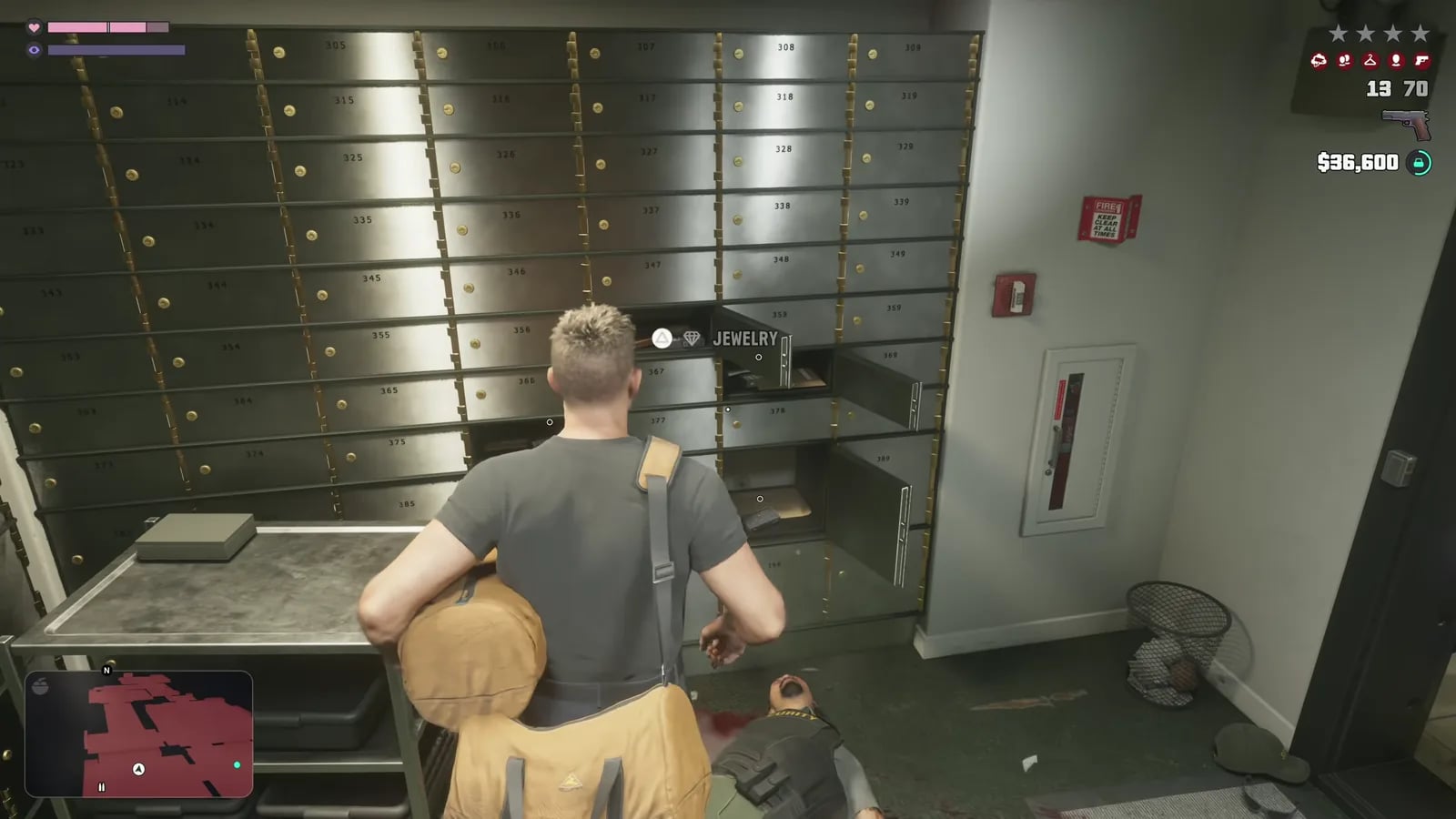
Roadmap: How to Make Money in Each Chapter
Early on, saving barely pays off; in the middle, cars and jewelry earn the most; late, the bank vaults do. Here's the way to each route.