
Read first, then play
Attachments and mods: what works where
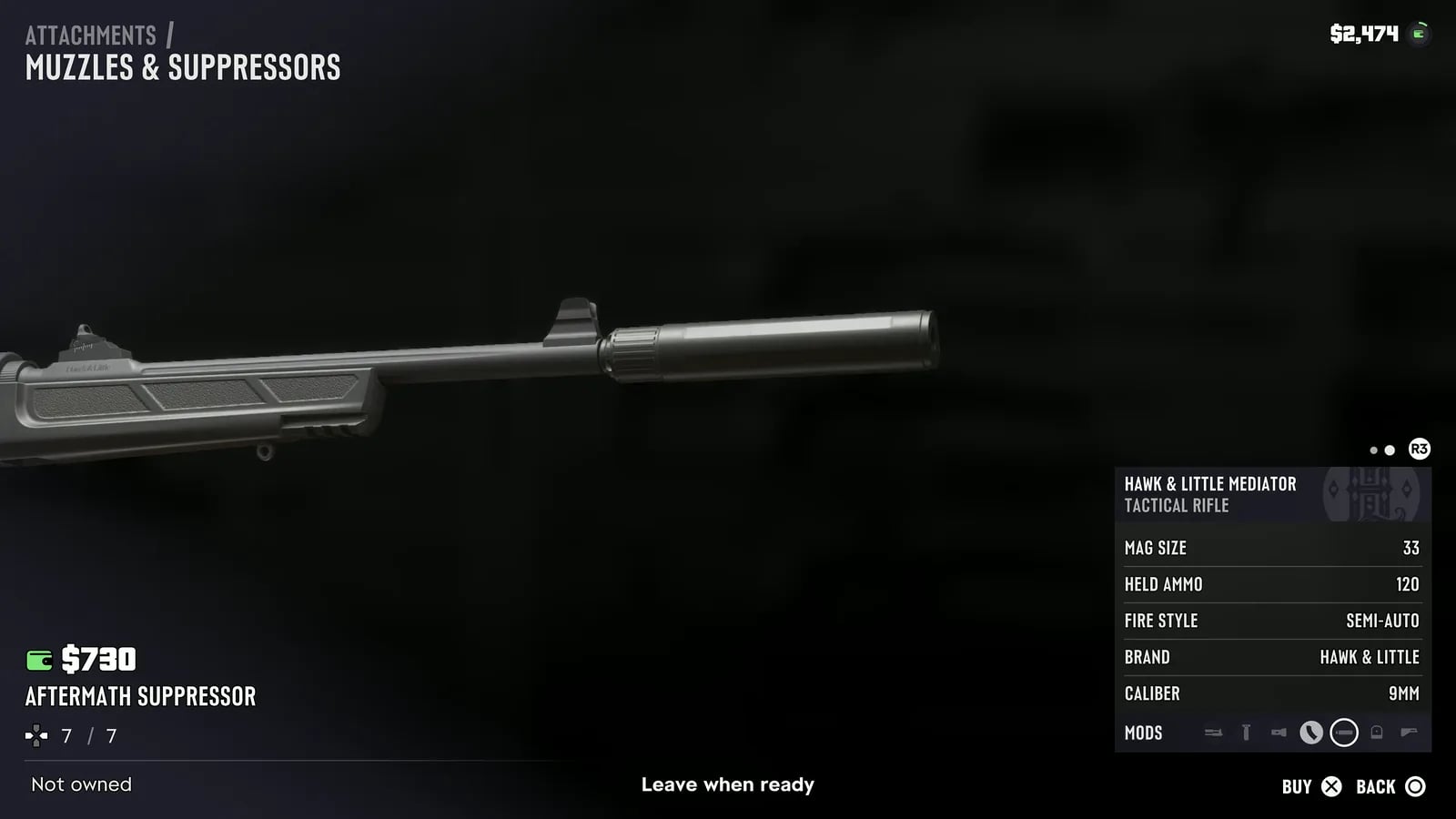
You can only modify weapons you've bought, and only some of those on the go.
How to do it
- Step 1:
In an Ammu-Nation, open the Modify menu and pick a weapon you own.
The Modify menu lists all of the weapon's parts. - Step 2:
Parts come as barrels, foregrips, handguards, lights, magazines, muzzle attachments (suppressors), optics and pistol grips; you buy new parts right in the menu.
For each part you can see what it changes in the stats. - Step 3:
You can attach or remove suppressors and flashlights on the go in the loadout; all other parts only in the store.
- Step 4:
You'll find paint and wraps on the Cosmetics tab next to Attachments.
The Cosmetics tab sits next to Attachments.
Keep in mind
Good to know
Both characters can use the weapon itself, but not the attachments: Jason and Lucia have separate mods and equip them separately. Found weapons and legendary weapons can't be modified; legendary ones come with fixed equipment. The menu shows what each part changes in the stats, such as magazine size.
Does it work for you?
Your vote turns the “Verified” stamp into “Confirmed”.
Keep going
More like this
 Gameplay
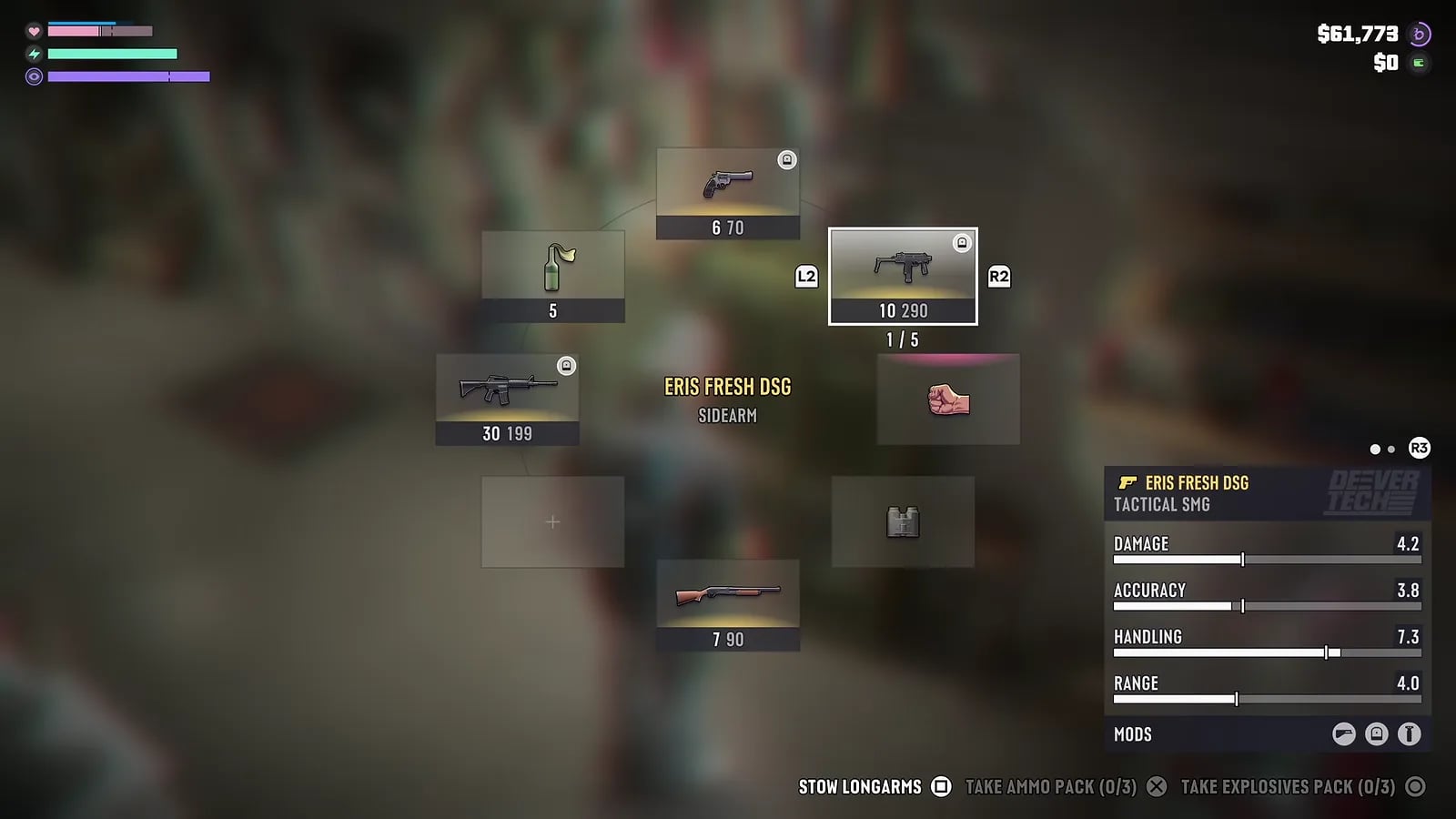
Loadout and weapon wheel: how to switch weapons
Hold L1/LB to open the loadout, where you switch weapons and items; you can only carry a little.
 Gameplay
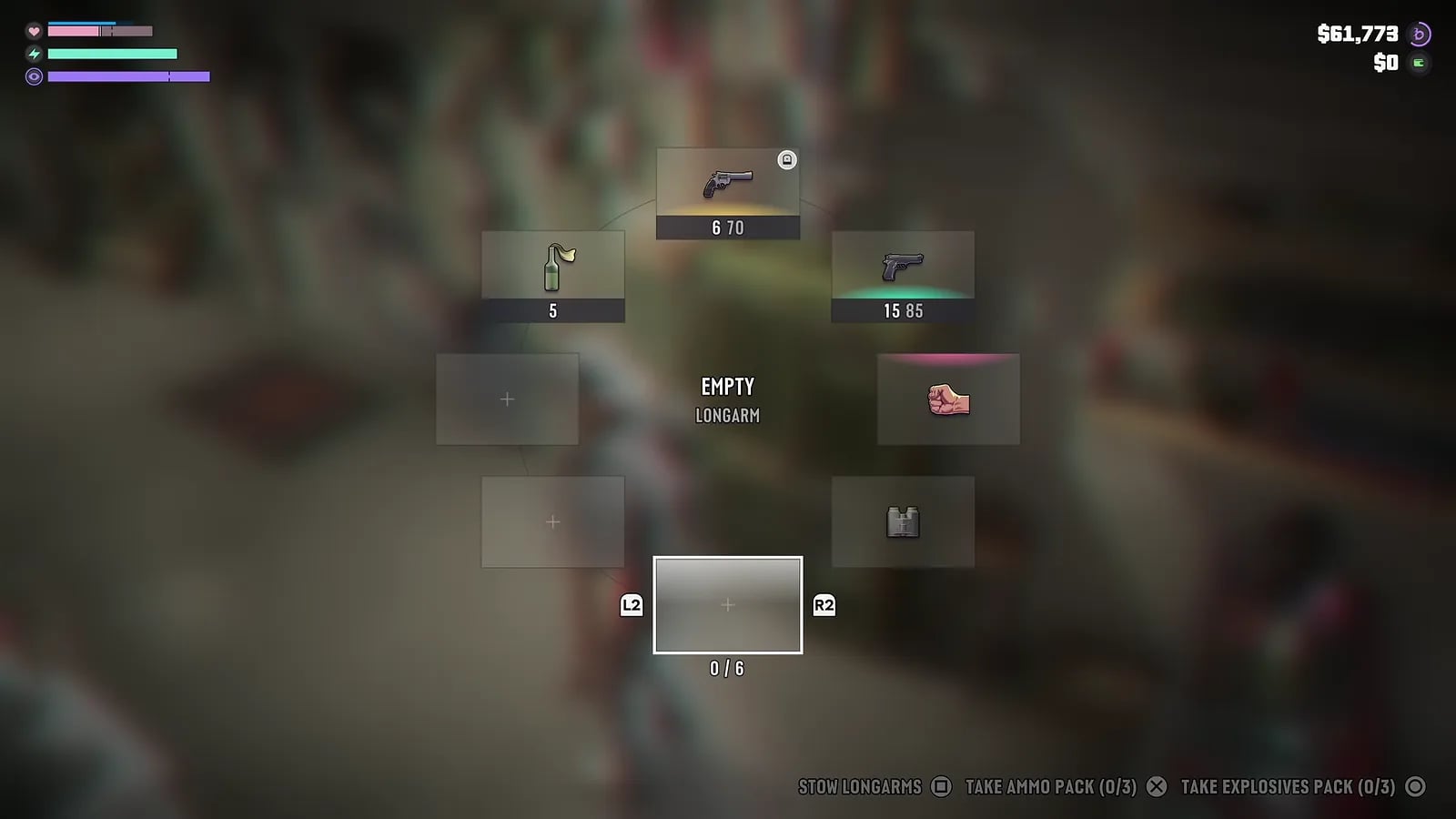
Ammo and explosives: packs in the trunk
You buy ammo and explosives as packs that sit in the trunk and refill you.
 Gameplay
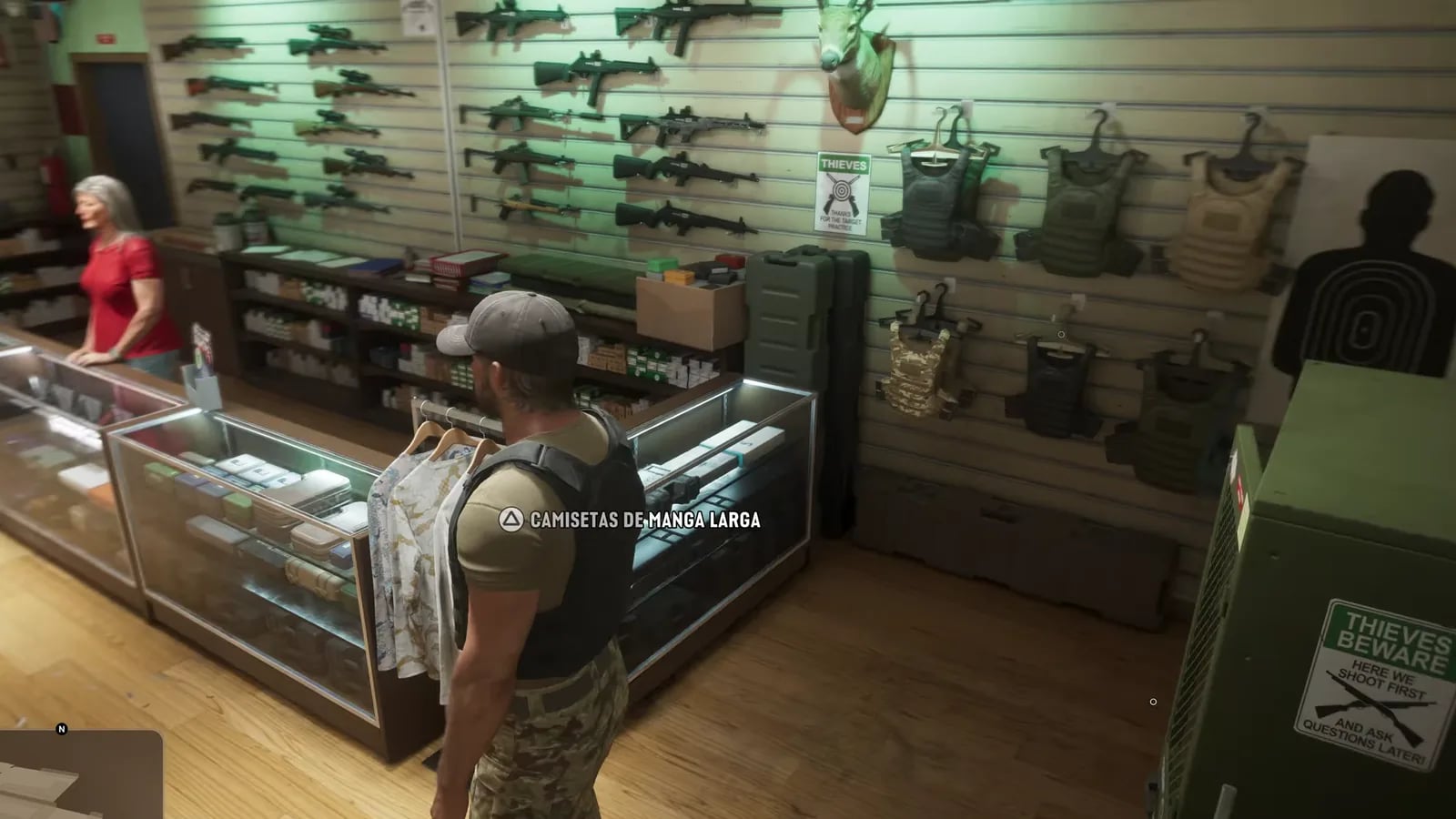
Ultimate Edition: Bonus Weapons in the Arsenal
The Ultimate Edition unlocks exclusive weapon variants, which you'll find in the Ammu-Nation arsenal.
Watch the video
Rather see it in action? The video starts right at the good part.