
Read first, then play
Aiming, aim assist and Focus: kill or take down
You aim freely or with aim assist; in the settings you choose how much help the game gives you when you line up a shot.
How to do it
- Step 1:
Hold L2 / LT to aim and press R2 / RT to shoot; L1 / LB holsters the weapon.
Aim L2, shoot R2, holster L1: the on-foot button layout. - Step 2:
Press R3 / the right stick for precision aiming: the view zooms in slightly and you can hit body parts more precisely.
- Step 3:
Switch shoulders with D-pad left and zoom a scope with D-pad up and down.
- Step 4:
Activate Focus (press both sticks): time slows down and enemies show hit points; yellow ones (weapon, elbow, knee) are non-lethal, red ones (head, heart) are lethal.
- Step 5:
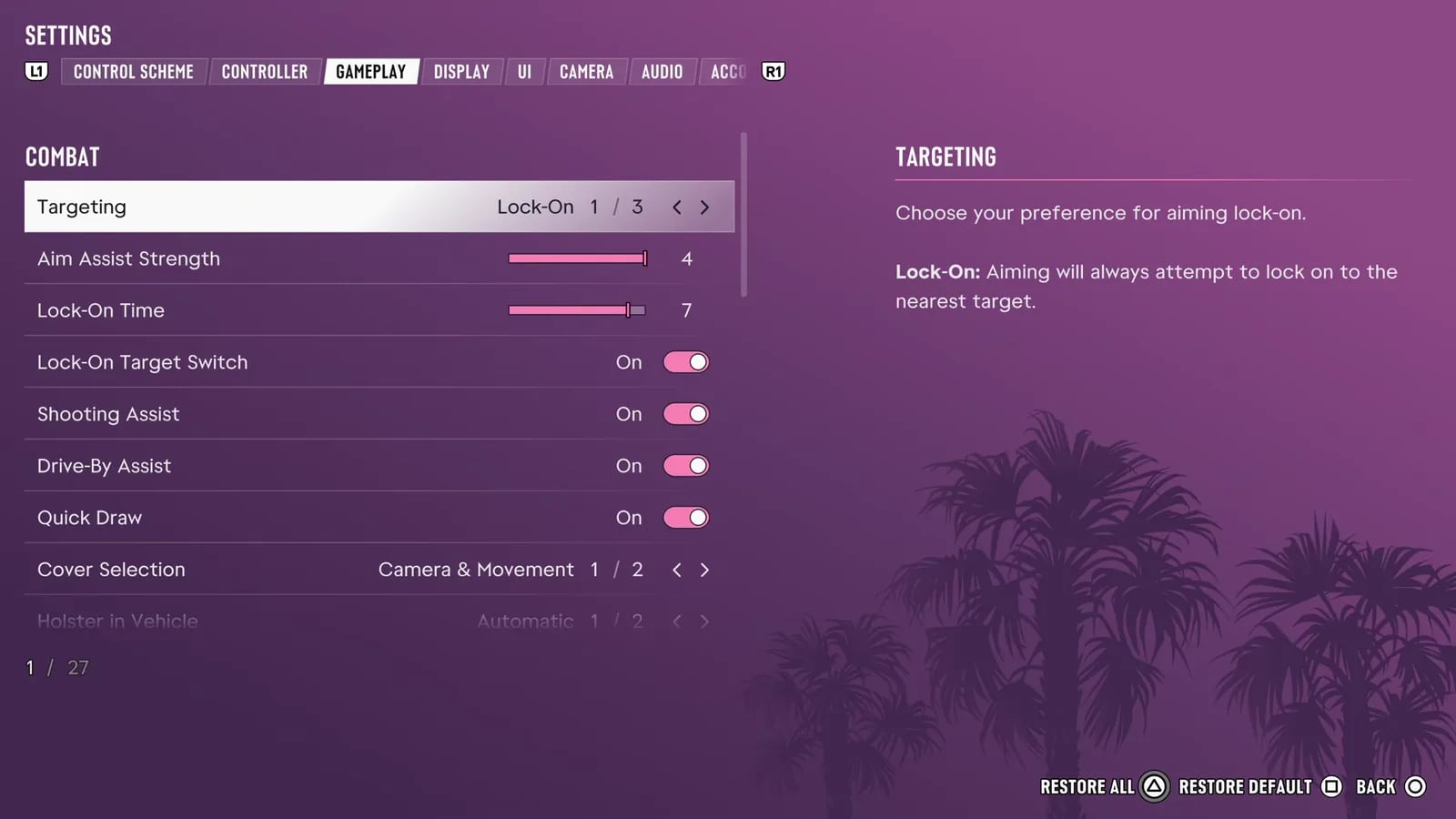
In Settings > Gameplay > Combat, set the aiming type (Lock-On, Partial, Free Aim) and the strength of the aim assist.
You find the aiming type and aim assist on the Gameplay tab under Combat.
Keep in mind
Good to know
Sustained fire lowers accuracy, so at range you should shoot in bursts. Killing lots of enemies pushes up your criminal profile and the police treat you as a bigger threat; shooting to incapacitate keeps it lower. In the Combat menu you can also toggle lock-on time, target switching, Shooting Assist, Drive-By Assist and Quick Draw.
Does it work for you?
Your vote turns the “Verified” stamp into “Confirmed”.
Keep going
More like this
 Gameplay
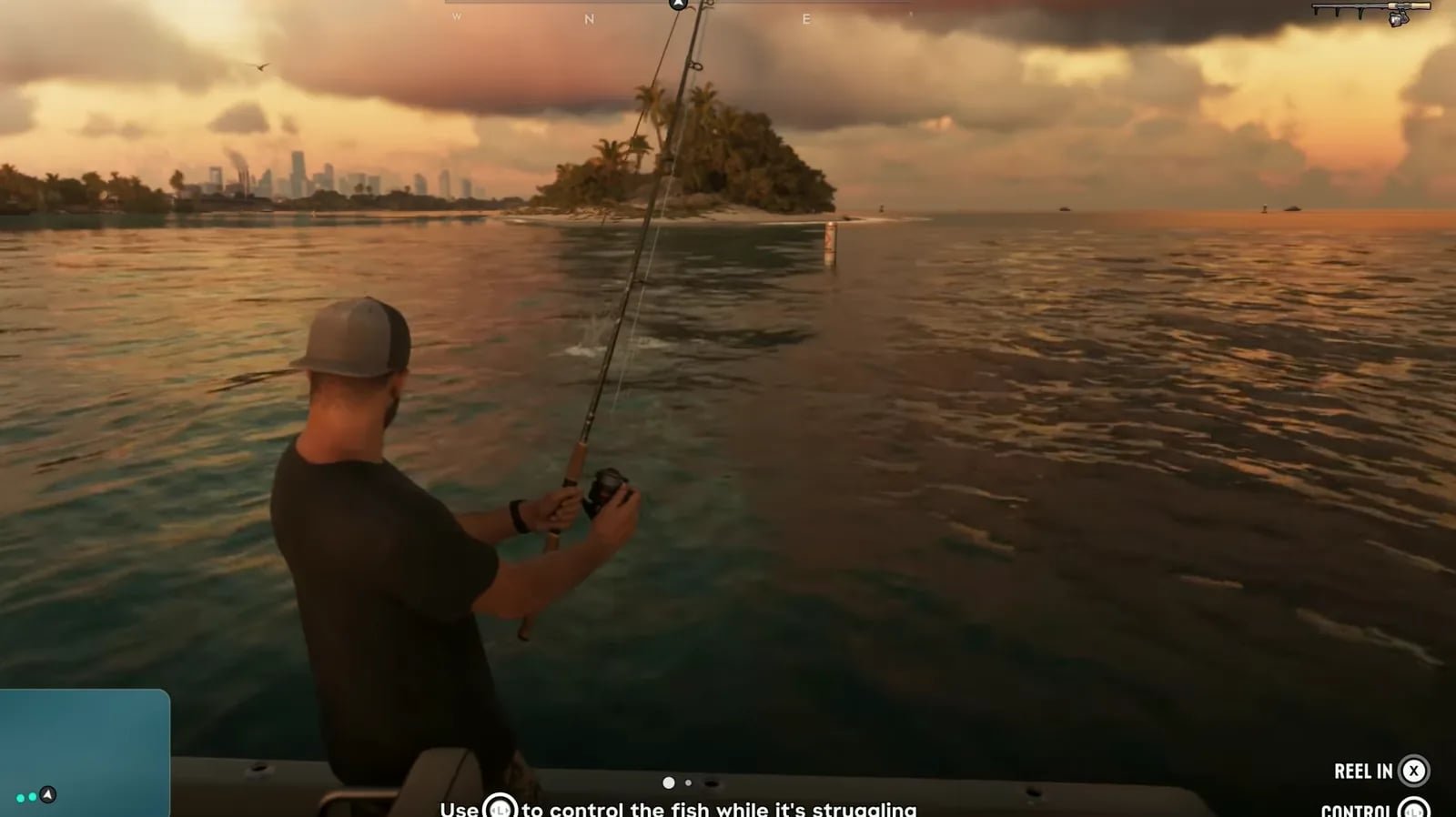
Fishing: Grip the Rod, Cast, Fight the Fish
Fishing is available from the start; it doesn't earn money, but it counts toward Focus, challenges, and 100%.
 Gameplay
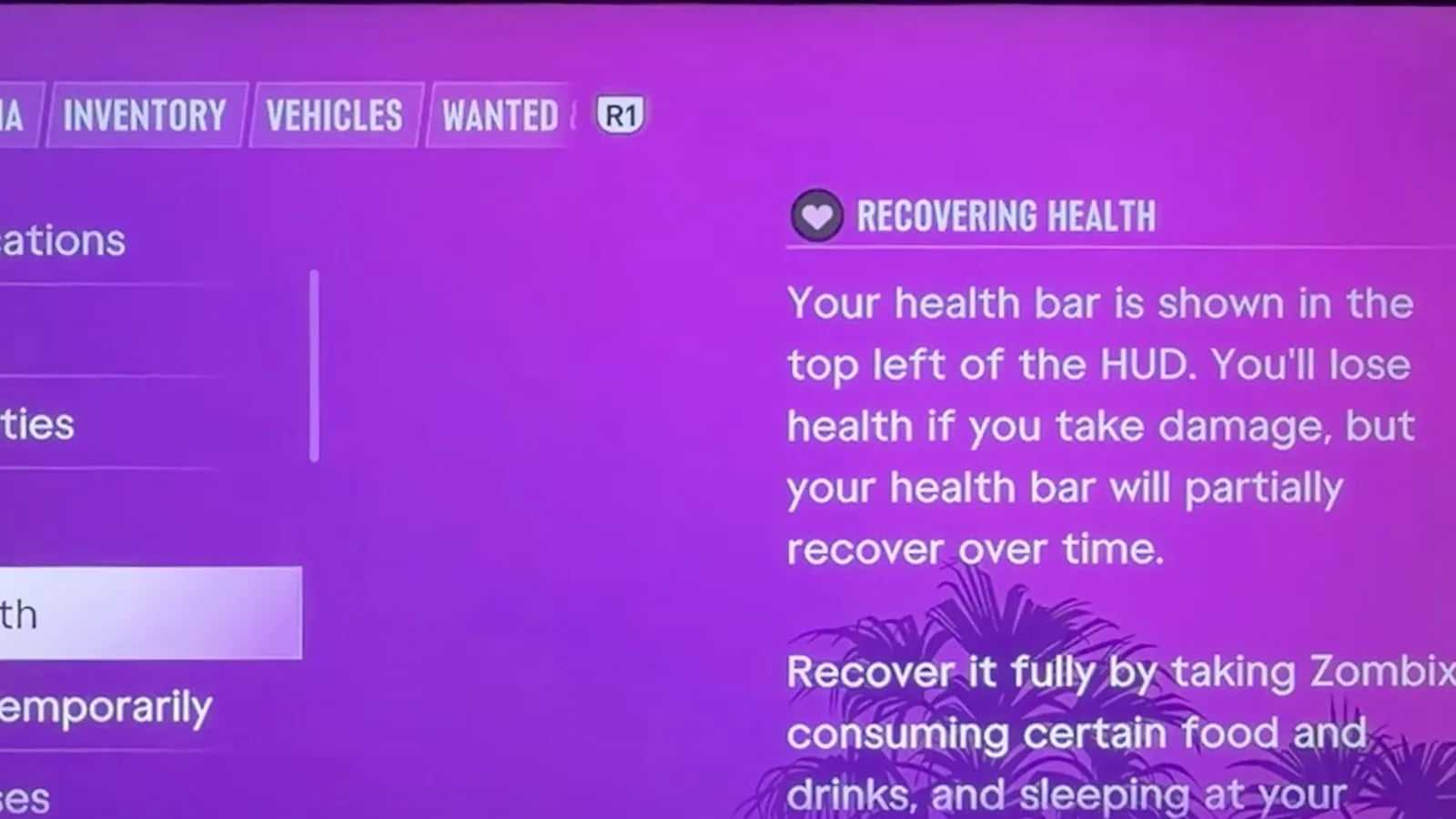
Healing and body armor in combat
Health only partly refills on its own; you get back to full with Zombix, food or sleep, and armor absorbs bullets and explosions.
 Gameplay
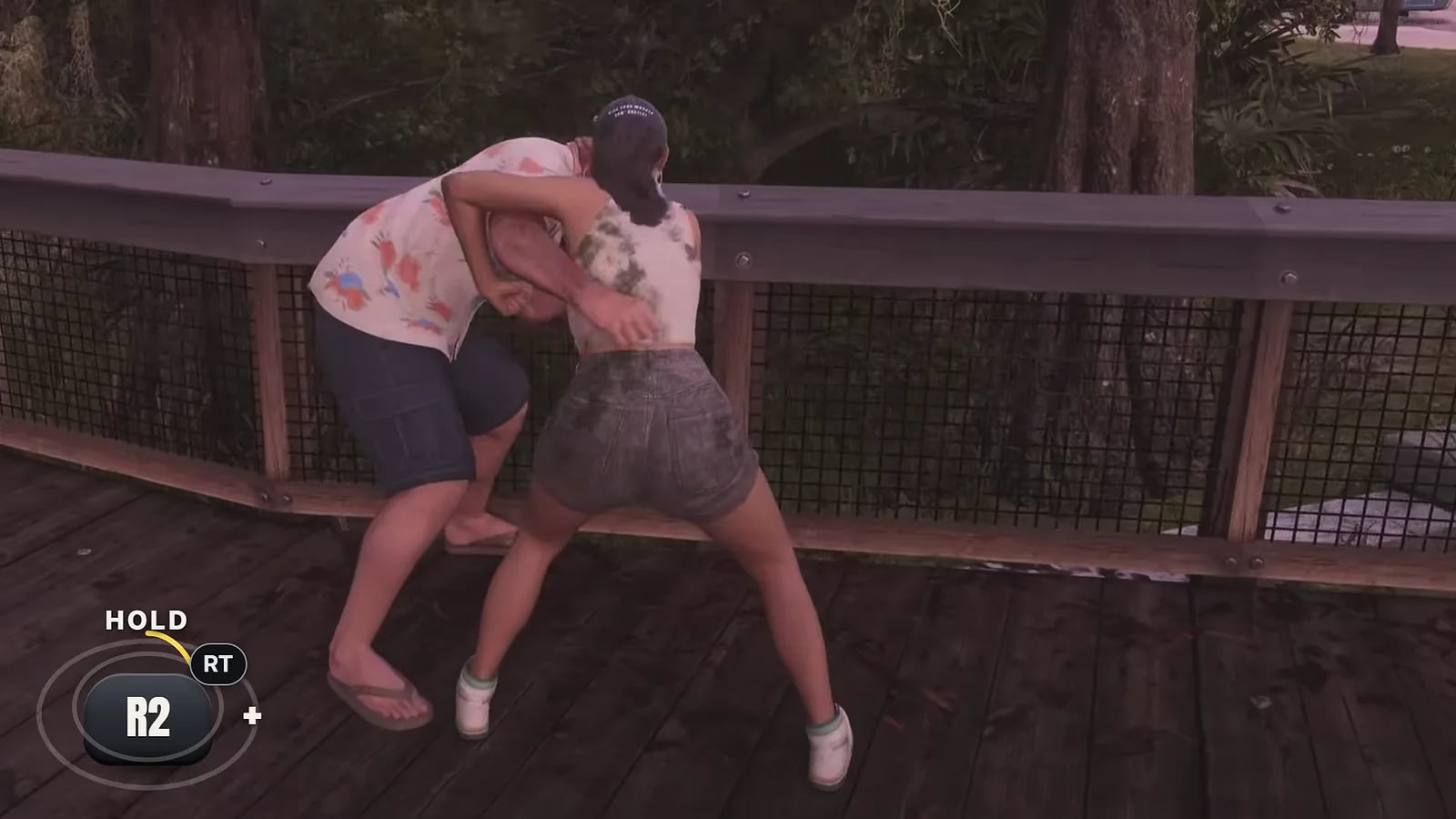
Melee: punch, block, grab and take down
In melee you punch, block, dodge at the right moment and grab enemies to take them out.
Watch the video
Rather see it in action? The video starts right at the good part.