
Read first, then play
Combat controls: aiming, cover, melee
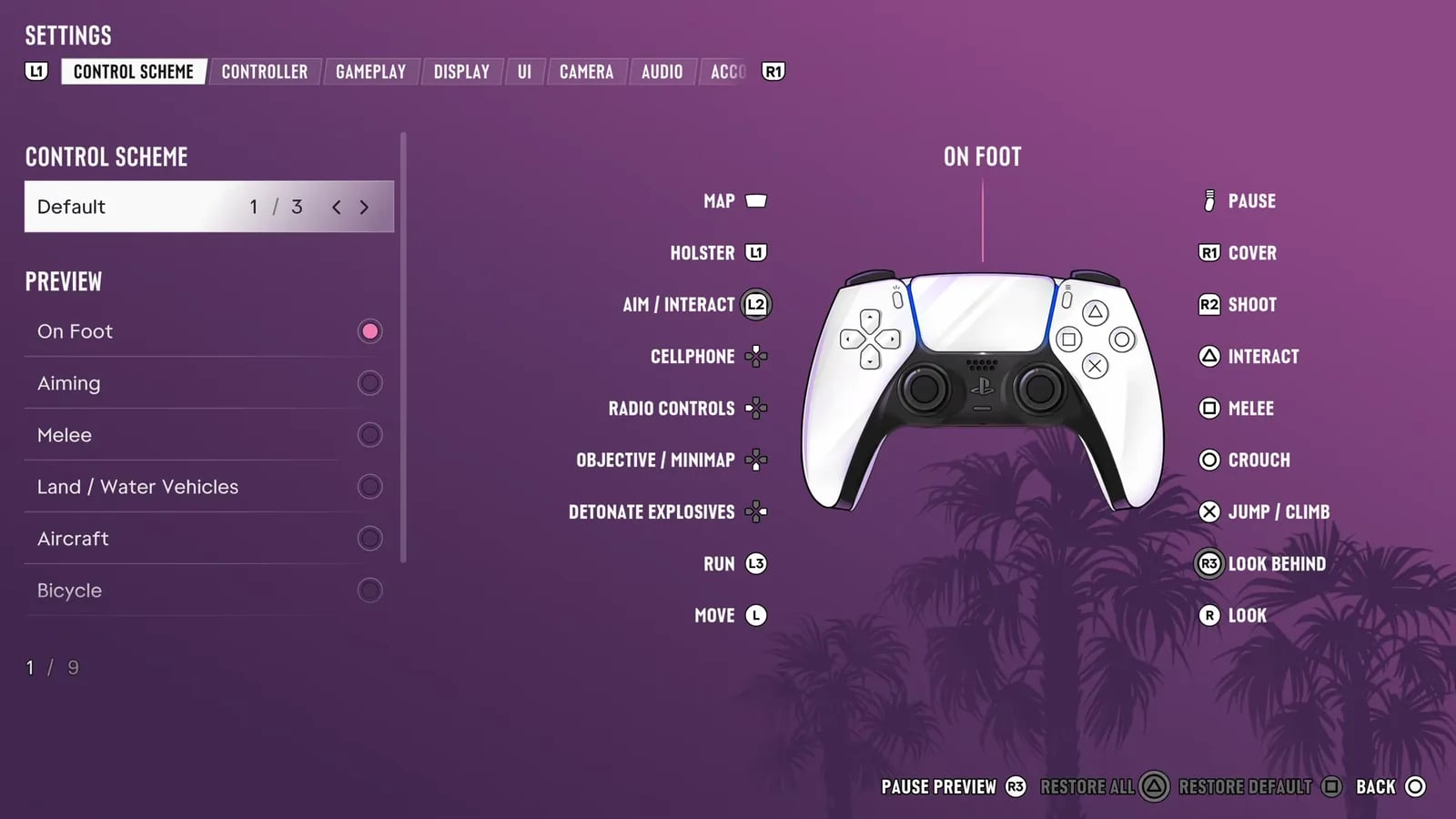
All combat buttons at a glance: aiming, cover, throwing and detonating explosives, melee, blocking and dodging.
How to do it
- Step 1:
Aim: hold L2 or LT, shoot with R2 or RT, holster your weapon with L1 or LB; switch shoulders with D-pad left.
- Step 2:
Cover: walk up to a wall and press R1 or RB; a second press leaves cover. Aim from cover with L2 / LT.
- Step 3:
Melee: Square or X for punches and kicks, hold for the heavy attack.
Square or X throws a punch. - Step 4:
Block: hold X (PS5) or A (Xbox); counter or dodge: tap the same button just before the hit lands.
Hold X (PS5) or A (Xbox) to block. - Step 5:
Explosives: hold R1/RB for a quick throw, aim with L2/LT and R2/RT; detonate sticky bombs with D-pad right.
Keep in mind
Good to know
Grenades flush enemies out of cover, and sticky bombs open safes in some heists. If a fight has gotten out of hand, switch to the second character and have them flank. Under Settings > Gameplay > Combat you choose Lock-On, Partial or Free Aim and the strength of the aim assist.
There's more to see
More images
Does it work for you?
Your vote turns the “Verified” stamp into “Confirmed”.
Keep going
More like this
 Gameplay
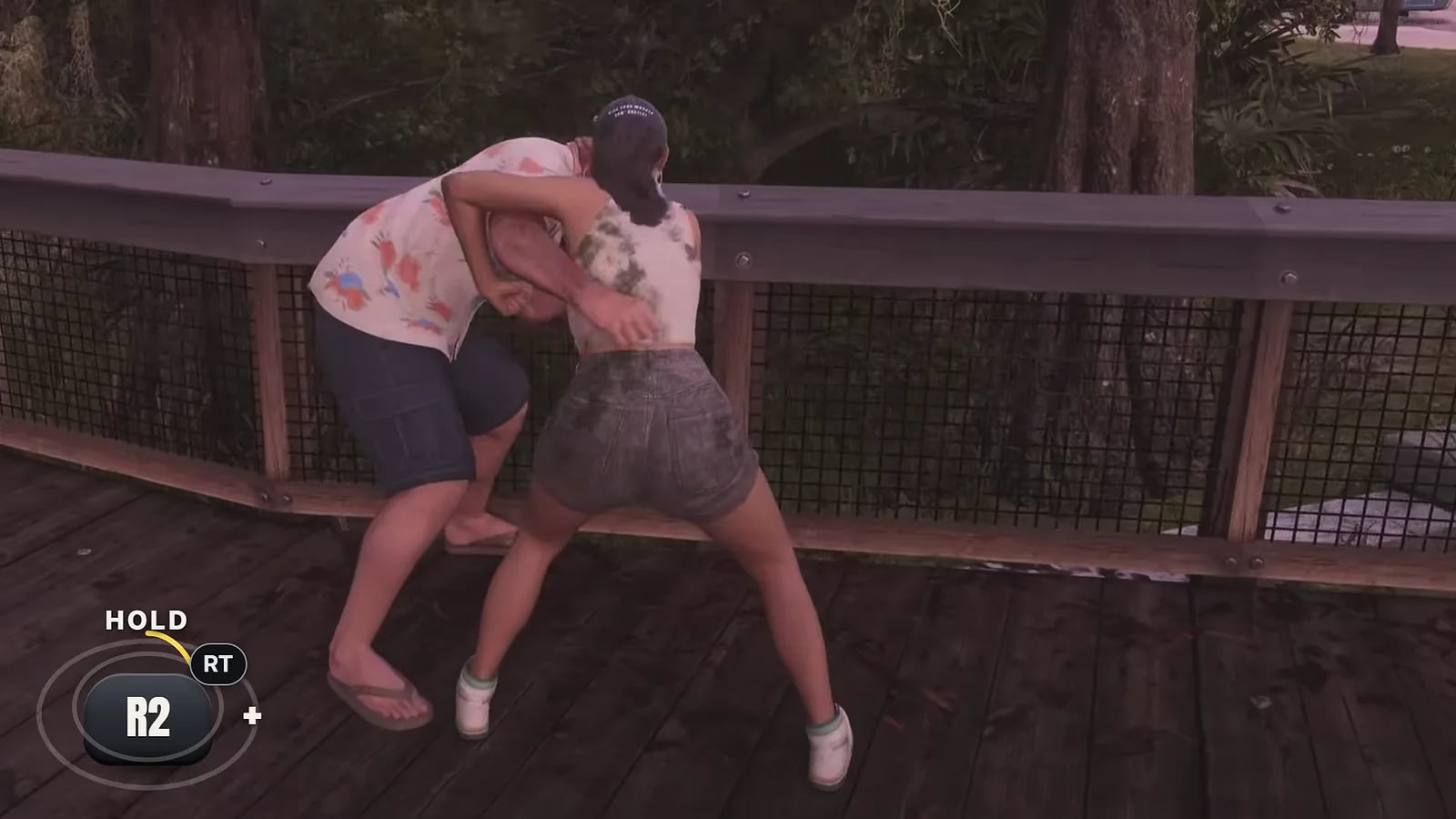
Melee: punch, block, grab and take down
In melee you punch, block, dodge at the right moment and grab enemies to take them out.
 Gameplay
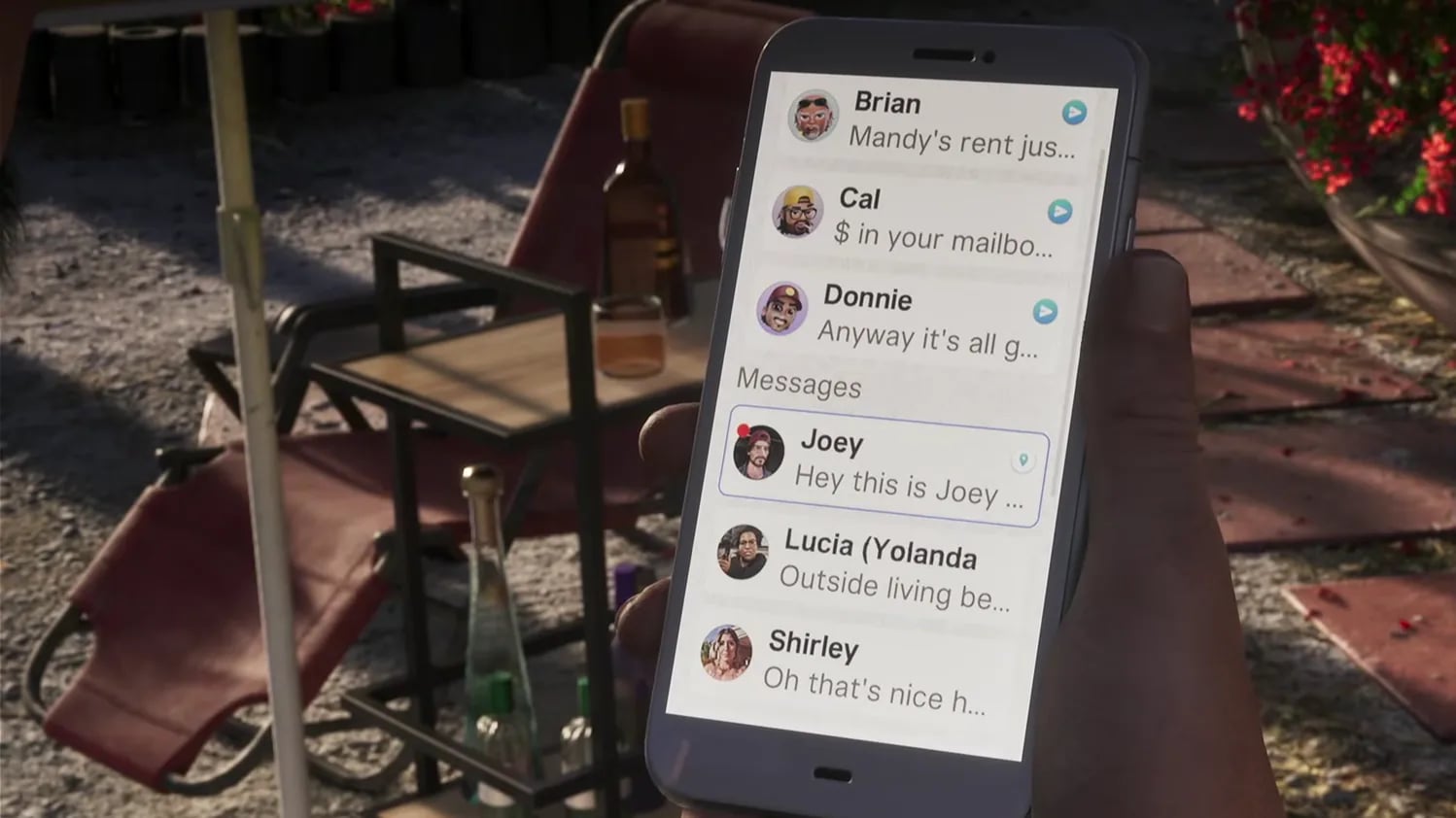
All Phone Apps: What They Do and When They Unlock
You open the phone with up on the D-pad; here are its apps and what you need to unlock them.
 Gameplay
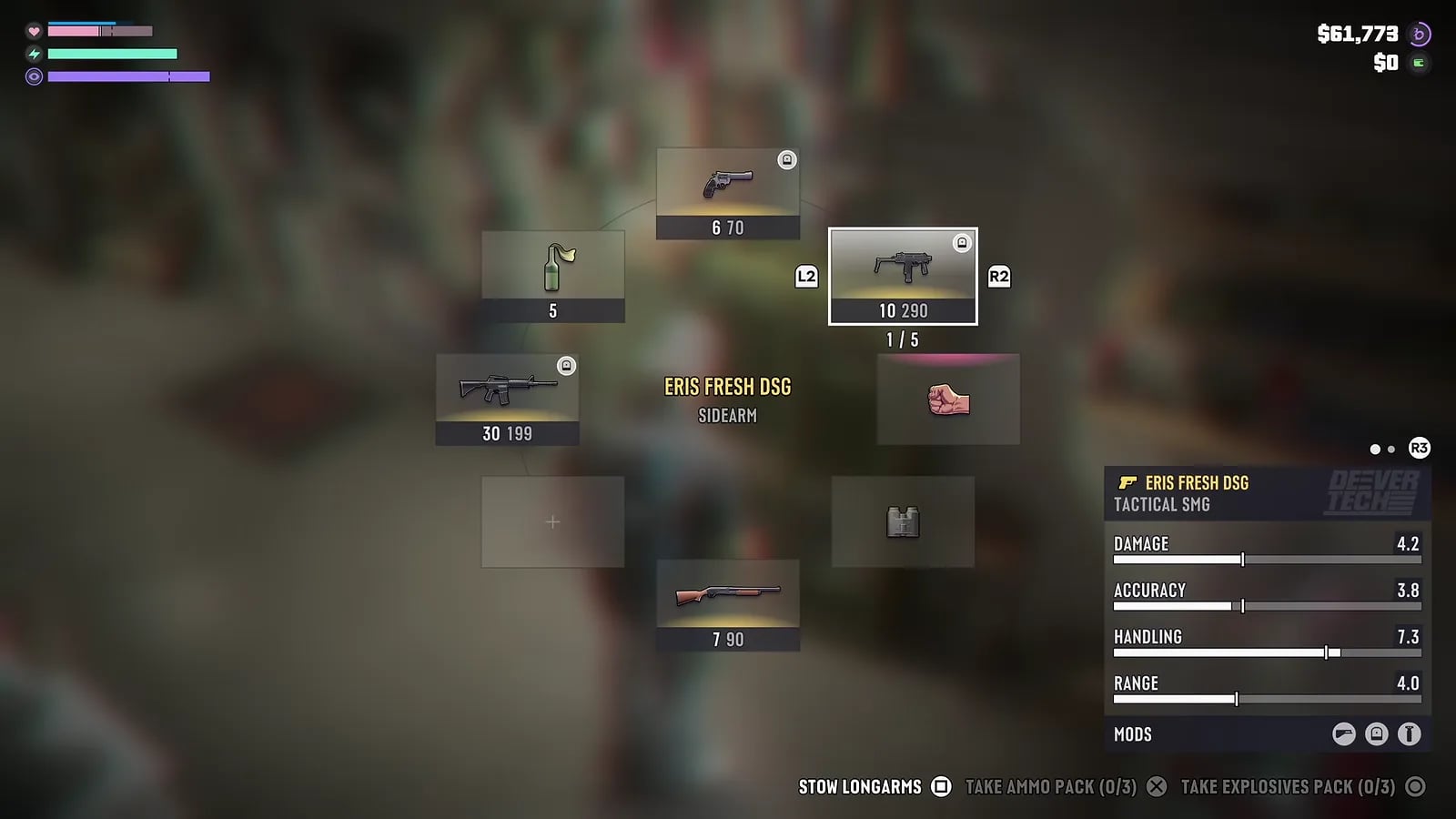
Loadout and weapon wheel: how to switch weapons
Hold L1/LB to open the loadout, where you switch weapons and items; you can only carry a little.
Watch the video
Rather see it in action? The video starts right at the good part.