
Read first, then play
Melee: punch, block, grab and take down
In melee you punch, block, dodge at the right moment and grab enemies to take them out.
How to do it
- Step 1:
Punches and kicks use Square / X; a long press is a heavy attack.
Square or X throws a punch. - Step 2:
Hold X (PS5) or A (Xbox) to block.
Hold X or A to block. - Step 3:
Press the same button just before an attack to counter or dodge.
Tap just before the hit lands to dodge. - Step 4:
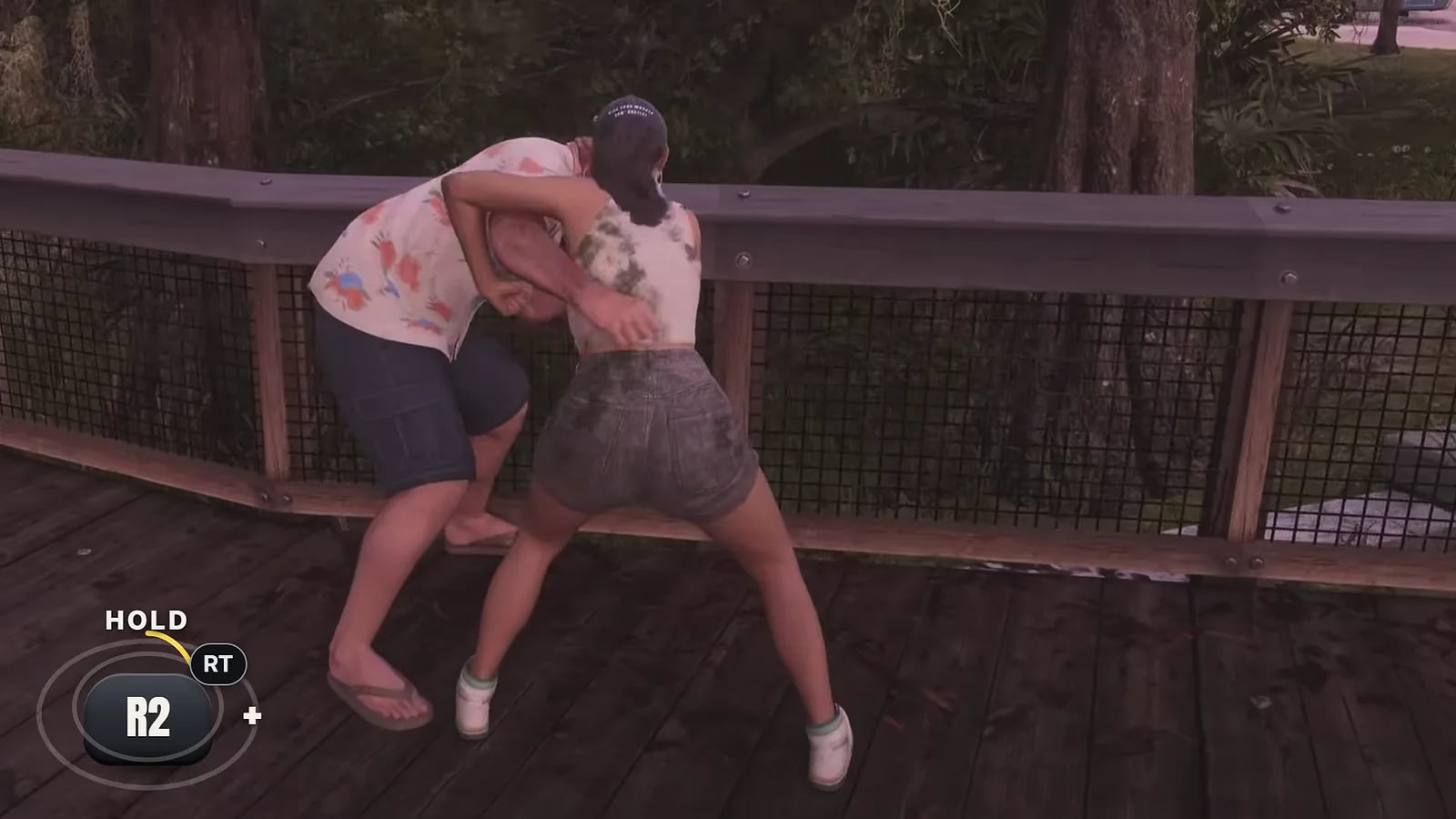
Hold R2 / RT to grab an enemy; in the grip, steer him with Square / X.
Hold R2 or RT to grab the enemy. - Step 5:
Once you've grabbed him from behind and unseen, take him out with Square / X before the fight gets loud.
In the grip, Square or X takes the enemy out.
Keep in mind
Good to know
If you're grabbed as Lucia or an enemy goes for your weapon, a quick-time prompt appears that lets you fight them off. You always carry a melee weapon in your loadout; picked-up items such as a wrench are only usable for a few seconds. For a silent takedown the enemy must not turn around: if he spots you, the takedown doesn't count. Don't run, and use tall grass and shadows as cover.
There's more to see
More images
Does it work for you?
Your vote turns the “Verified” stamp into “Confirmed”.
Keep going
More like this
 Gameplay
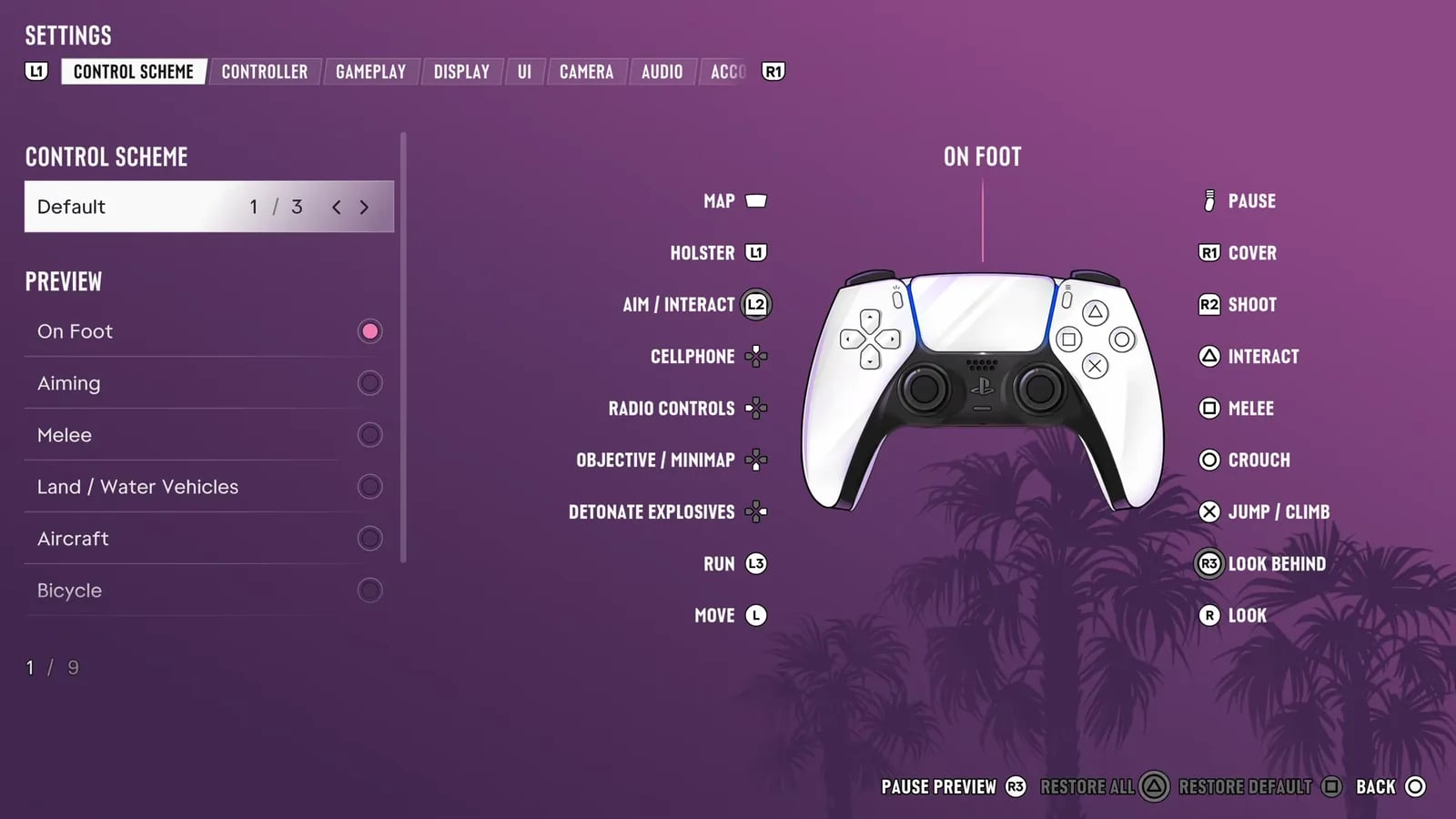
Combat controls: aiming, cover, melee
All combat buttons at a glance: aiming, cover, throwing and detonating explosives, melee, blocking and dodging.
 Gameplay
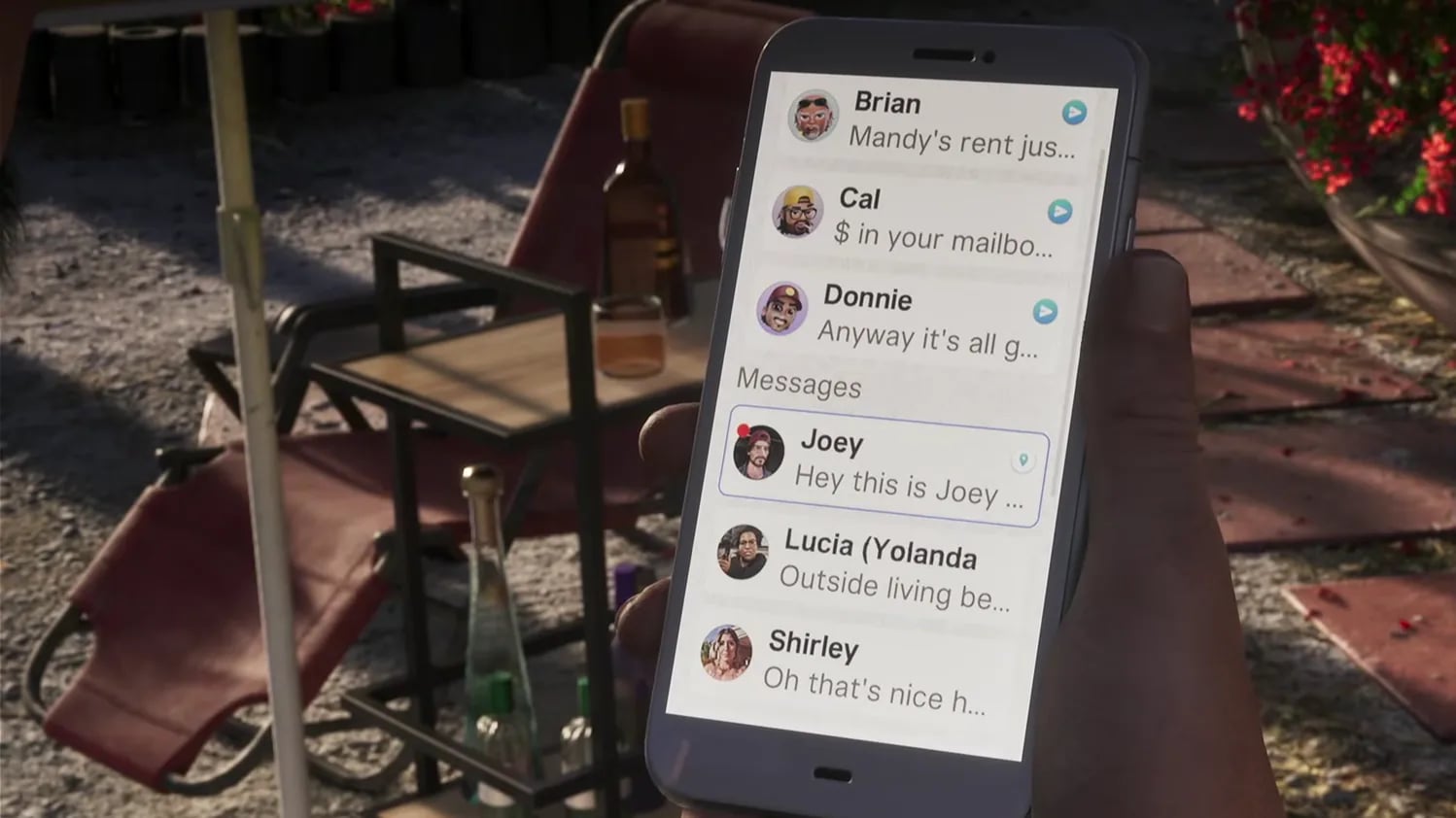
All Phone Apps: What They Do and When They Unlock
You open the phone with up on the D-pad; here are its apps and what you need to unlock them.
 Gameplay
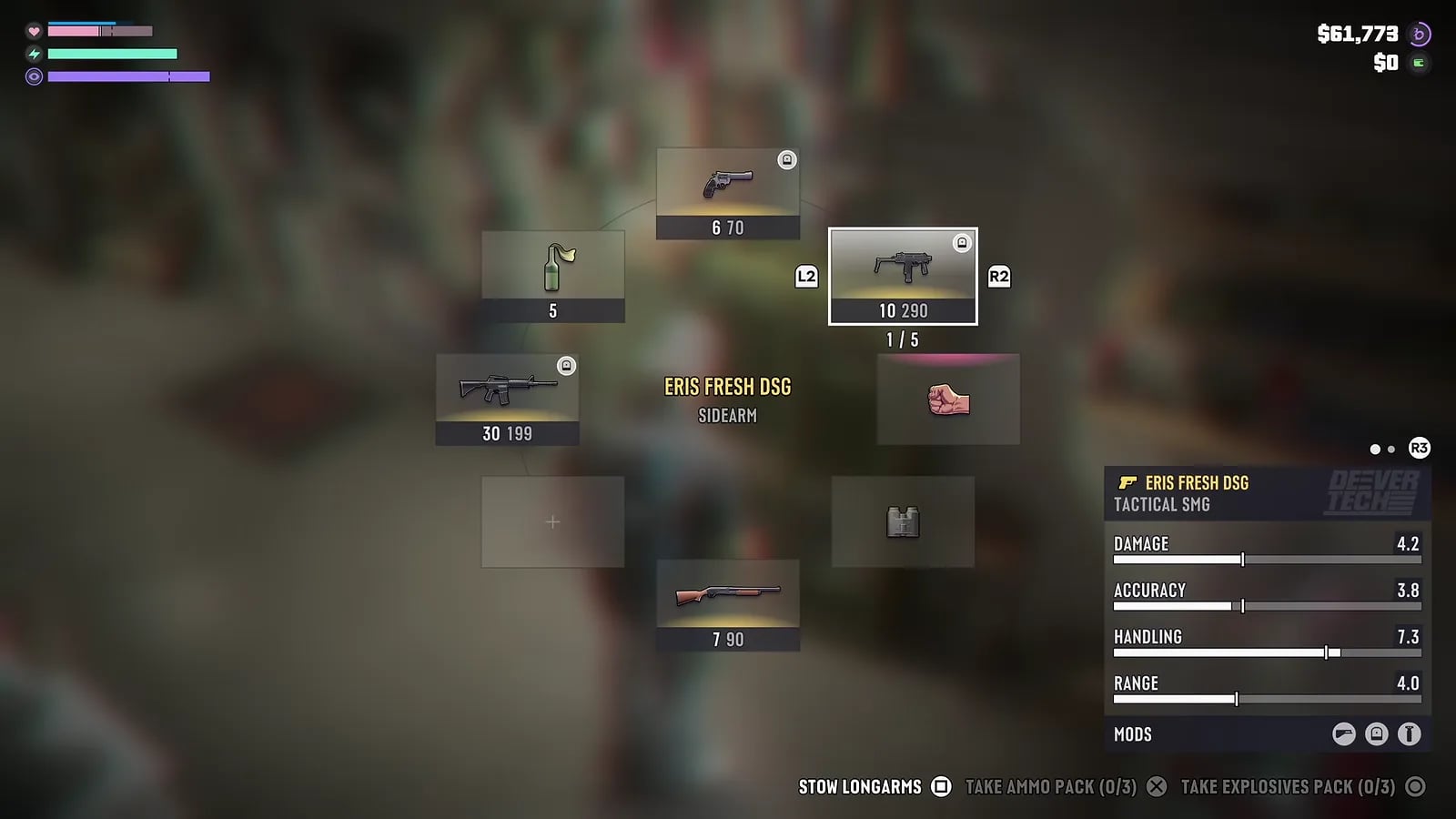
Loadout and weapon wheel: how to switch weapons
Hold L1/LB to open the loadout, where you switch weapons and items; you can only carry a little.
Watch the video
Rather see it in action? The video starts right at the good part.