
Read first, then play
Accessibility: All Options and Where to Find Them
Make tapping and holding easier, lower combat and vehicle damage, text size, subtitles, and screen narration: where to find what.
How to do it
- Step 1:
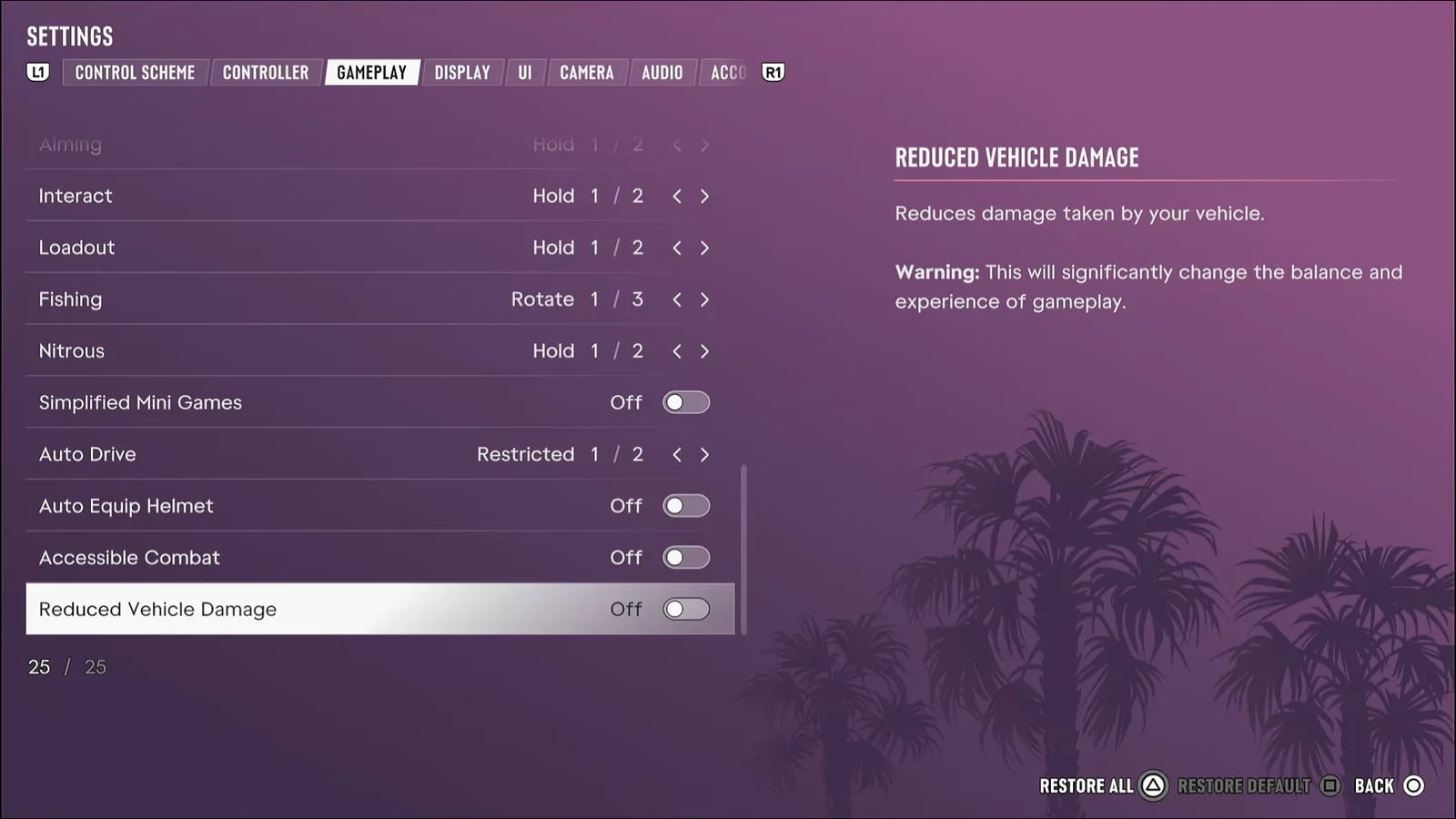
Gameplay > Accessibility
- 1Tap Assist counts one press as several
- 2Hold Assist shortens holding
- 3and Hold Delay prevents accidental holds; Interact
- 4Aiming
- 5Loadout
- 6and Nitro can be switched between hold and press
Accessibility section: adjust tapping and holding. - Step 2:
Simplified Mini Games simplifies workouts, hot-wiring, and basketball; Accessible Combat lowers enemy health and damage taken, and Reduced Vehicle Damage lowers vehicle damage; Auto Equip Helmet puts your helmet on automatically on motorcycles and bicycles.
Accessible Combat lowers enemy health and damage taken. - Step 3:
Auto Drive takes you to your set destination, but only works in the Cinematic camera. “Restricted” applies only in safe conditions, “Unrestricted” in riskier ones too, but it doesn't guarantee you won't crash.
Auto Drive: only in the Cinematic camera. - Step 4:
UI
- 1text size
- 2color adjustments
- 3size of the map
- 4minimap
- 5and world markers
- 6subtitles with size
- 7speaker names
- 8and background; Display: Brightness Reduction
- 9High Contrast Shaders
- 10and the colorblind-friendly mode for the Focus trail
UI: text size and color adjustments. - Step 5:
Camera > Comfort: reduce or turn off camera shake, bob, and weapon sway.
Camera > Comfort: shake and bob. - Step 6:
Audio: mono, tinnitus protection, GPS voice, Screen Narration, and Audio Descriptions; narration is only available in English.
Screen Narration is English only.
Keep in mind
Good to know
There's no classic difficulty setting; if you're stuck in combat, turn on Accessible Combat. The game itself warns that Accessible Combat and Reduced Vehicle Damage are a strong change to how the game feels. If you play with a PS5 controller, you can also lower the resistance and vibration of the adaptive triggers under Controller.
Does it work for you?
Your vote turns the “Verified” stamp into “Confirmed”.
Keep going
More like this
 Gameplay
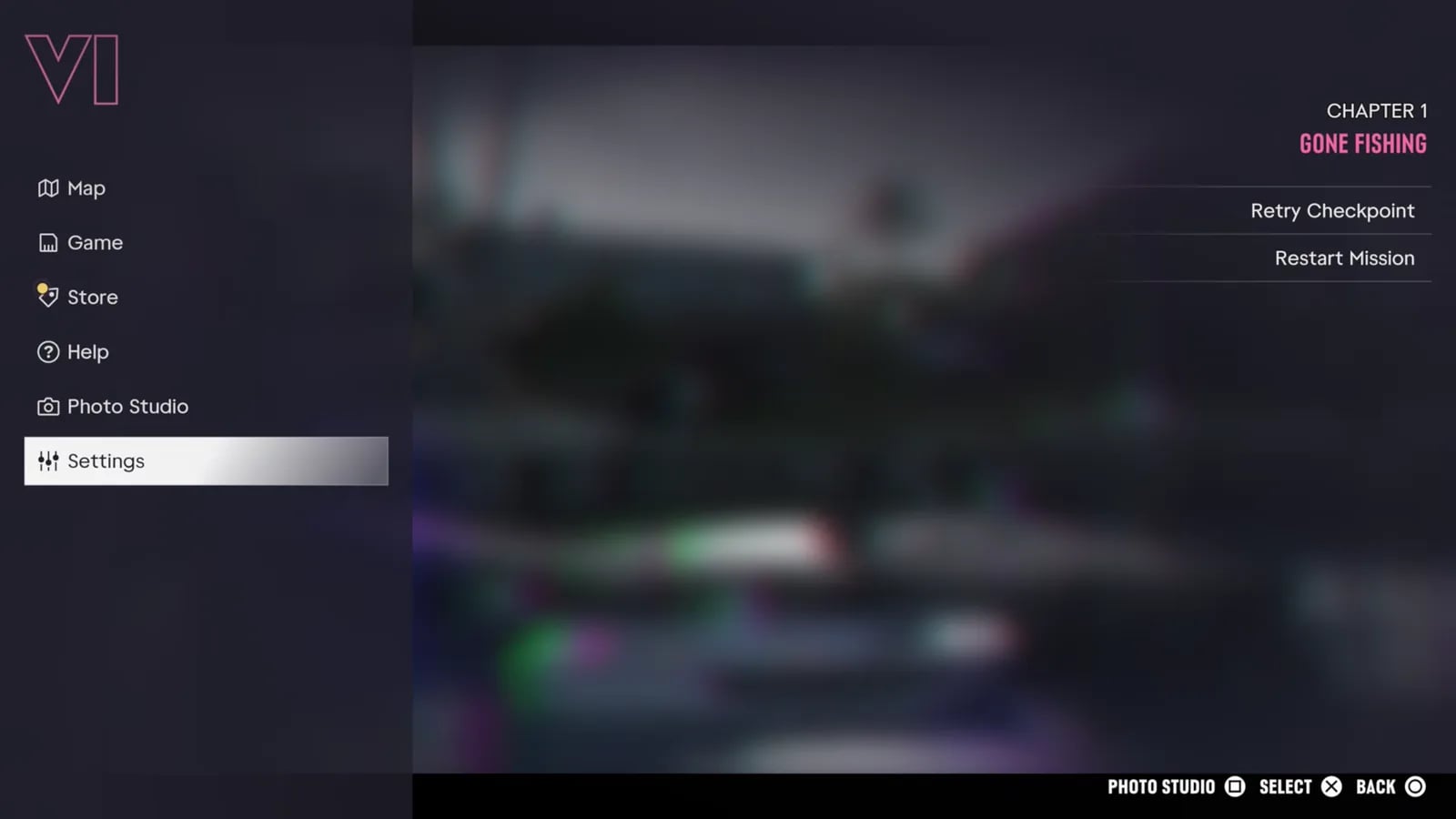
Settings: What Each Tab Does
Control Scheme, Controller, Gameplay, Display, UI, Camera, Audio, and Account: here's what's in each of the eight tabs.
 Gameplay
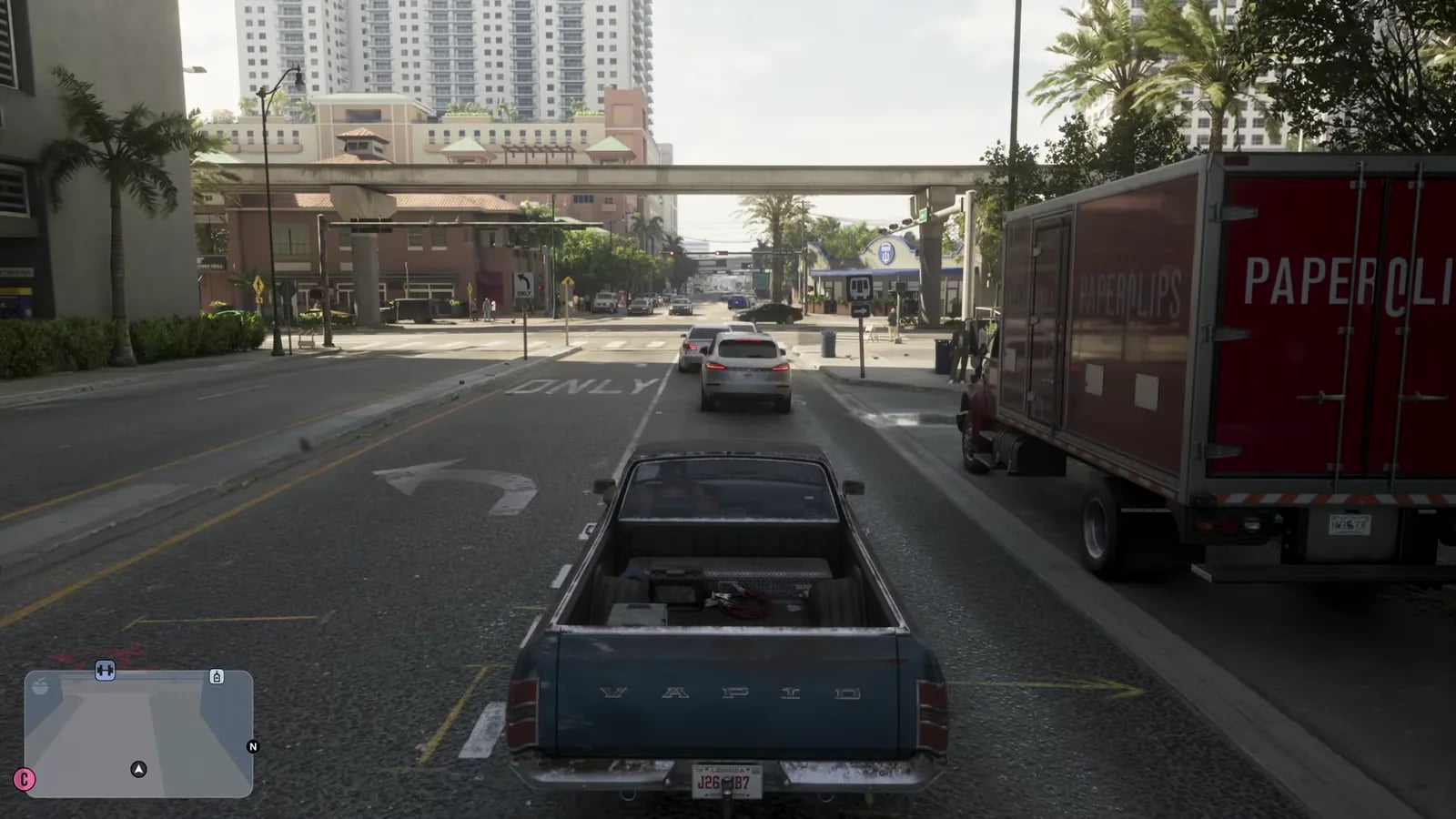
Camera: Height, Cinematic, and Phone View
GTA 6 has no full first-person mode; you set the camera height on foot and in vehicles in the settings.
 Gameplay
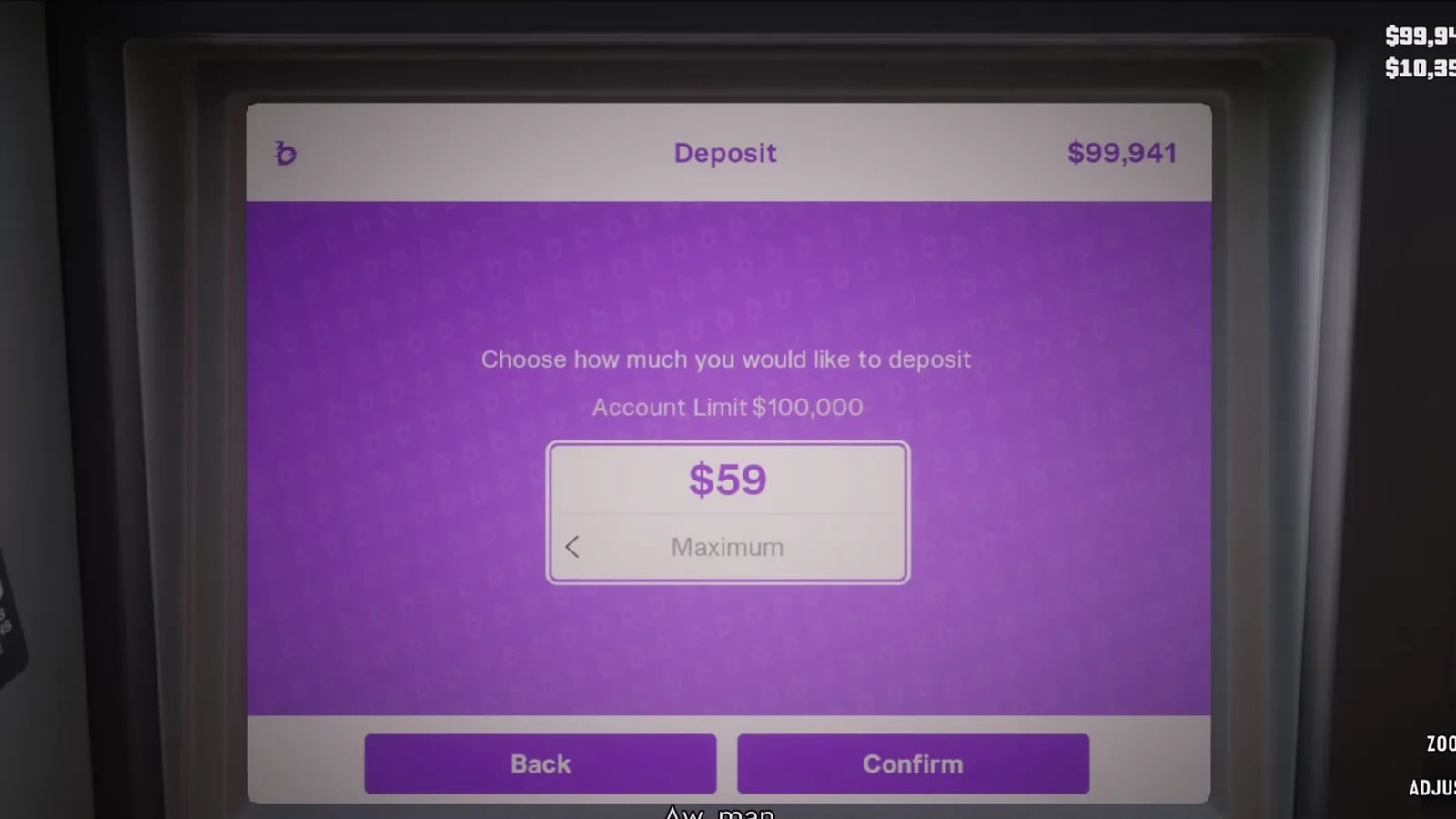
Using BuckMe, ATMs, and Family Savings
From the mission “Buck Me,” your money sits in the BuckMe account, and you only deposit cash at an ATM or in the bank.
Watch the video
Rather see it in action? The video starts right at the good part.