
Read first, then play
Settings: What Each Tab Does
Control Scheme, Controller, Gameplay, Display, UI, Camera, Audio, and Account: here's what's in each of the eight tabs.
How to do it
- Step 1:
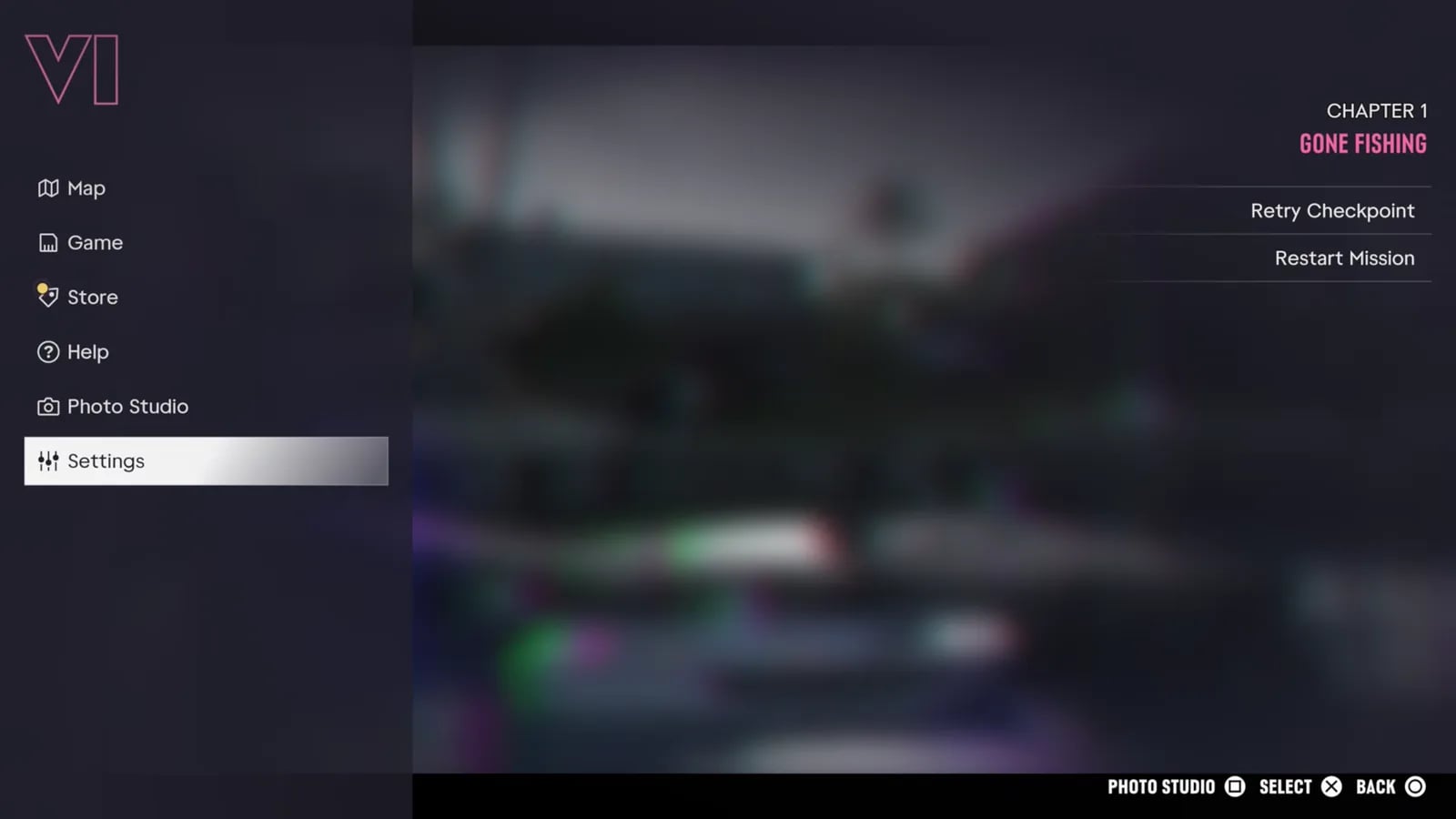
Pause > Settings; you switch tabs with L1 and R1. Control Scheme: Default, Classic, and Left-Handed; the preview shows the button layout for each activity (on foot, aiming, melee, vehicles, aircraft, bicycle, swimming, parachute).
Control Scheme with a preview of the button layout. - Step 2:
Controller: look and aim sensitivity (default 7), acceleration, aim curve, inversion, and DualSense features (vibration, dead zones, adaptive triggers, touchpad button for map or camera).
Controller: sensitivity, default 7. - Step 3:
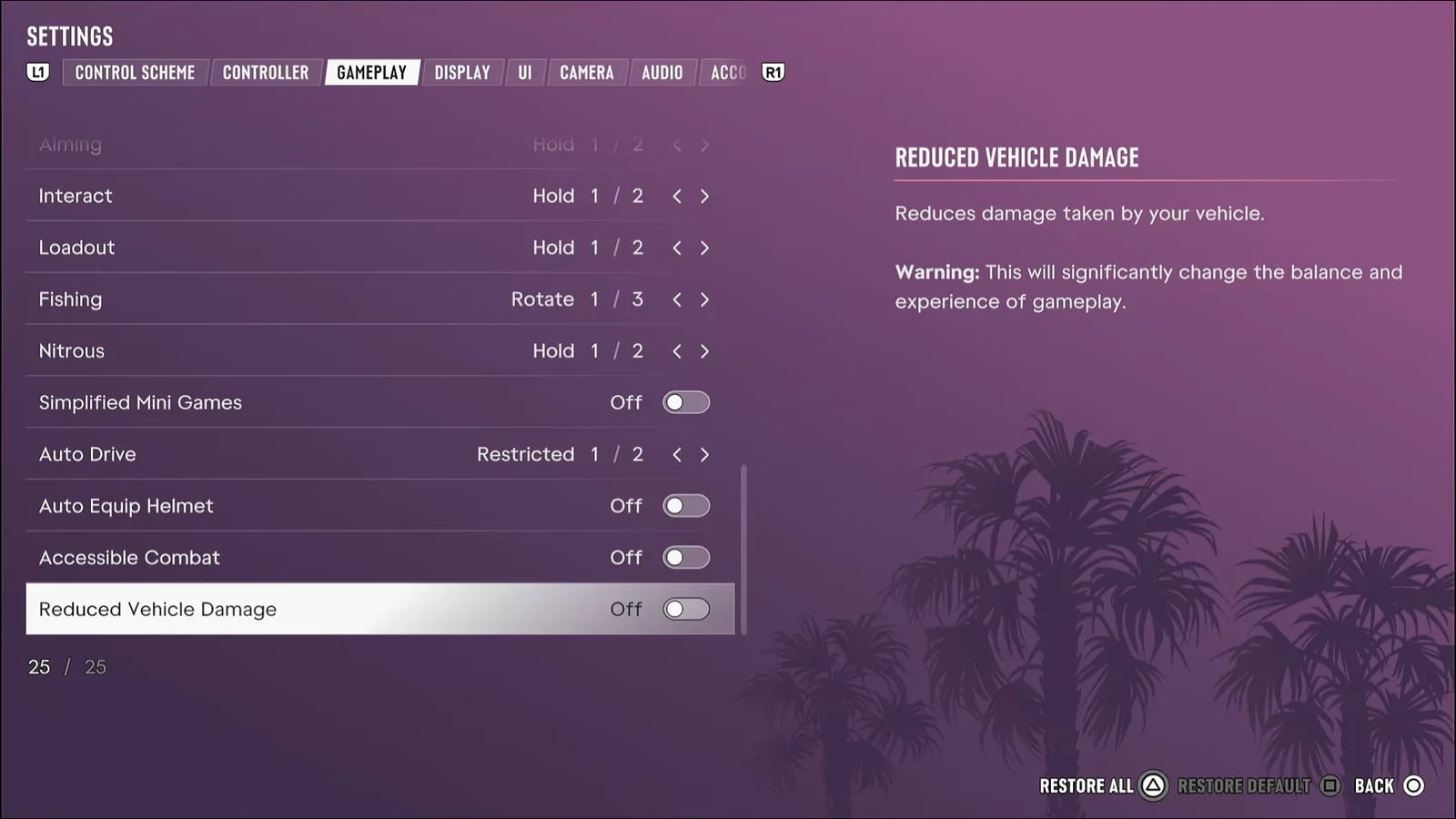
Gameplay: combat (targeting mode, aim assist, shooting assist, quick draw, cover selection, holstering in vehicles), movement speed, and the accessibility options.
Gameplay: combat options. - Step 4:
Display: brightness, safe zone, and visual effects (motion blur, hit indicators, blood and gore, flashbang).
Display: visual effects. - Step 5:
UI
- 1language
- 2text size
- 3color adjustments
- 4icon sizes
- 5subtitles
- 6navigation (minimap, compass, GPS)
- 7crosshair
- 8combat and HUD displays
- 9hints
- 10and units of measurement
UI: navigation, subtitles, and displays. - Step 6:
Camera: height and follow speed on foot, in vehicles, and in aircraft, comfort (camera shake, bob, phone display), and Cinematic.
Camera: height and follow speed. - Step 7:
Audio
- 1mono
- 2tinnitus protection
- 3controller speaker
- 4GPS voice
- 5muting licensed music
- 6volume sliders
- 7and narration; Account: support
- 8Rockstar account
- 9GTA+
- 10credits
- 11and legal
Audio: setup options.
Keep in mind
Good to know
A few options pay off right away: lower the motion blur, set the minimap to Dynamic or always on, change the units. Violence (Blood & Gore) and licensed music for streams are handled in the same menu. Many options show a preview or an explanation on the right.
There's more to see
More images
Does it work for you?
Your vote turns the “Verified” stamp into “Confirmed”.
Keep going
More like this
 Gameplay
Accessibility: All Options and Where to Find Them
Make tapping and holding easier, lower combat and vehicle damage, text size, subtitles, and screen narration: where to find what.
 Gameplay
Camera: Height, Cinematic, and Phone View
GTA 6 has no full first-person mode; you set the camera height on foot and in vehicles in the settings.
 Gameplay
Pause Menu: Pages, Main Menu, and Progress
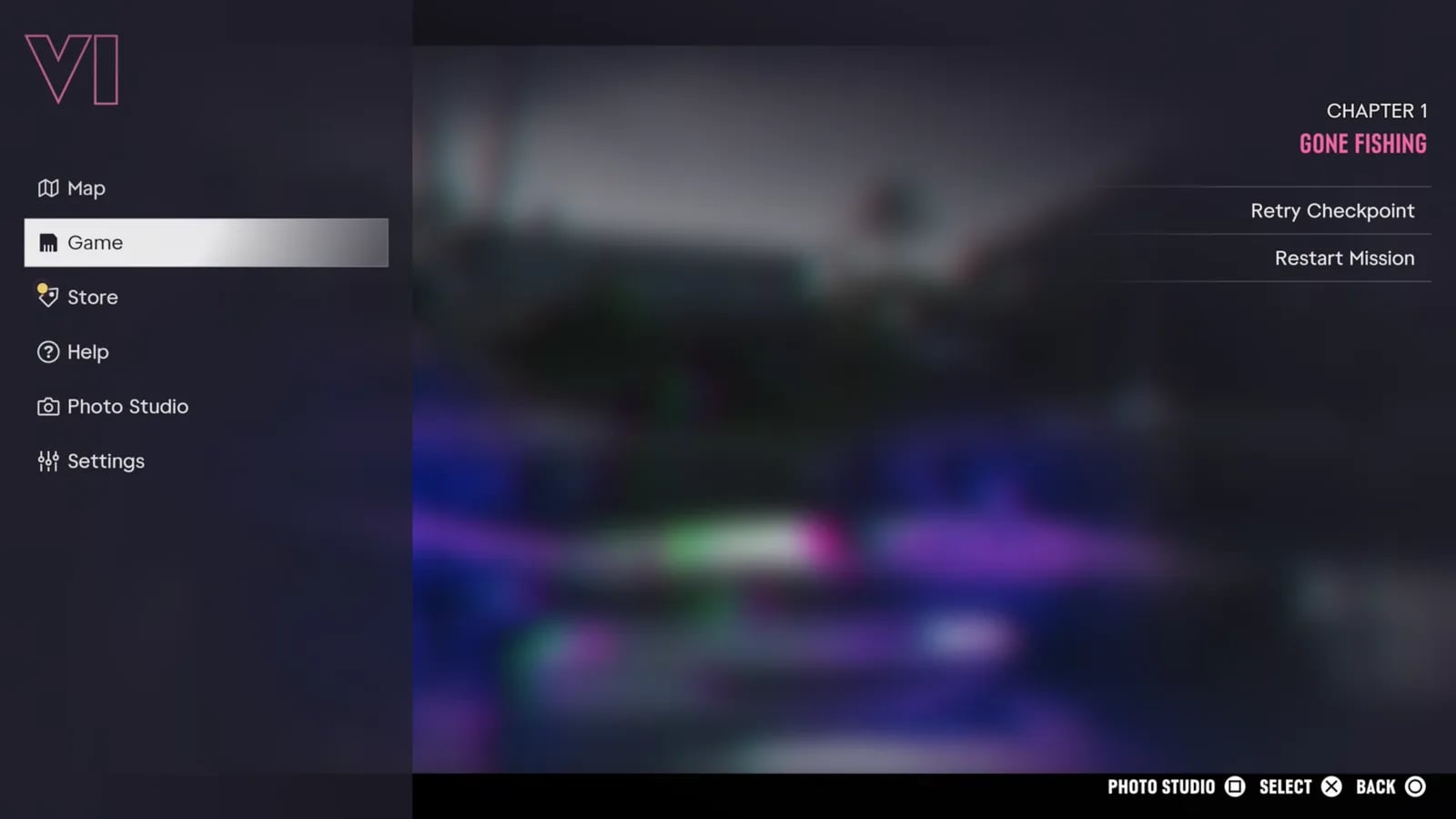
Options or Menu opens the pause screen with the pages Jason & Lucia, Map, Brief, and Progress, plus a main menu.
Watch the video
Rather see it in action? The video starts right at the good part.