
Read first, then play
Pause Menu: Pages, Main Menu, and Progress
Options or Menu opens the pause screen with the pages Jason & Lucia, Map, Brief, and Progress, plus a main menu.
How to do it
- Step 1:
Open the pause screen with Options (PS5) or Menu (Xbox). The pages across the top are Jason & Lucia (criminal profile, cash), Map, Brief (objective and help texts), and Progress; you switch with L1 and R1.
Switch between the four pages at the top. - Step 2:
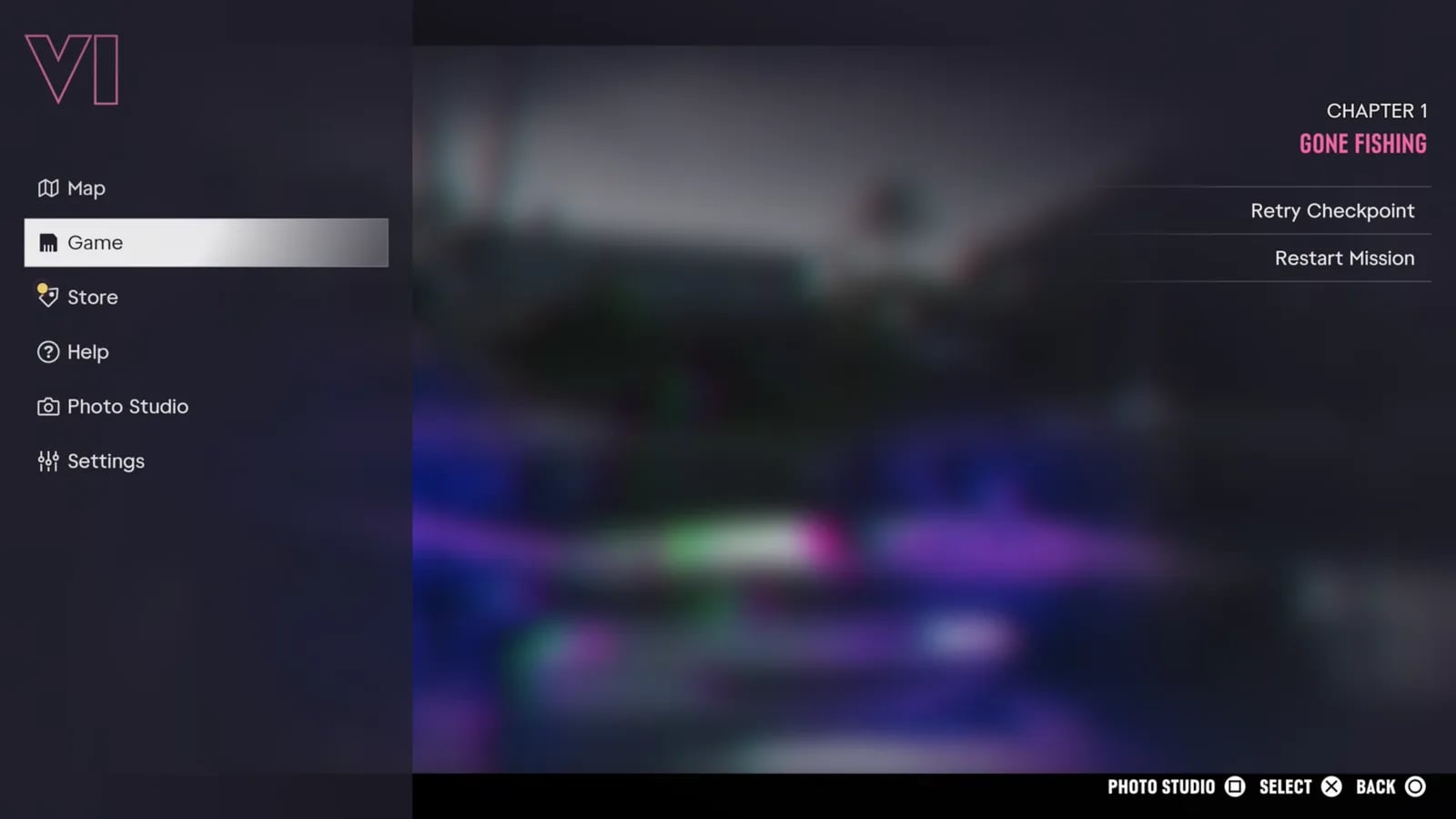
The main menu on the left offers Map, Game, Store, Help, Photo Studio, and Settings.
The pause main menu. - Step 3:
Under Game you'll find Retry Checkpoint (back to the last checkpoint) and Restart Mission (back to the start of the mission); manual saving is there too, if the game allows it.
- Step 4:
On the Progress page you see stats, vehicles, weapons, and animals.
Keep in mind
Good to know
Settings also holds the account settings with the Rockstar link, GTA+, and the legal texts. There's no mission replay; if you want to go back before a mission, you need a manual save.
Does it work for you?
Your vote turns the “Verified” stamp into “Confirmed”.
Keep going
More like this
 Gameplay
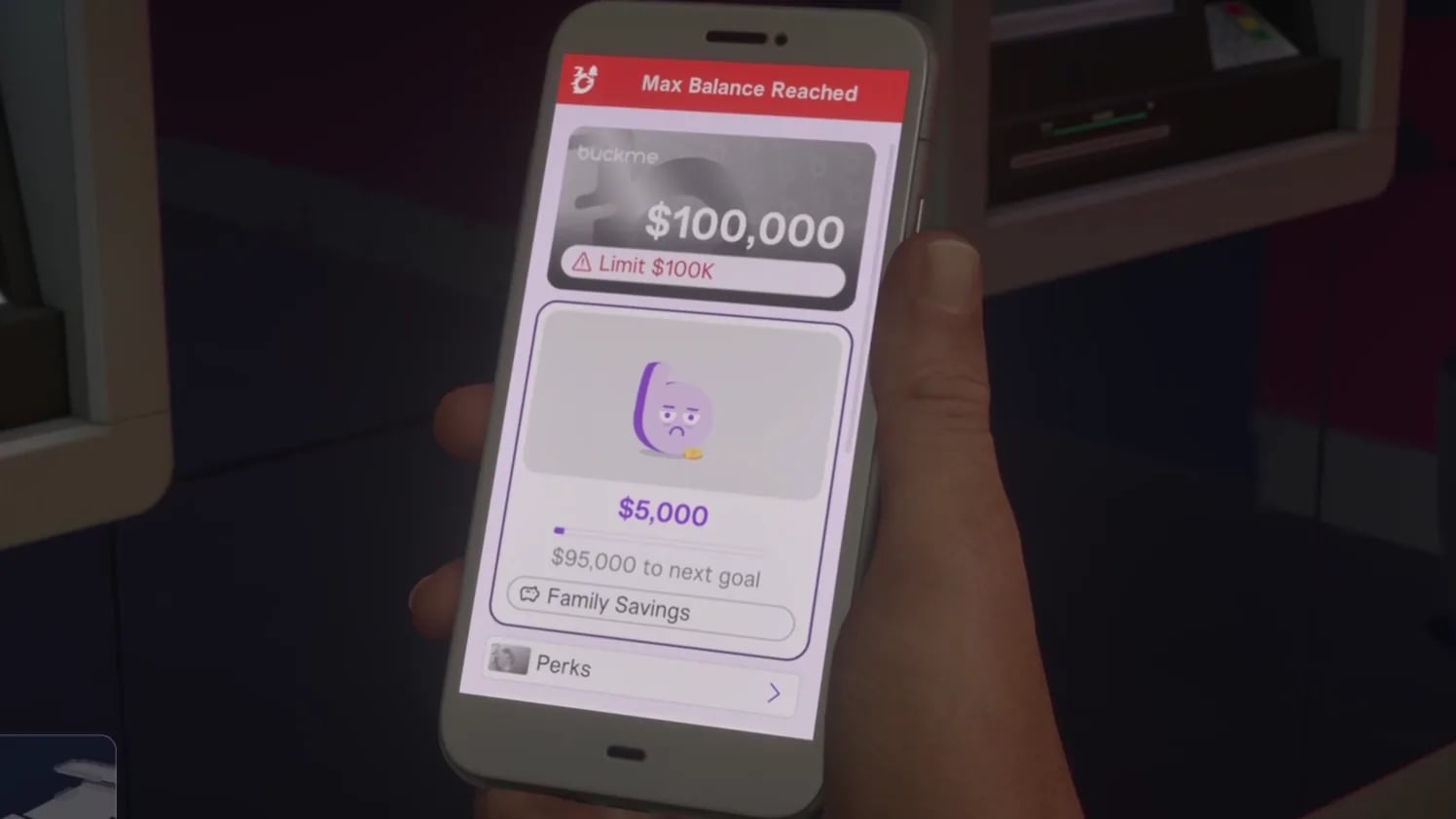
Family Savings: Savings Goals and “Buck Yourself”
How to move money from your checking account into Family Savings, and why you should only save what you'll never need again.
 Gameplay
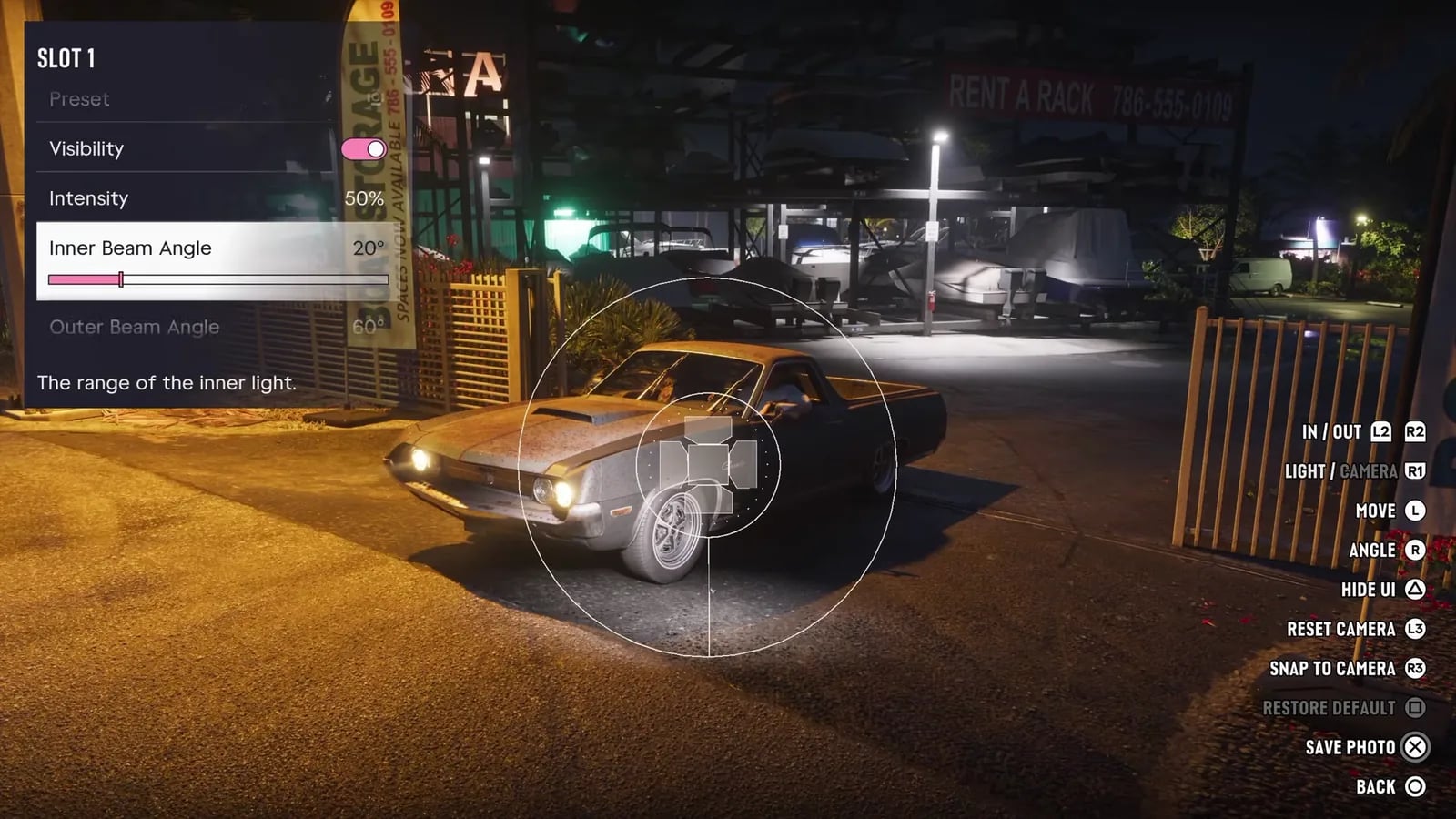
Photo Studio: GTA 6's Photo Mode
From the pause menu, you start Photo Studio with lighting, depth of field, and filters.
 Gameplay
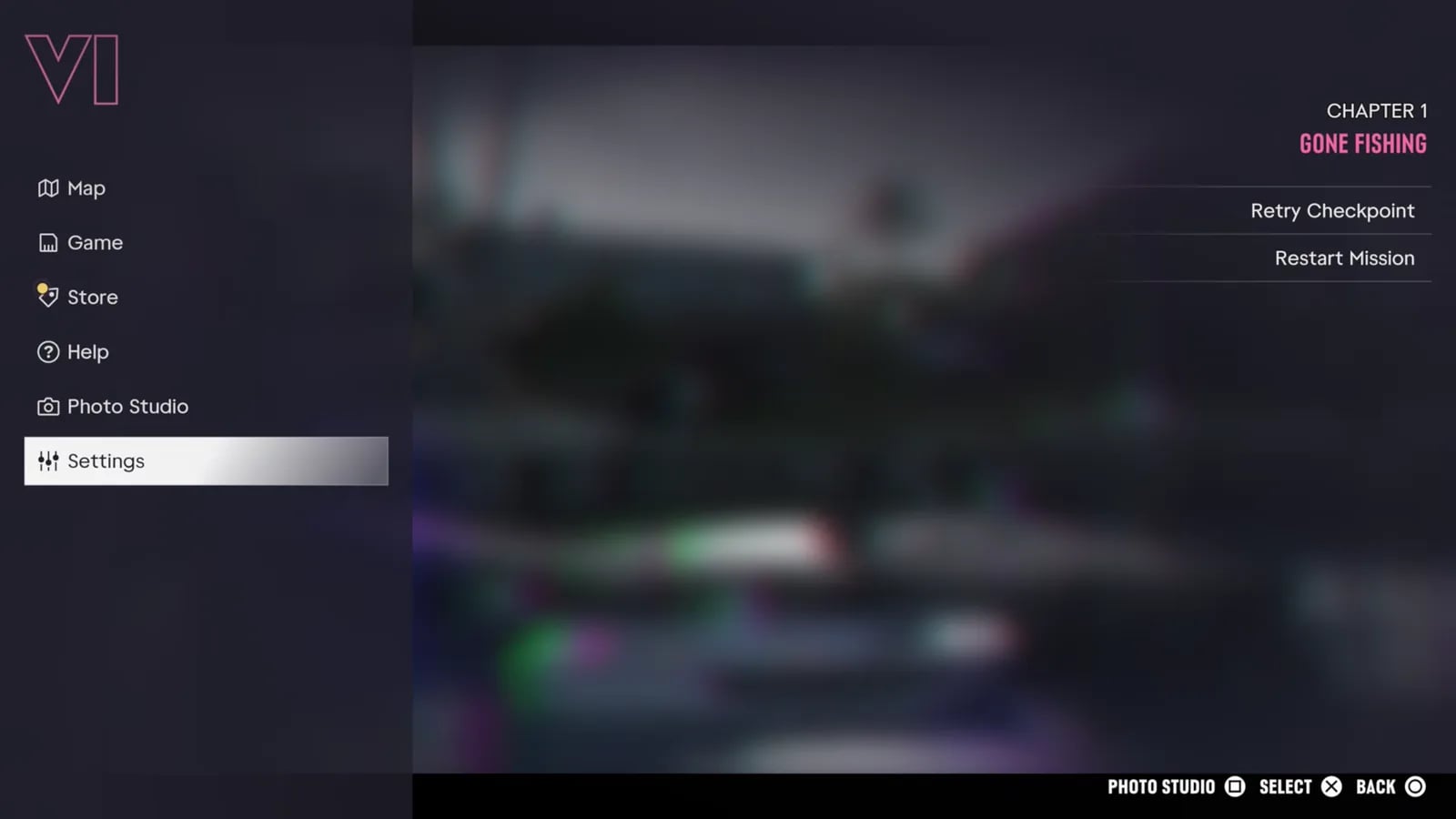
Settings: What Each Tab Does
Control Scheme, Controller, Gameplay, Display, UI, Camera, Audio, and Account: here's what's in each of the eight tabs.
Watch the video
Rather see it in action? The video starts right at the good part.