Loading

Loading

 Gameplay
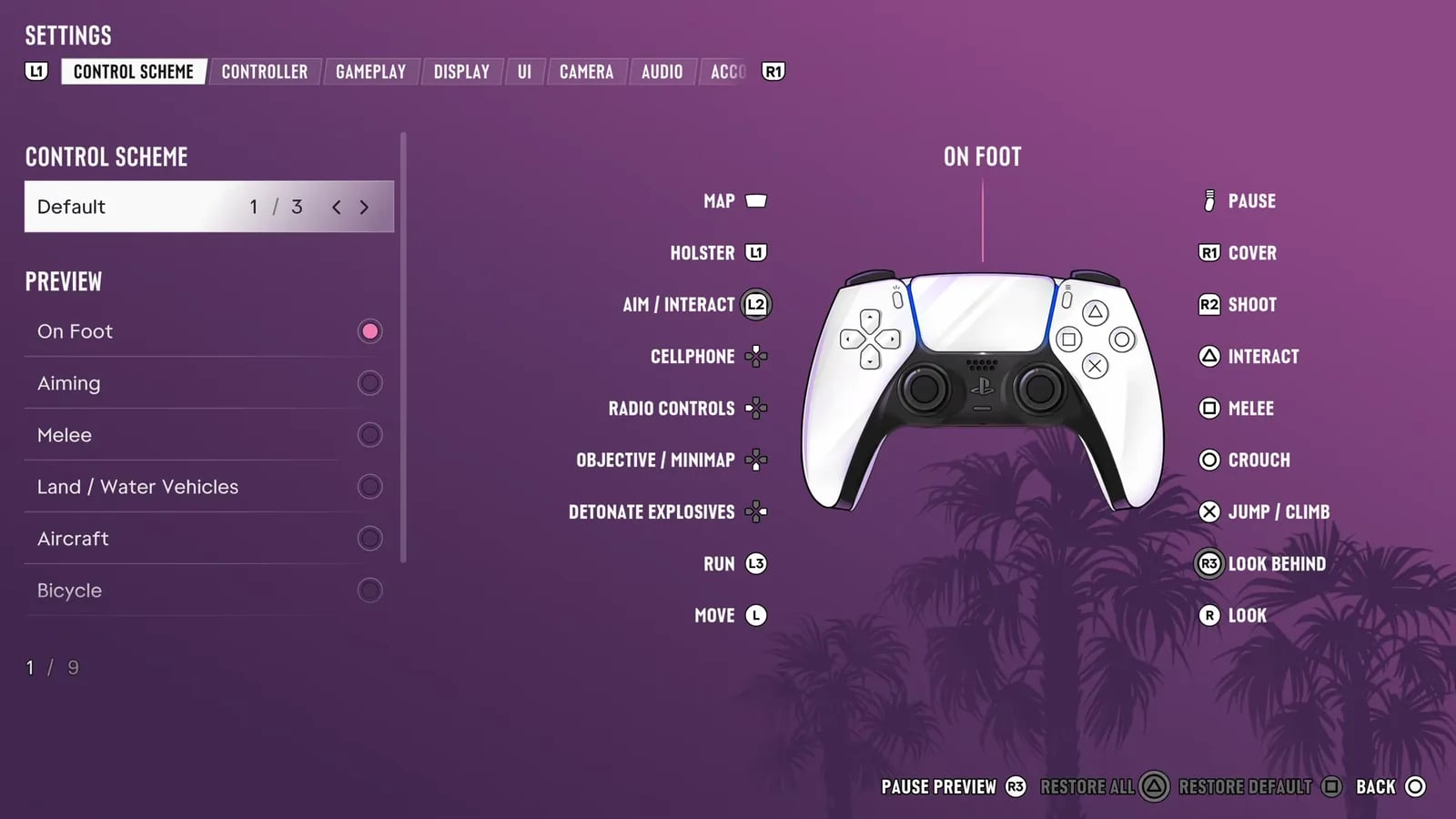
Control Scheme, Controller, Gameplay, Display, UI, Camera, Audio, and Account: here's what's in each of the eight tabs.
 Gameplay
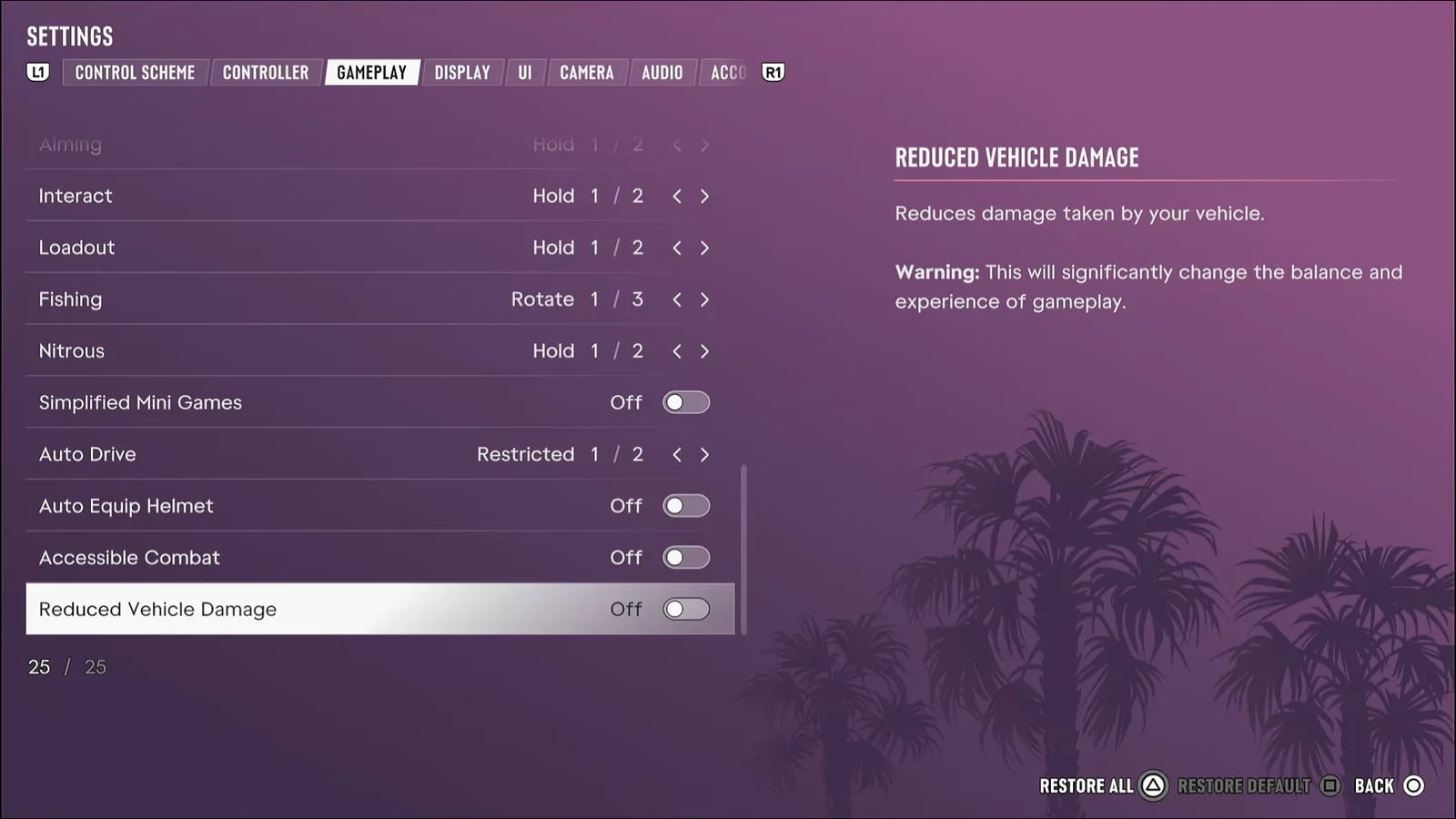
Make tapping and holding easier, lower combat and vehicle damage, text size, subtitles, and screen narration: where to find what.
 Gameplay
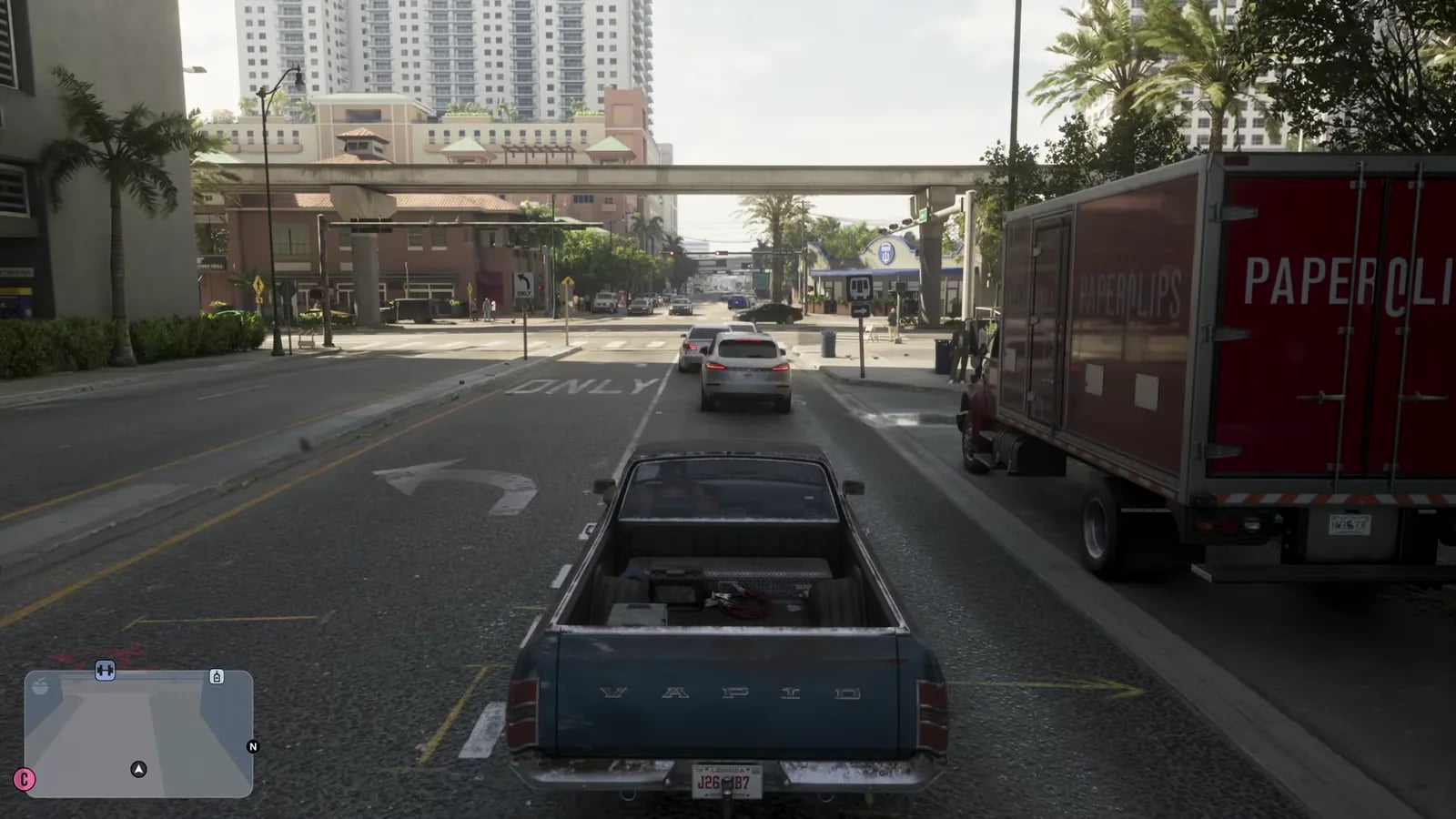
GTA 6 has no full first-person mode; you set the camera height on foot and in vehicles in the settings.
 Gameplay
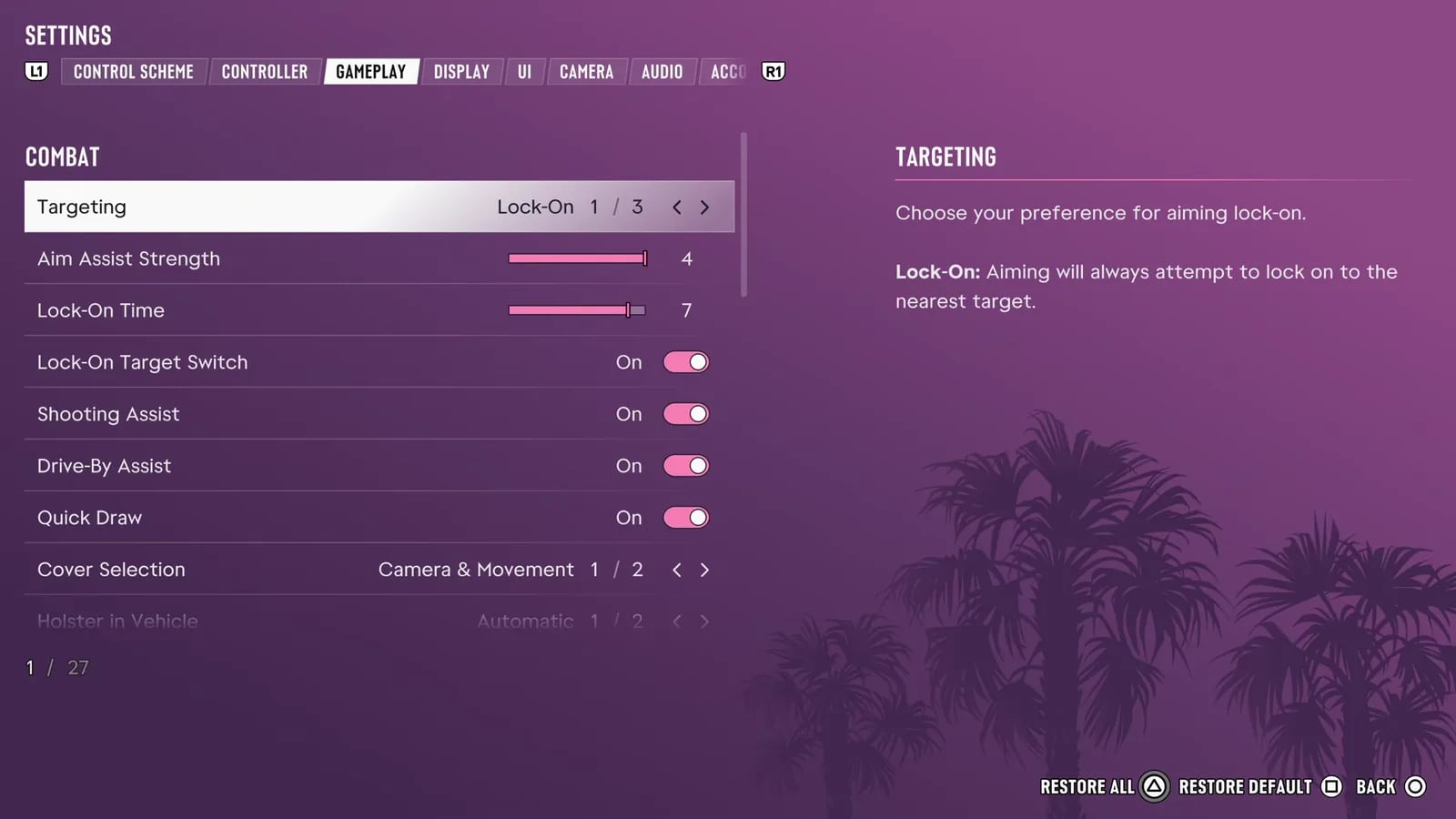
You aim freely or with aim assist; in the settings you choose how much help the game gives you when you line up a shot.
 Gameplay
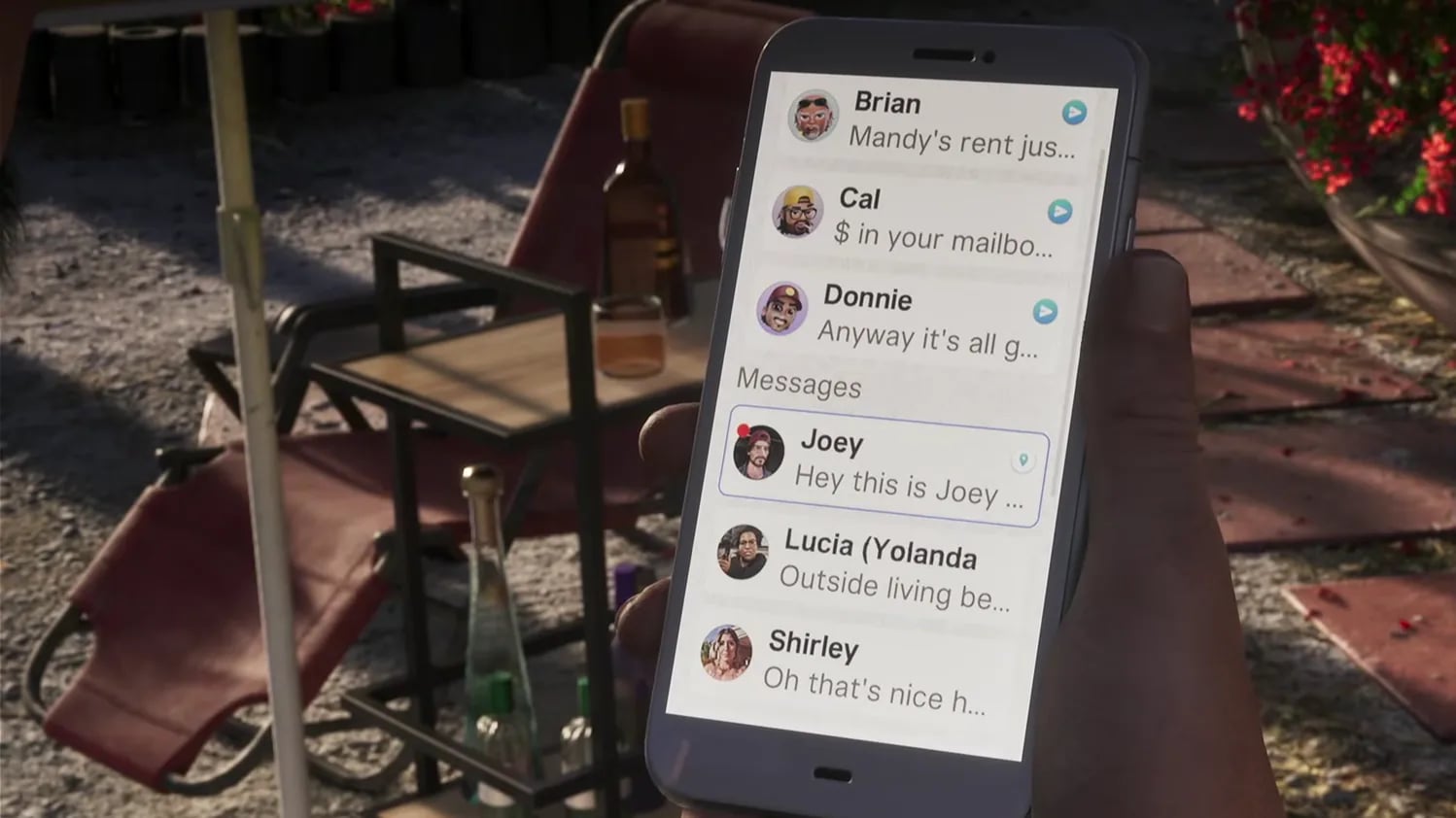
You open the phone with up on the D-pad; here are its apps and what you need to unlock them.
 Gameplay
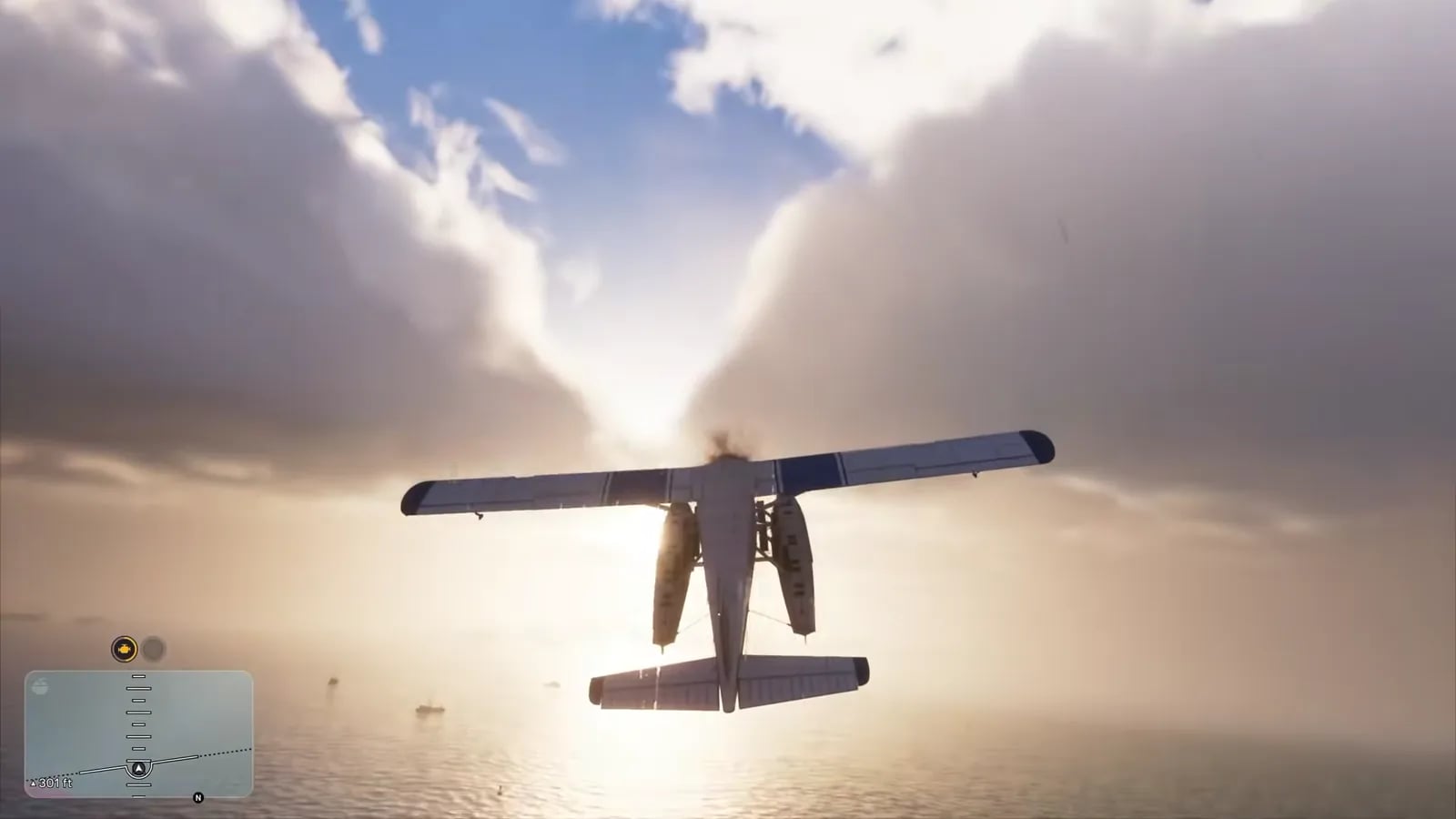
Thrust, takeoff, rudder, and altitude: how to fly planes and helicopters on PS5 and Xbox.
 Gameplay
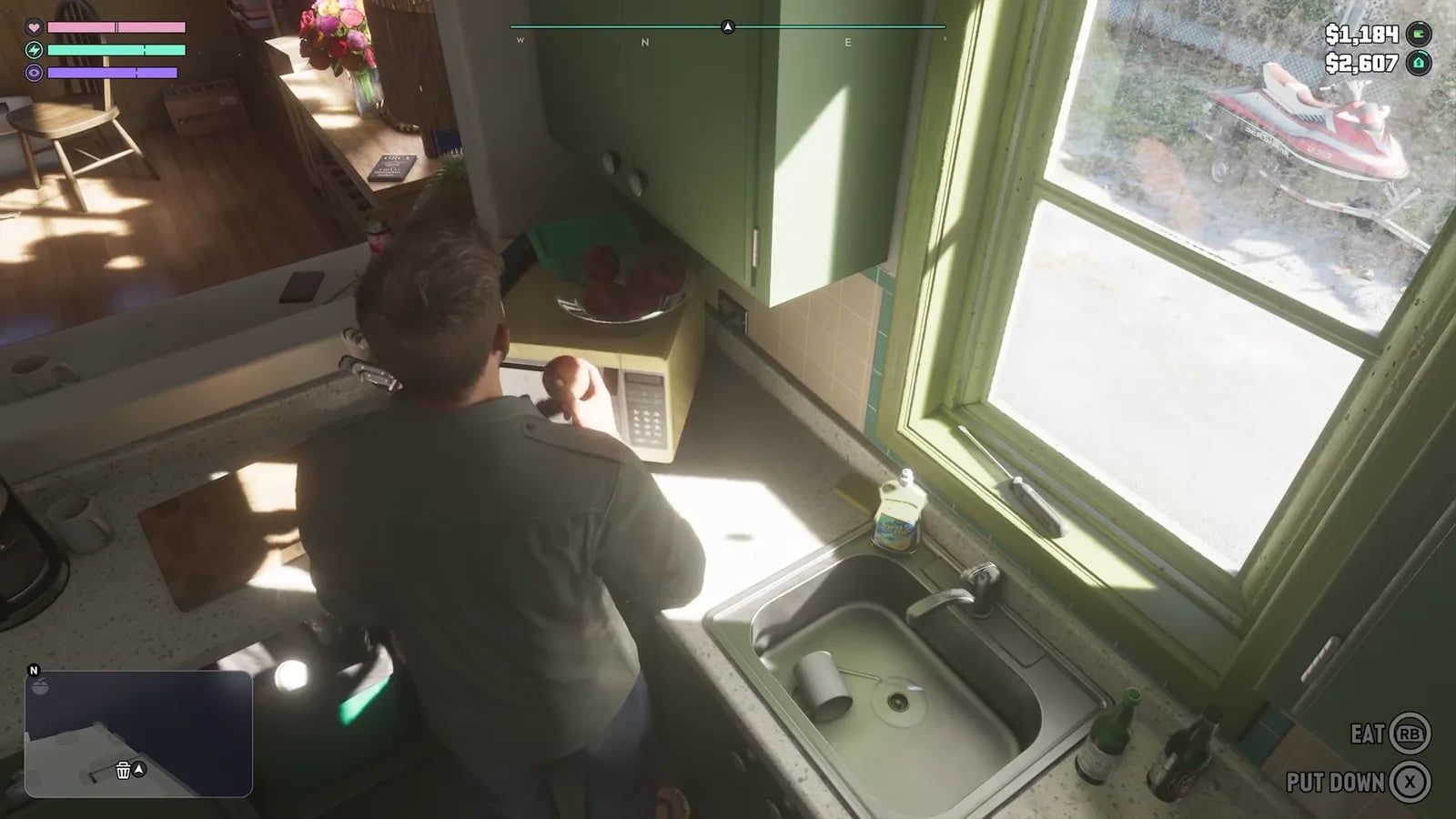
Health, stamina, focus, cash and bank balance, plus the icons for your behavior and for Jason and Lucia's relationship.
 Gameplay
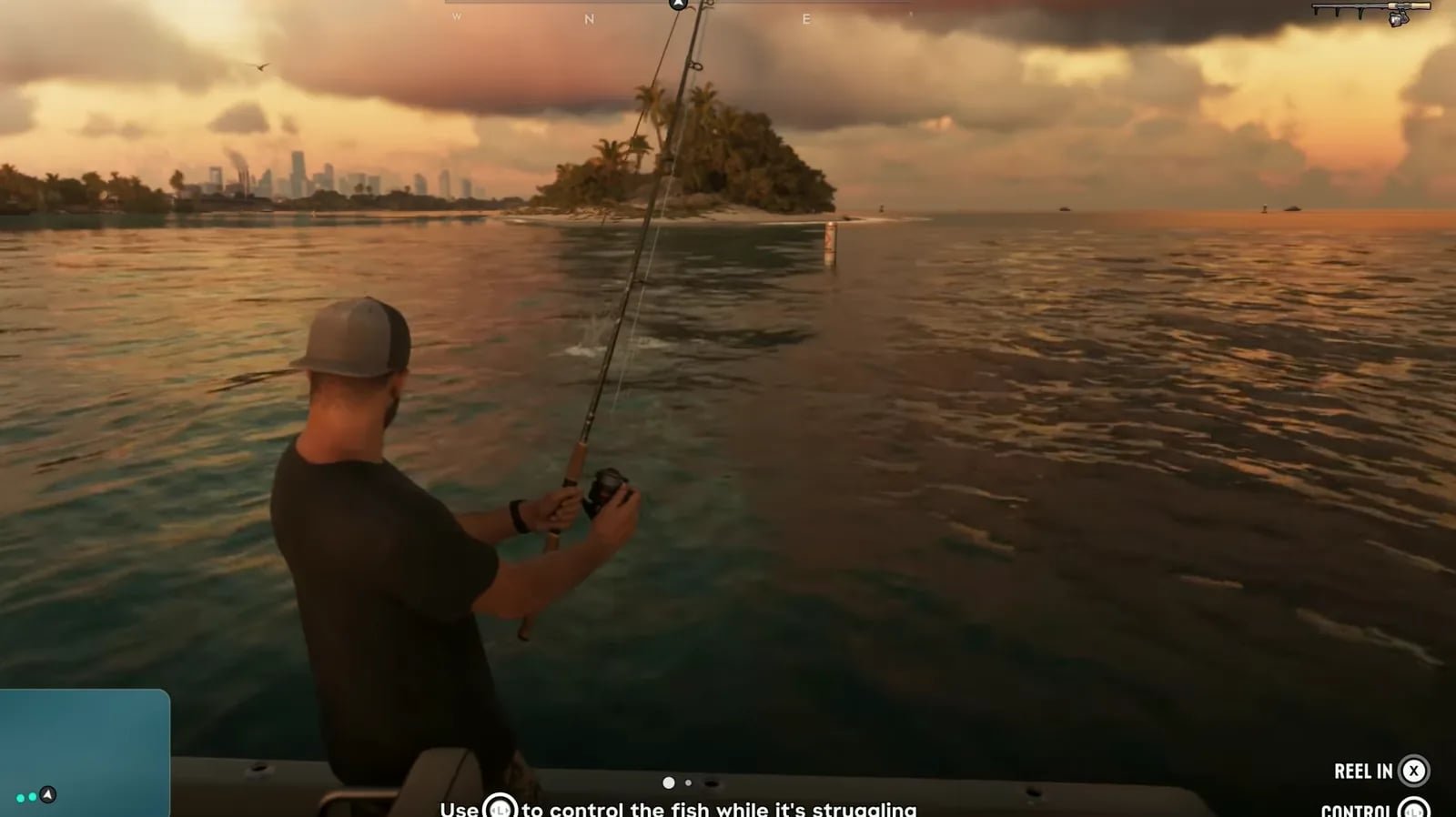
Fishing is available from the start; it doesn't earn money, but it counts toward Focus, challenges, and 100%.
 Gameplay
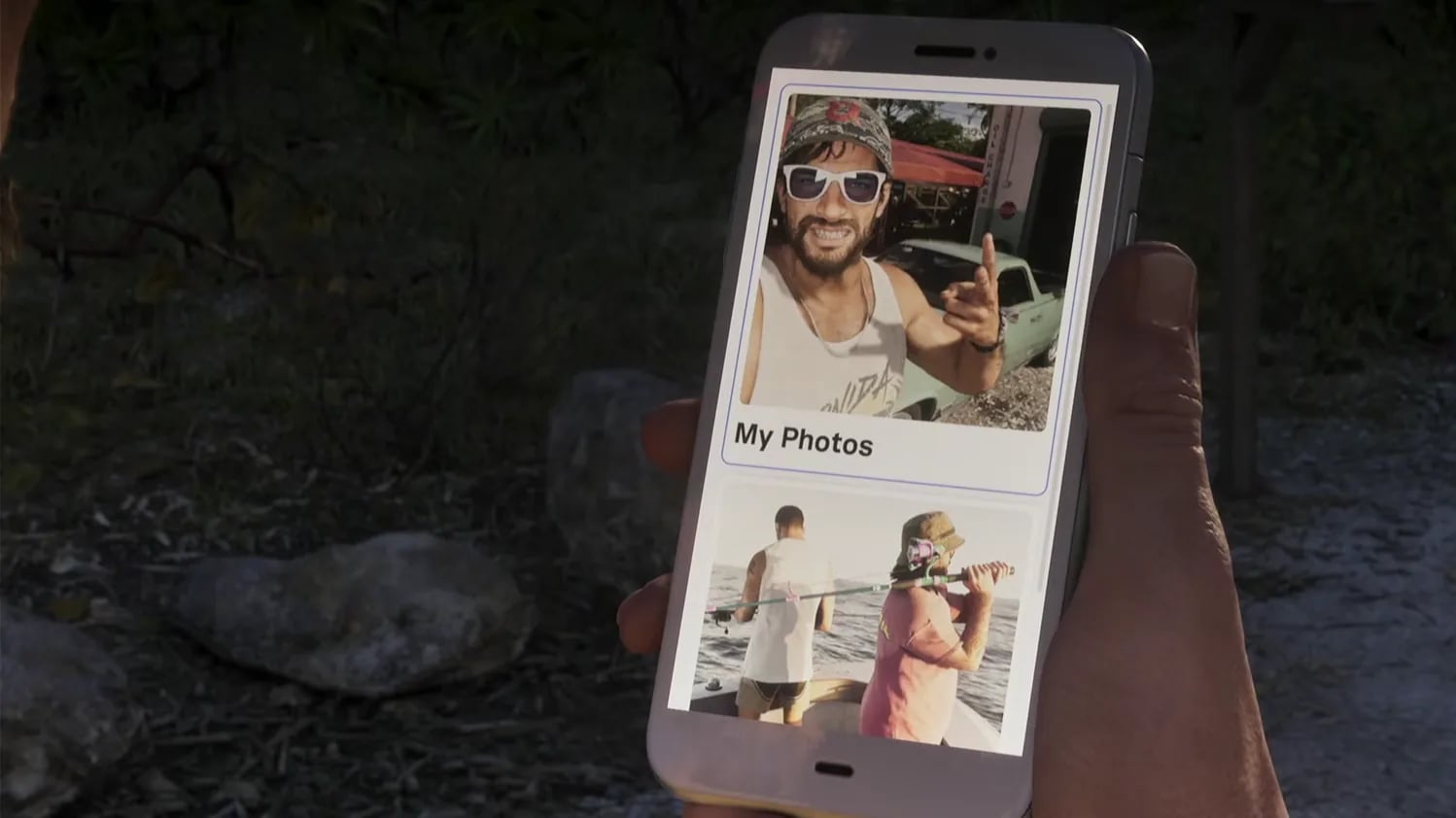
The Camera app takes photos and selfies with filters; Snapmatic is read-and-follow only.
 Gameplay
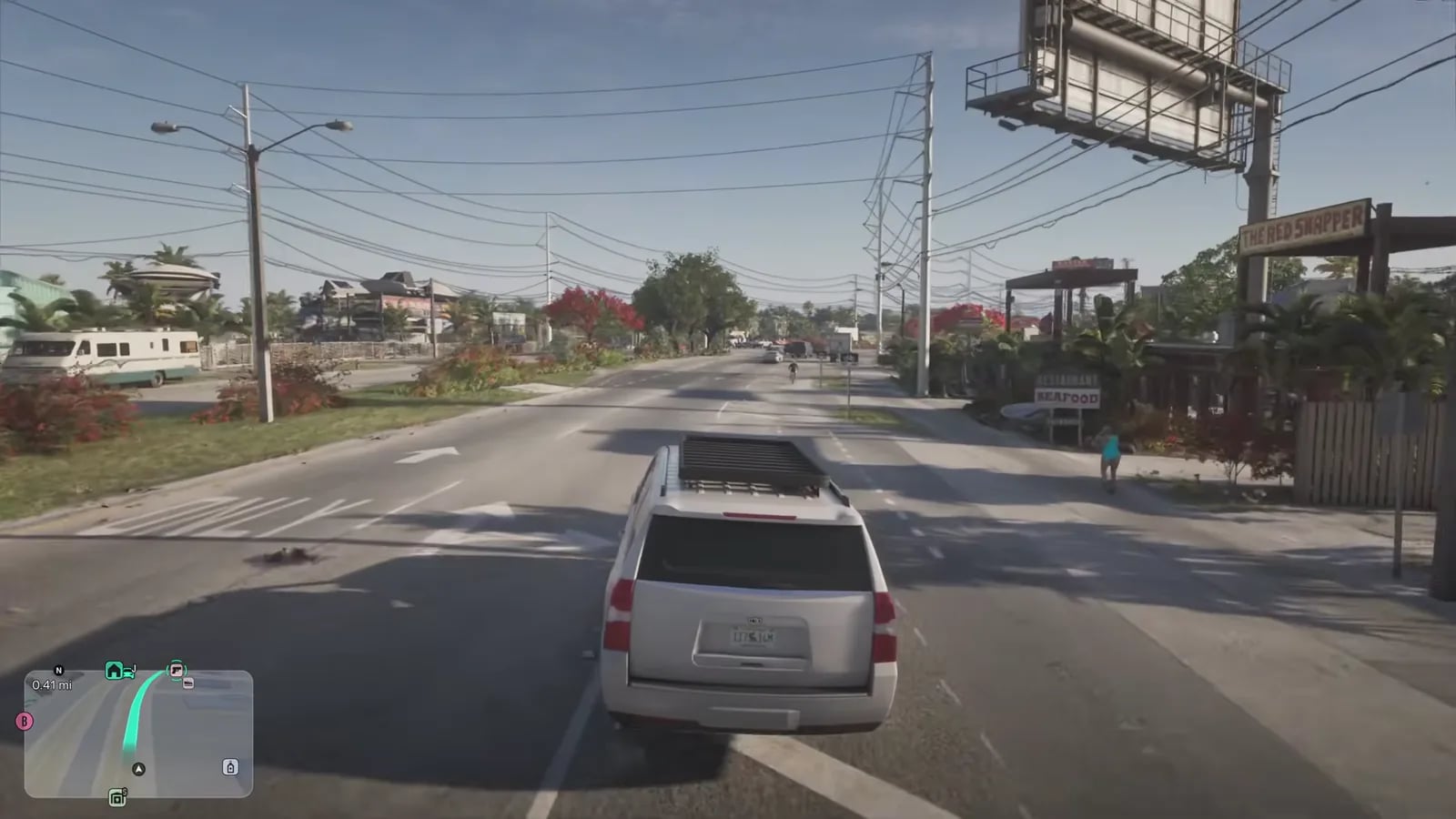
Set a destination on the map, follow the route, use Quick Navigation, and customize the minimap.
 Gameplay
All combat buttons at a glance: aiming, cover, throwing and detonating explosives, melee, blocking and dodging.
 Gameplay
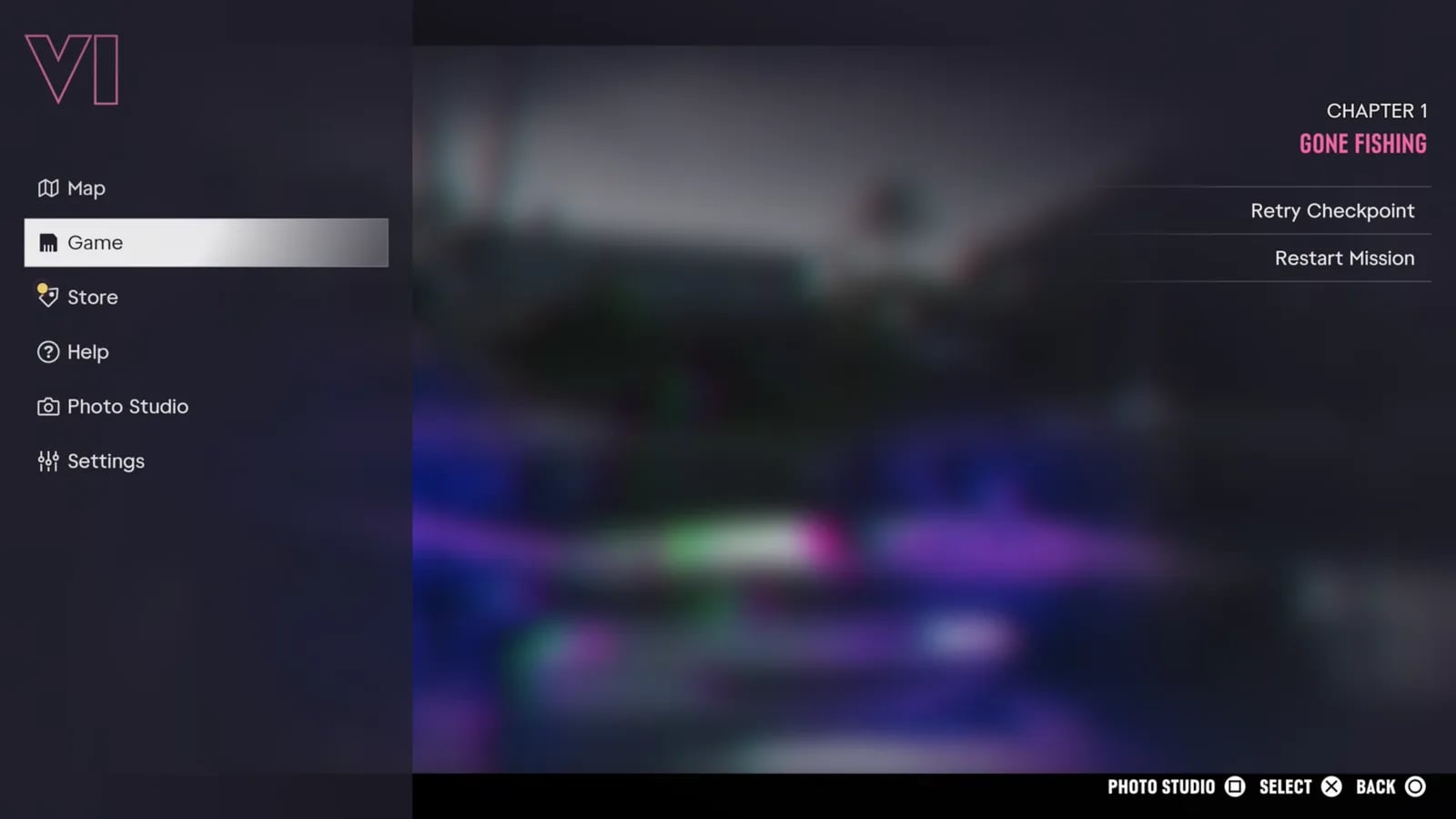
Options or Menu opens the pause screen with the pages Jason & Lucia, Map, Brief, and Progress, plus a main menu.
 Gameplay
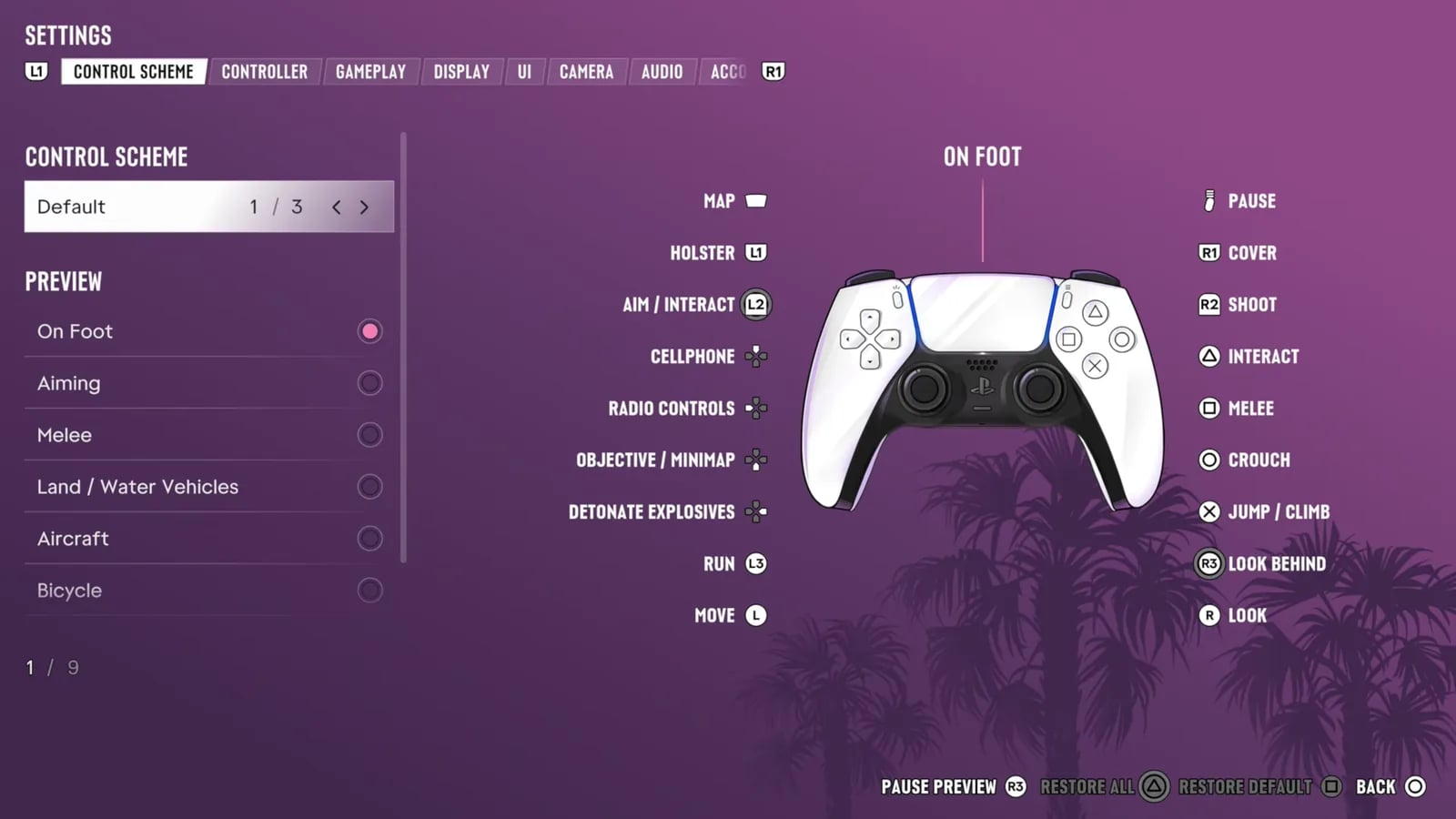
The default on-foot layout: run, jump, cover, phone, holster and loadout, map, and Quick Navigation.